DVG-2102S User’s Manual SETUP
D-Link Systems, Inc. 7
2. Getting Started
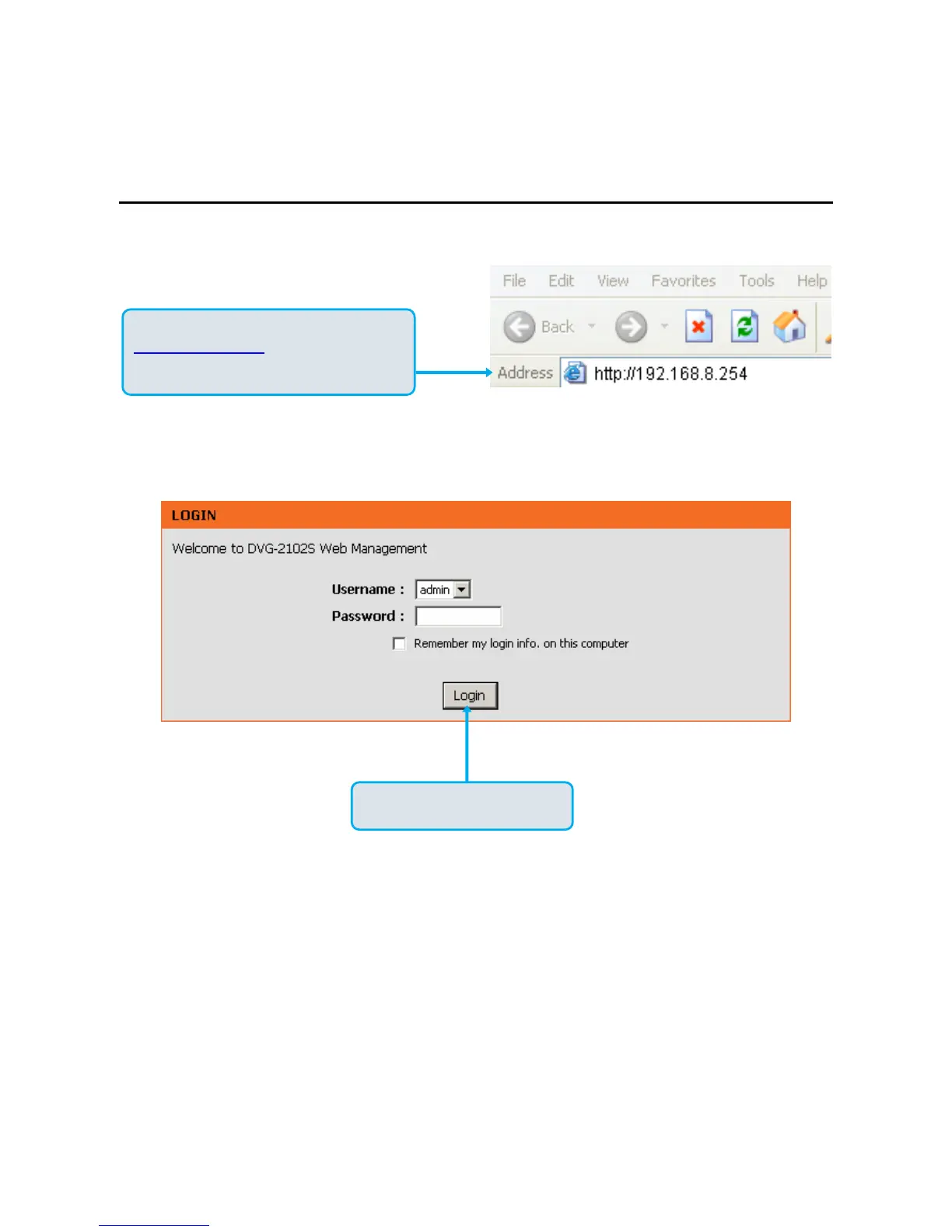
To access the web-based configuration utility, open a web browser such as Internet Explorer and enter the IP
address of the DVG-2102S from WAN port.
Open your Web browser and type
http://192.168.8.254
into the URL address
box. Press the Enter or Return Key.
Click Login to enter Web Site.



 To Next Page