DVG-2102S User’s Manual MAINTENANCE
D-Link Systems, Inc. 70
3-3-5 Log Settings
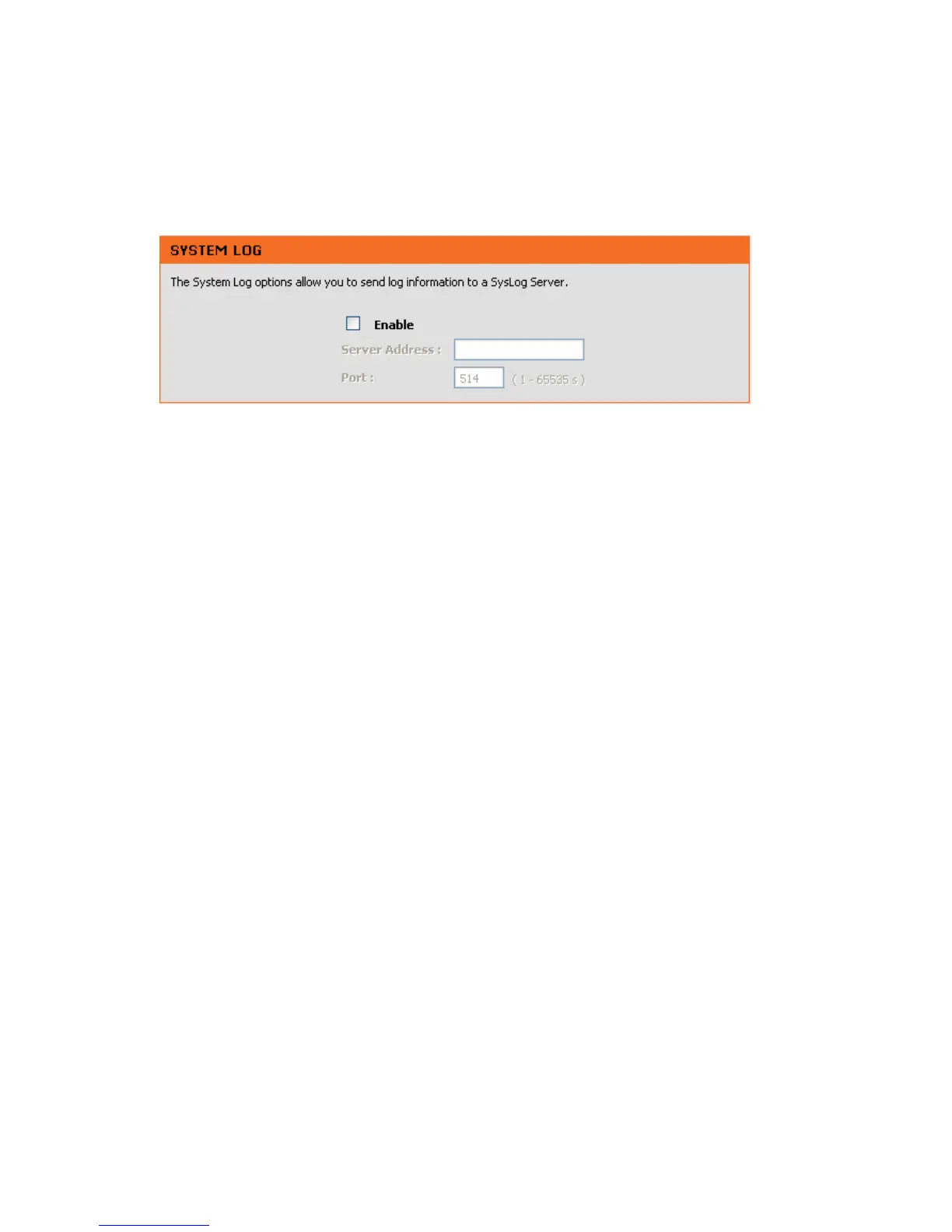
MAINTENANCE → Log Settings
Enable: Check the box to send event notification messages across IP networks to the Server.
Server Address: Enter the System Log Server’s IP address.
Port: Enter the System Log Server’s listening port. Leave this field to the default if your VoIP Service
Provider did not provide you a server port number for System Log Server.



 To Next Page