DVG-2102S User’s Manual MAINTENANCE
D-Link Systems, Inc. 74
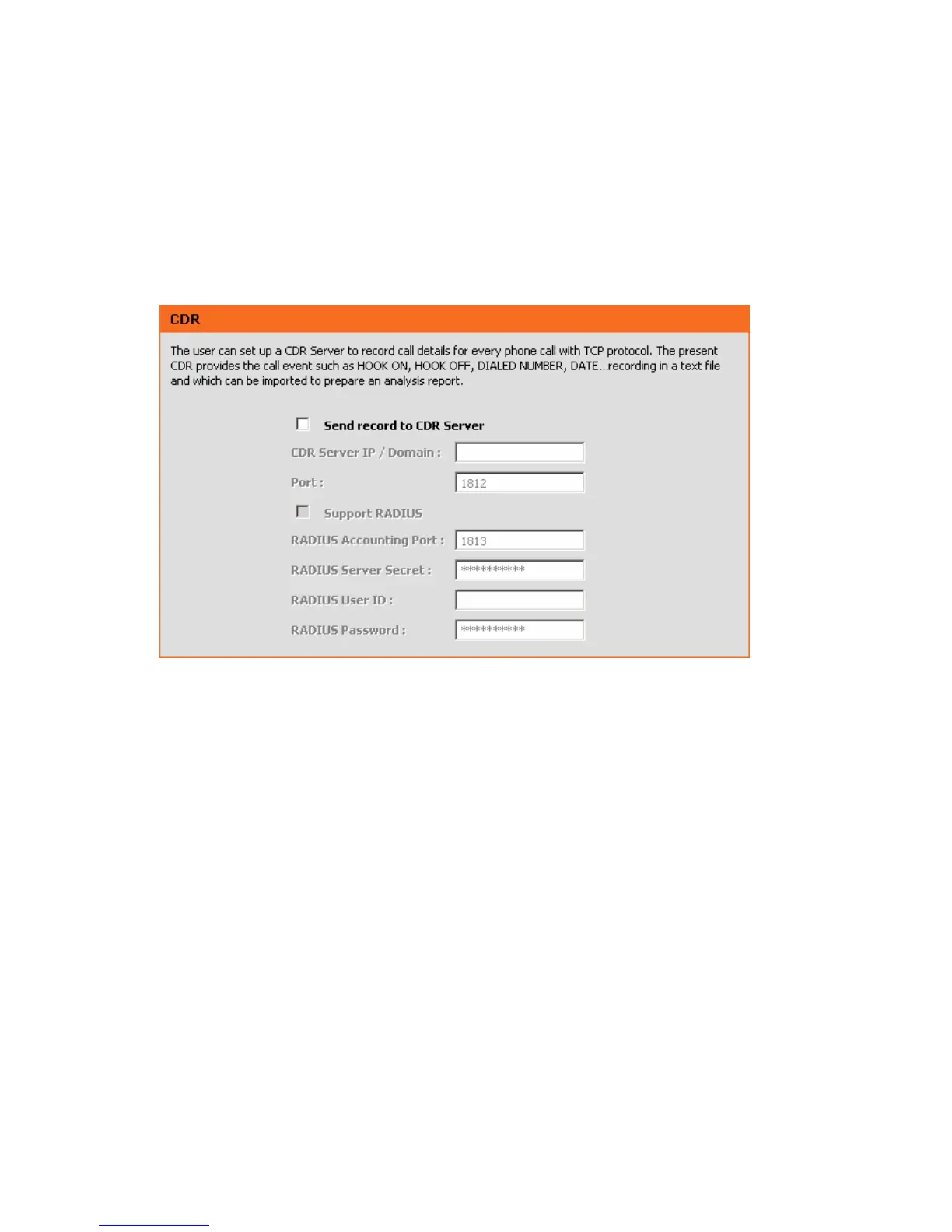
3-3-8 CDR
The user can set up a CDR Server to record call details for every phone call with TCP protocol. The present
CDR provides the call event such as HOOK ON, HOOK OFF, DIALED NUMBER, DATE…recording in a
text file and which can be imported to prepare an analysis report.
MAINTENANCE → CDR
Send record to CDR Server: Tick the check box to enable the call detail recording.
CDR Server IP / Domain: Enter the IP address of the CDR server.
Port: Enter the listen port of the CDR server.
Support RADIUS: Tick the checkbox to enable RADIUS as database and enter the information of RADIUS
needed. It includes RADIUS Accounting Port, RADIUS Server Secret, RADIUS User ID and RADIUS
Password.



 To Next Page