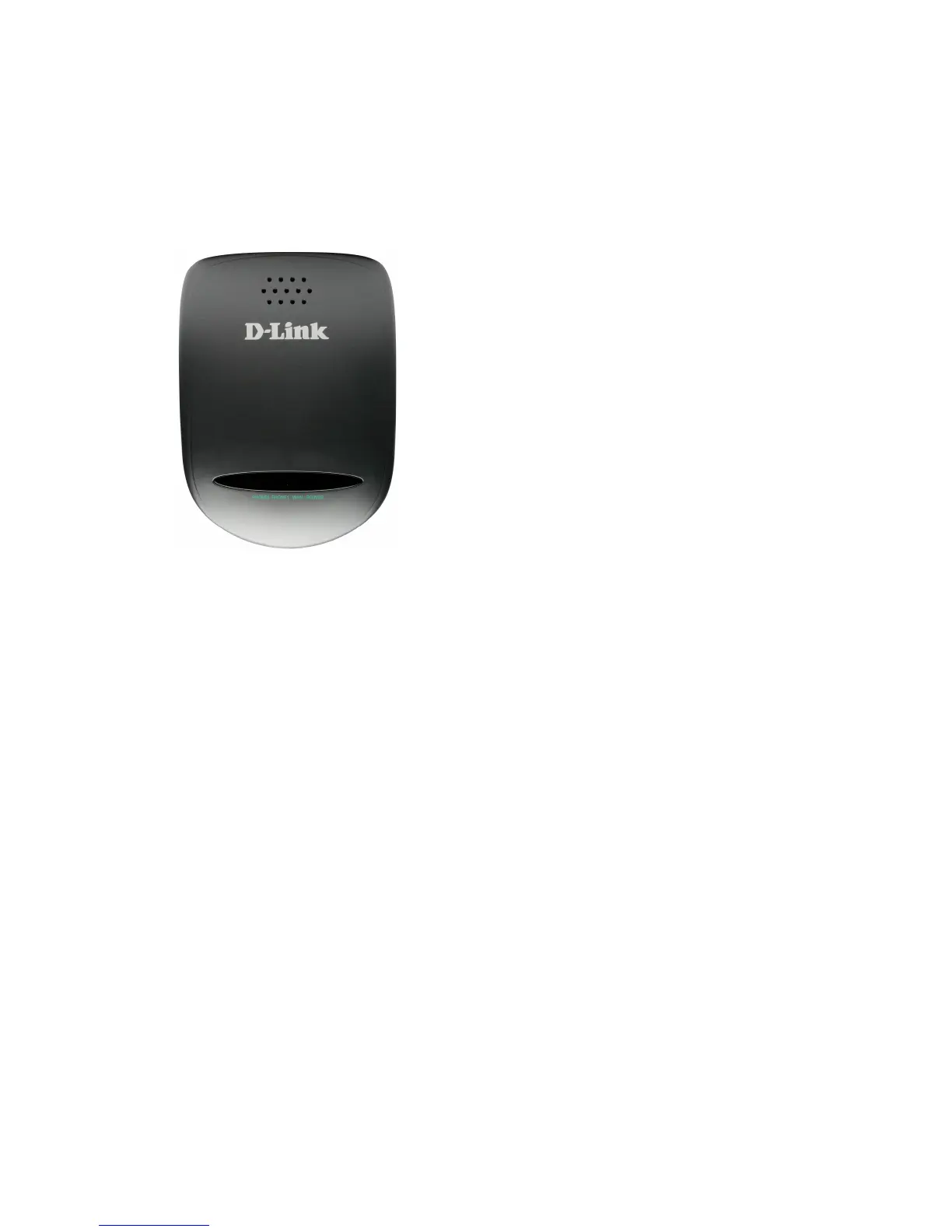
DVG-2102S User’s Manual Telephone Interface Description
D-Link Systems, Inc. 5
1-2 Hardware Description
Front Panel
y Power LED: Green light indicates a normal power supply.
A fast blinking light indicates the SIP TA is not registered. A
slow blinking light indicates the SIP TA is communicating
with the Auto Provision Server.
y WAN LED: When a connection is established the 10 or
100 LED will light up solid. The LED will blink to indicate
activity. If the 10 or 100 LED does not light up when a
cable is connected, verify the cable connections and make
sure your devices are powered on.
y Phone LED: This LED displays the VoIP status and
Hook/Ringing activity on the phone port that is used to
connect your normal telephone(s). If a phone connected to
a phone port is off the hook or in use, this LED will light
solid. When a phone is ringing, the indicator will blink.



 To Next Page