DVG-2102S User’s Manual MAINTENANCE
D-Link Systems, Inc. 67
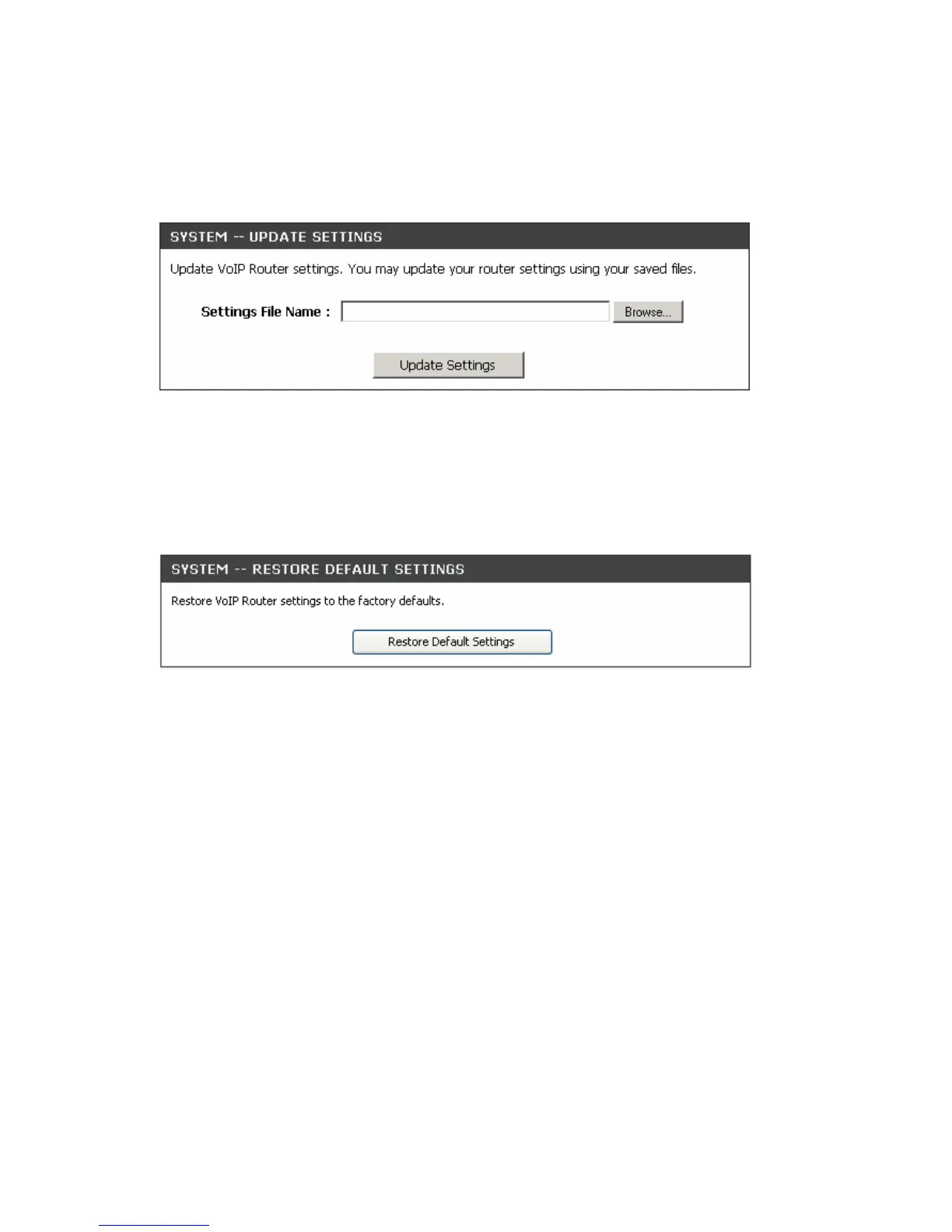
Update Settings
MAINTENANCE → Backup and Restore
To restore a system settings file, click on Browse to search the local hard drive for the file to be used. Once
you locate the file, click Upload Settings to overwrite the current settings with the settings saved to the file.
Restore Default Settings
MAINTENANCE → Backup and Restore
Select Restore Default Settings to reset the VoIP Telephone Adapter’s settings back to the factory default
settings.



 To Next Page