DVG-2102S User’s Manual MAINTENANCE
D-Link Systems, Inc. 73
Connect Provision Server Periodically: Check the box to connect to Provisioning Server periodically.
Auto Provision Interval: Enter the time for auto provisioning.
Random Offset: Enter the offset of the time for auto provisioning.
Provision Retry Times: Enter the retry time if a provisioning attempt fails.
Retry Interval: Enter the interval for retrying.
Suspend Service: Check the box to stop VoIP call service.
Note: Contact your server provider if necessary.
MAINTENANCE → Provision
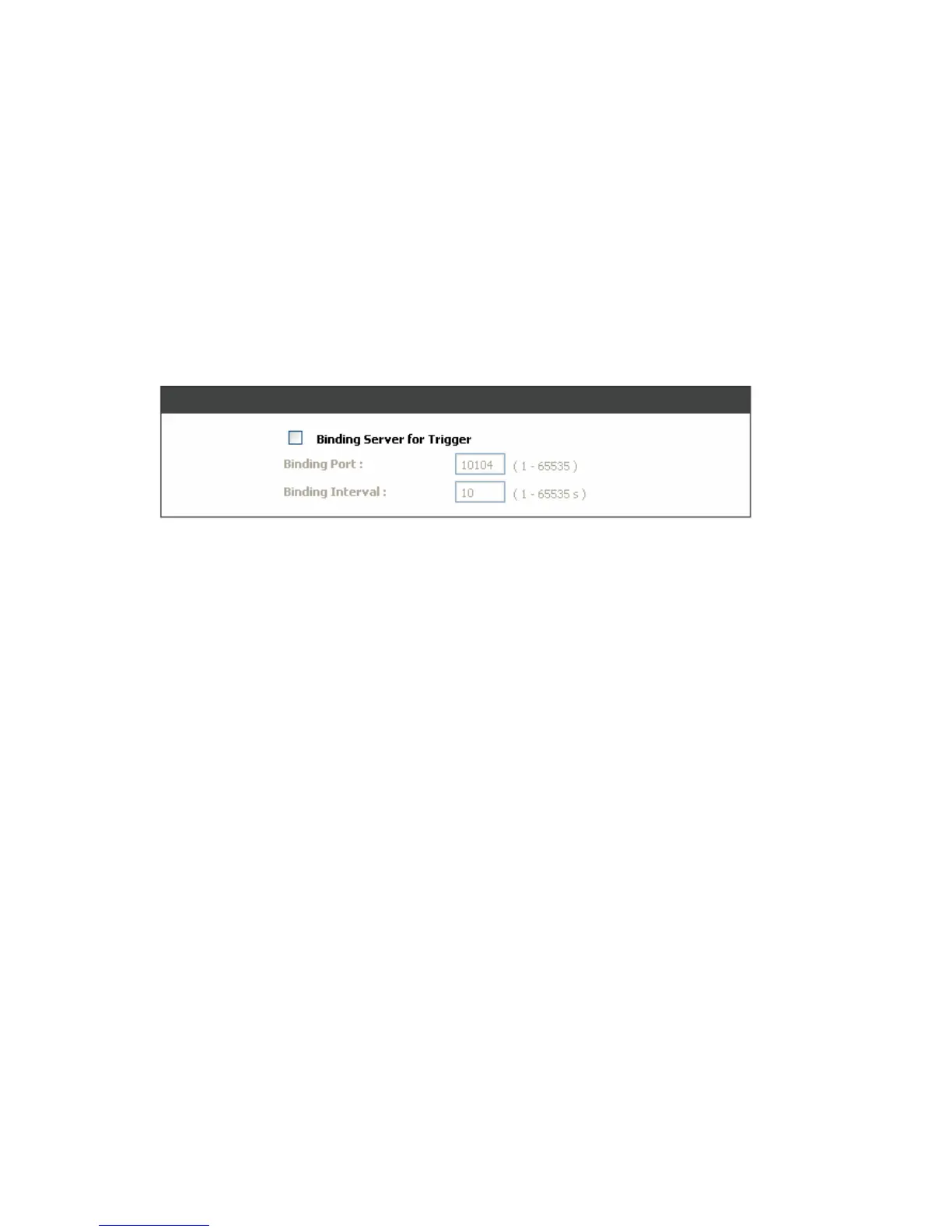
Binding Server for Trigger: Check the box to trigger a connection between Provisioning Server and the
VoIP Telephone Adapter. Provisioning Server will bind a port for the VoIP Telephone Adapter to send
provision request.
Binding Port: Enter the port number of Provisioning Server is used for binding.
Binding Interval: Enter the interval at which the VoIP Telephone Adapter will keep the binding.



 To Next Page