DVG-2102S User’s Manual SETUP
D-Link Systems, Inc. 19
SETUP → Internet Setup
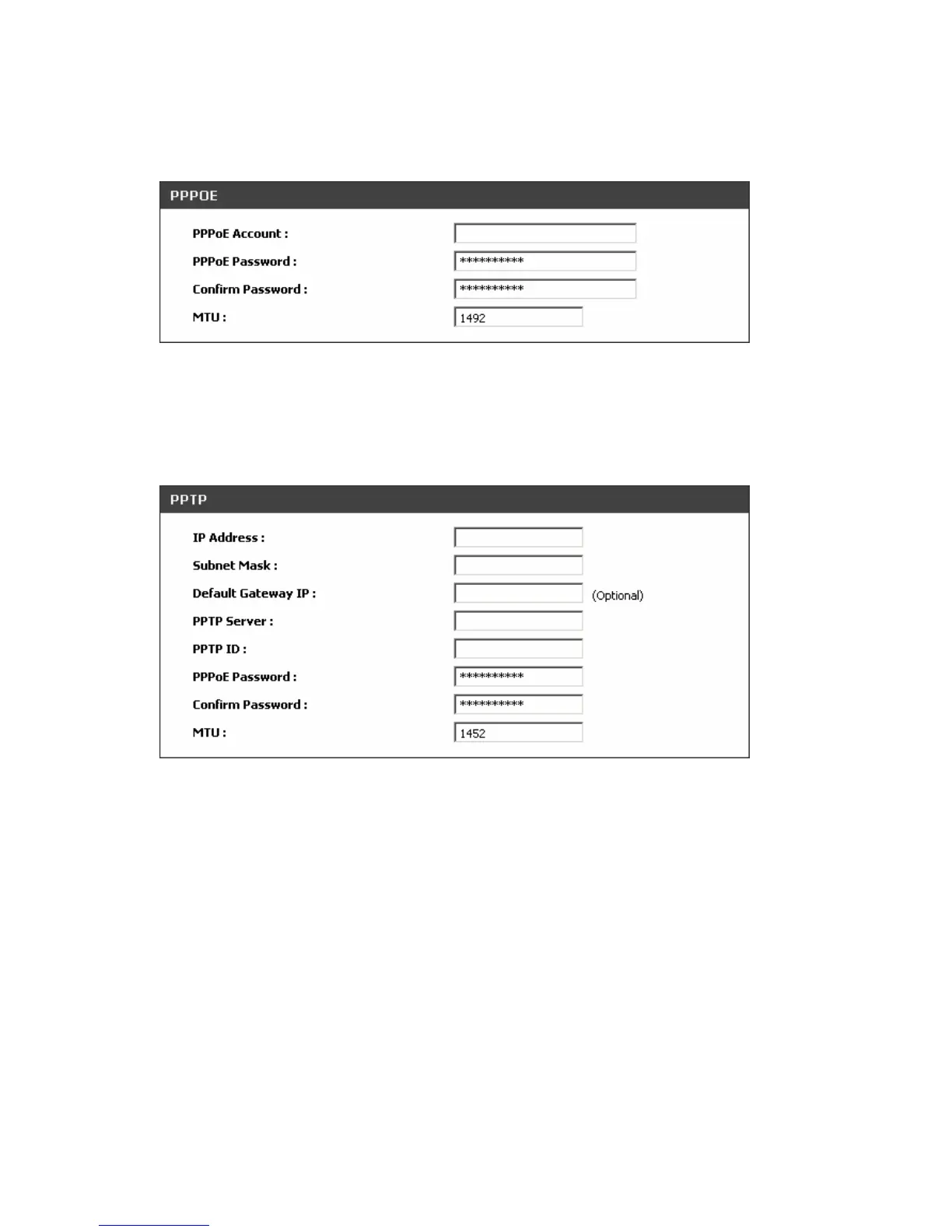
PPPoE: Select this option if your ISP requires you to use a PPPoE (Point-to-Point Protocol over Ethernet)
connection. Enter the PPPoE Account, PPPoE Password and re-enter Password to confirm.
SETUP → Internet Setup
PPTP: Point-to-Point Tunneling Protocol (PPTP) is a WAN connection. Enter the IP Address, Subnet
mask, PPTP Server, PPTP ID and Password.



 To Next Page