DVG-2102S User’s Manual SETUP
D-Link Systems, Inc. 22
SETUP → Internet Setup
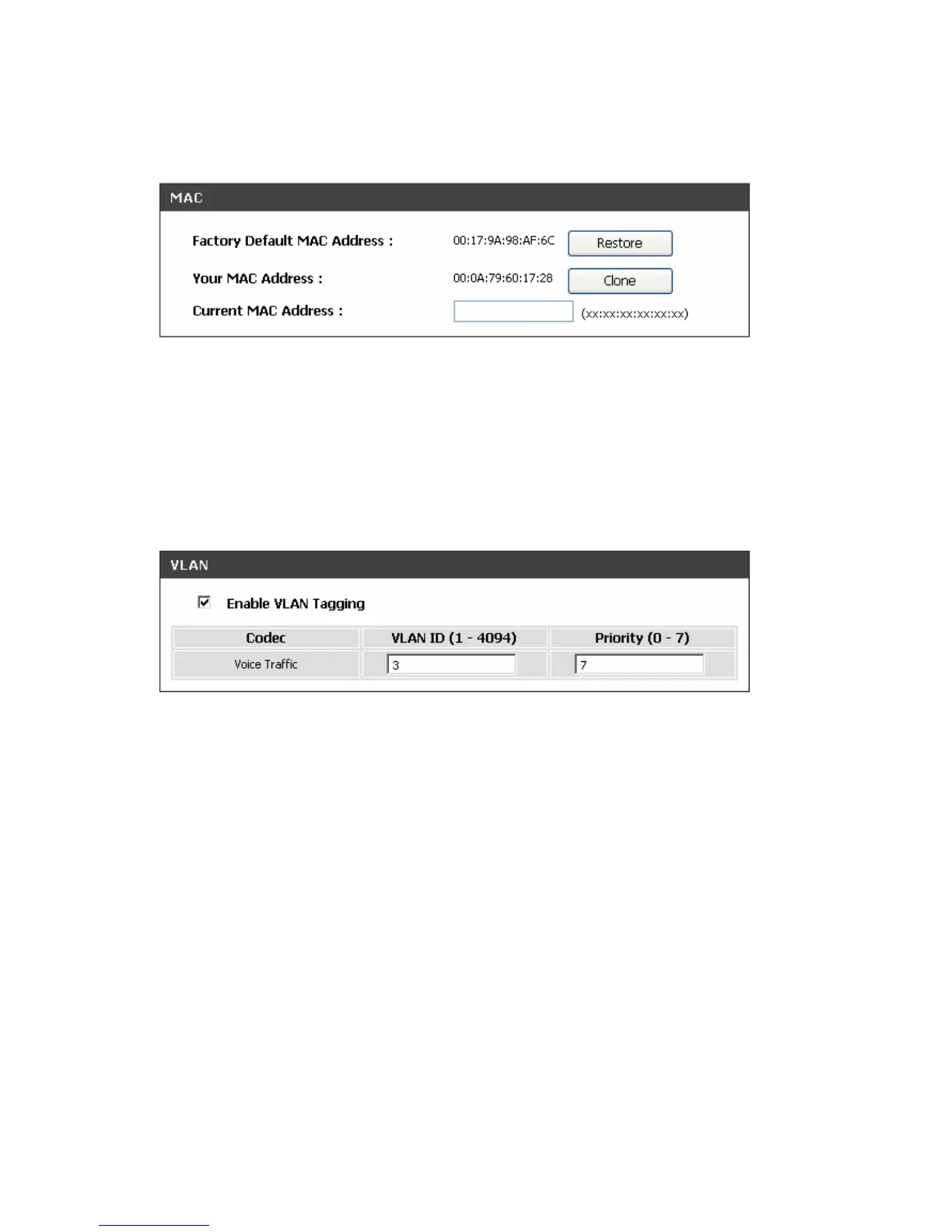
Factory Default MAC Address: The original MAC address of the VoIP Telephone Adapter.
Your MAC Address: It is left blank as you log-in via the WAN port.
Current MAC Address: It shows the current MAC Address if you ever used the different MAC address
from Factory Default MAC Address. You can click Clone to automatically copy the MAC address of the
Ethernet Card installed in the computer used to configure the device.
Note: This is only necessary to fill the field if required by your ISP.
* VLAN – This feature is only supported for the special hardware.
VLAN is optional. It works with the Router or Switch that supports VLAN tag. By adding VLAN tag in
packets may improve efficiency of voice traffic performance and security.
Enable VLAN Tagging: It is to tag the packets for VLAN Router or Switch identifying.
VLAN ID: It is to assign uniquely a user-defined ID to each packet.
Priority: It is the proprietary to VLAN Router or Switch.
Note: Please do not change anything here unless requested by your ISP.



 To Next Page