DVG-2102S User’s Manual ADVANCED
D-Link Systems, Inc. 60
ADVANCED → DoS Prevention
Enable DoS Prevention: Check the box to prevent DoS attacks from WAN. There are various types of
DoS attacking. Leave settings in this field to the default if you are not familiar with it.
ADVANCED → DoS Prevention
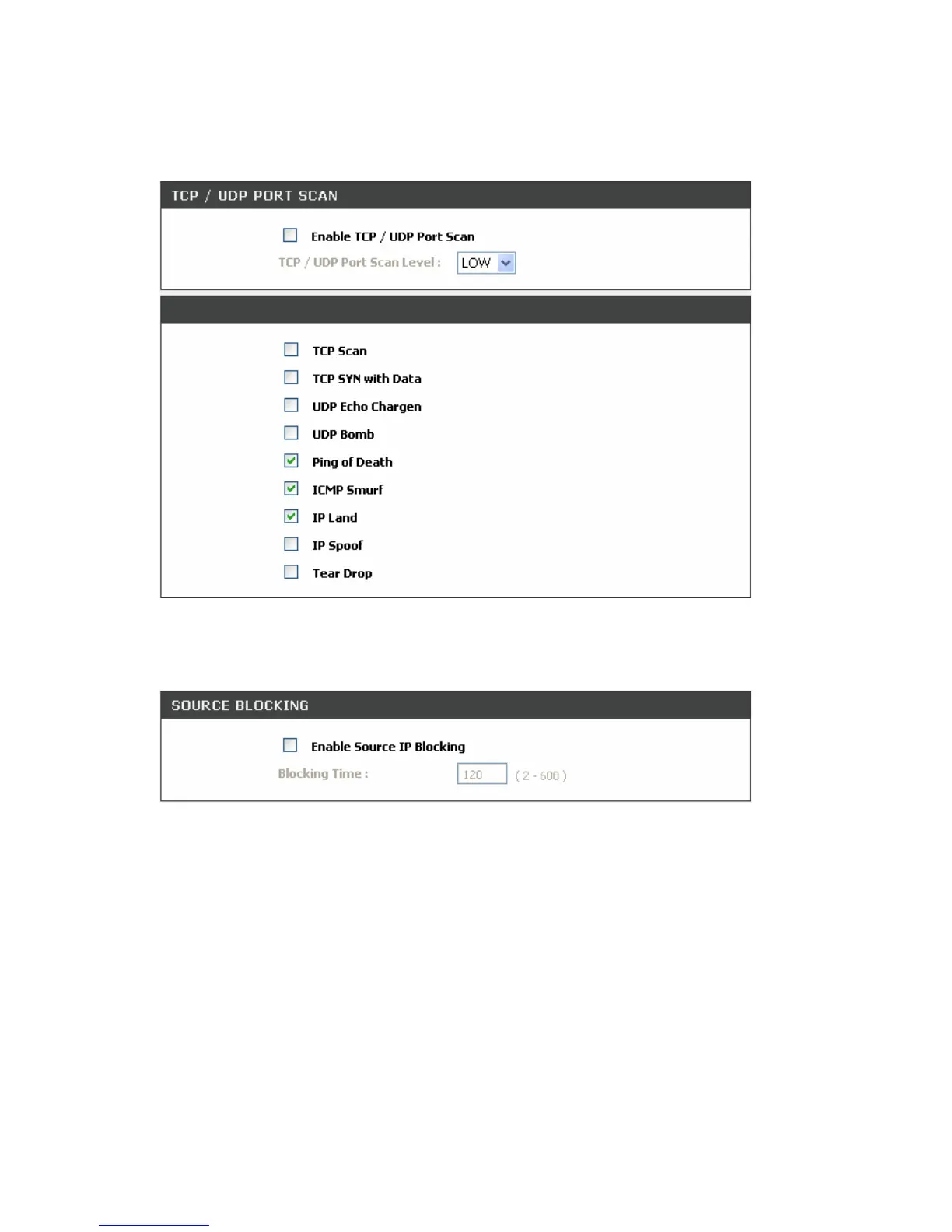
Enable Source IP Blocking: Check the box to block a particular IP address that detects the connection
confirmed with the type of DoS attacking.
Blocking Time: Enter the blocking time to block the particular IP.



 To Next Page