96D-Link DWM-312W User Manual
Section 4 - Conguration
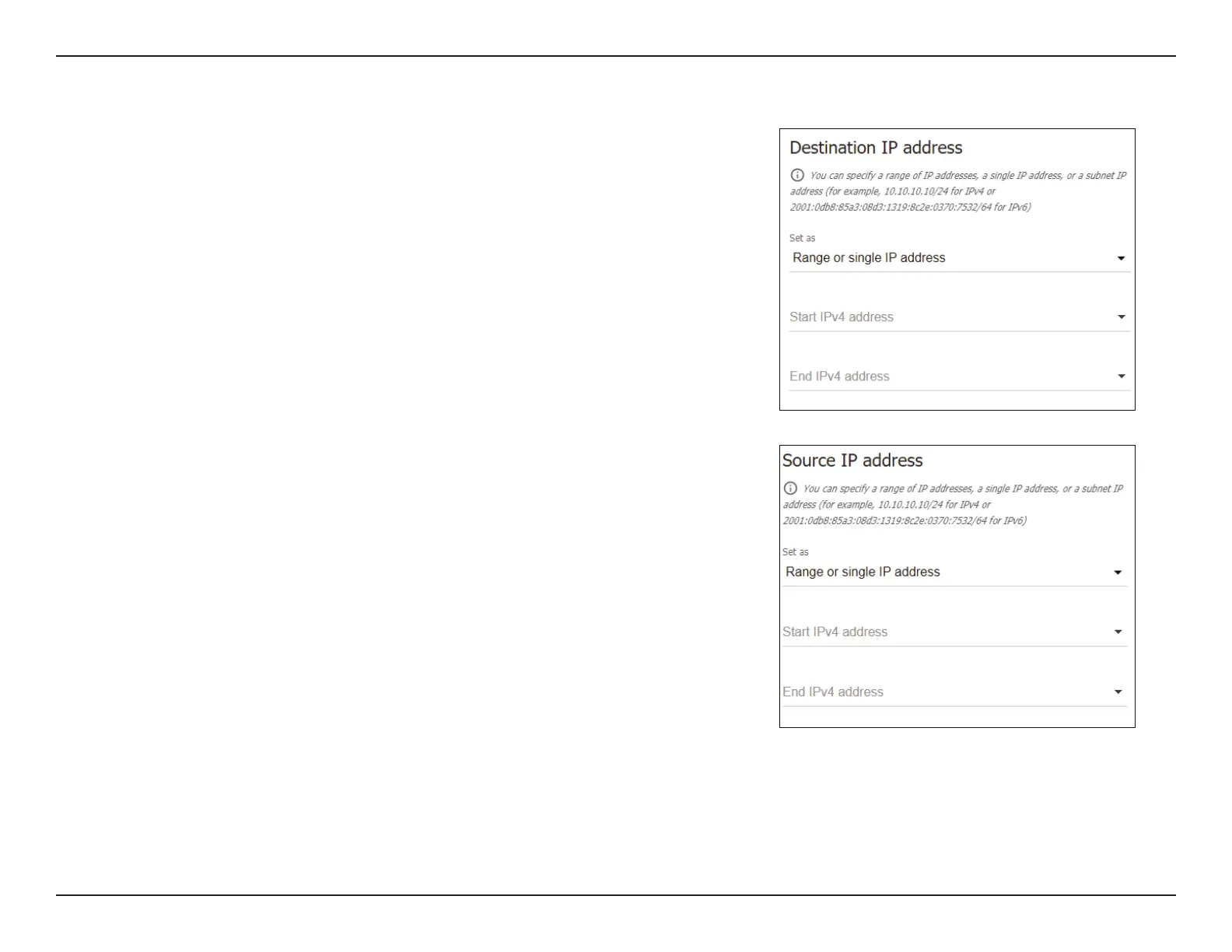
Destination IP Address
Set as Choose Range or single IP address to enter a specic IP address or
ranges for the destination lter. Choose Subnet to specify a subnet
only.
Start/End IPv4/
IPv6 address
If you have selected Range or single IP address, specify an IP address
range for the destination lter. To enter a single address, use only the
Start IPv4/IPv6 address eld and leave the End IPv4/IPv6 address
eld blank.
Subnet IPv4/IPv6
address
If you have selected Subnet, specify the destination subnet to lter.
Source IP Address
Set as Choose Range or single IP address to enter a specic IP address or
ranges for the source lter. Choose Subnet to specify a subnet only.
Start/End IPv4/
IPv6 address
If you have selected Range or single IP address, specify an IP address
range for the source lter. To specify a single address, use only the
Start IPv4/IPv6 address eld and leave the End IPv4/IPv6 address
eld blank.
Subnet IPv4/IPv6
address
If you have selected Subnet, enter the source subnet to lter.


 To Next Page
 Loading...