11
The electrical leads should be connected as shown below.
Connect any additional connections specific to your installation i.e. printers, network
cables etc.
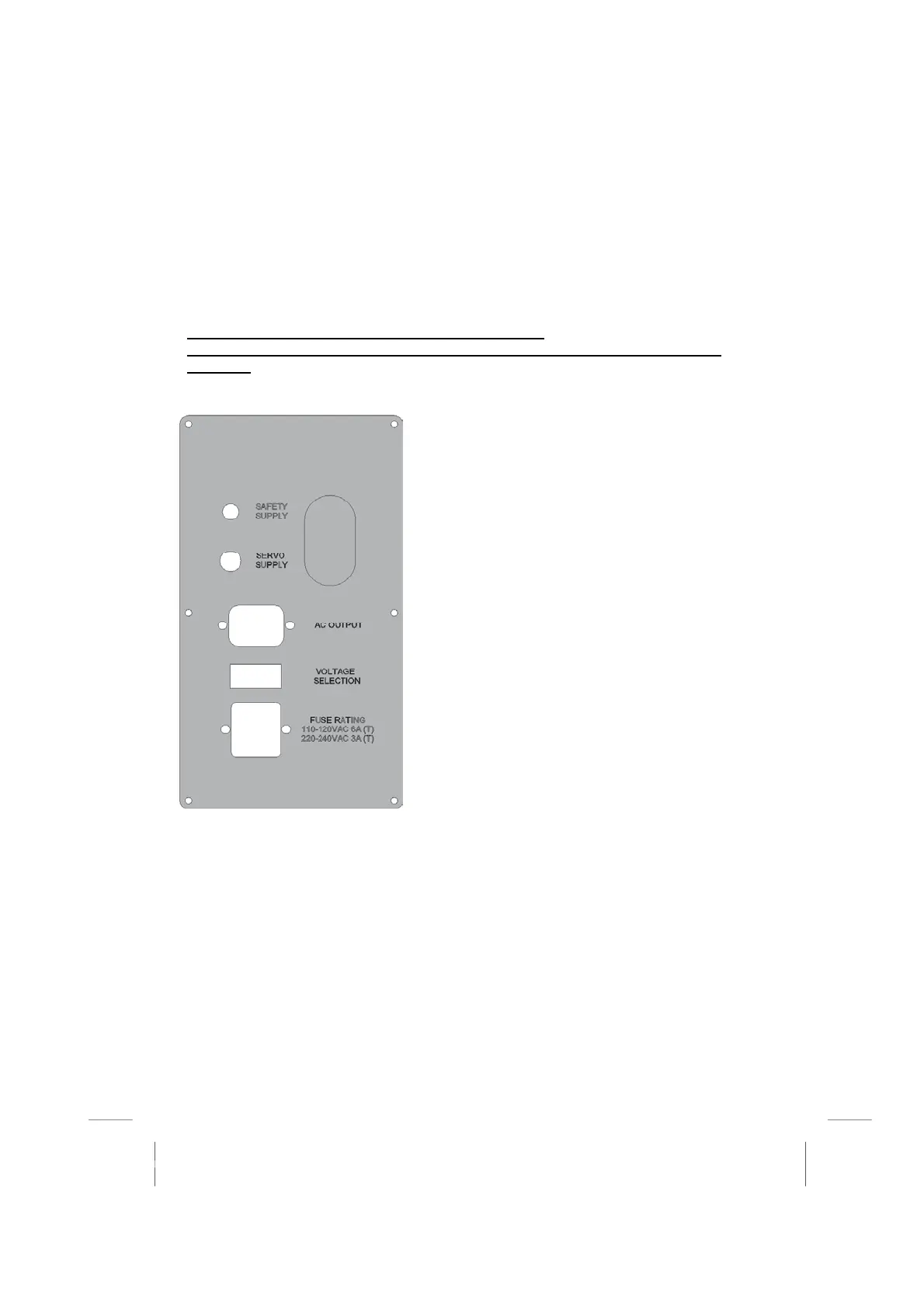
This is where the power is supplied to the machine. It
is located on the left-hand side of the machine
underneath the monitor arm.
It is essential that the correct voltage is selected and
the correct fuse is fitted. Plug the mains power lead
into the fused connector. The AC output can be used
to power the PC or monitor. Do not power up the
machine until all the connections are made.
There are two circuit breakers on this panel ensure that
the
are de
ressed.



 To Next Page