DF4510HD | DF4910HD | DDF4510HDV-IM/-SM | DDF4910HDV-IM/-SM
www.dallmeier.com 38
8.2.1 Manual Conguration
Note that no manual conguration is possible if the UTC time server synchronization is
enabled.
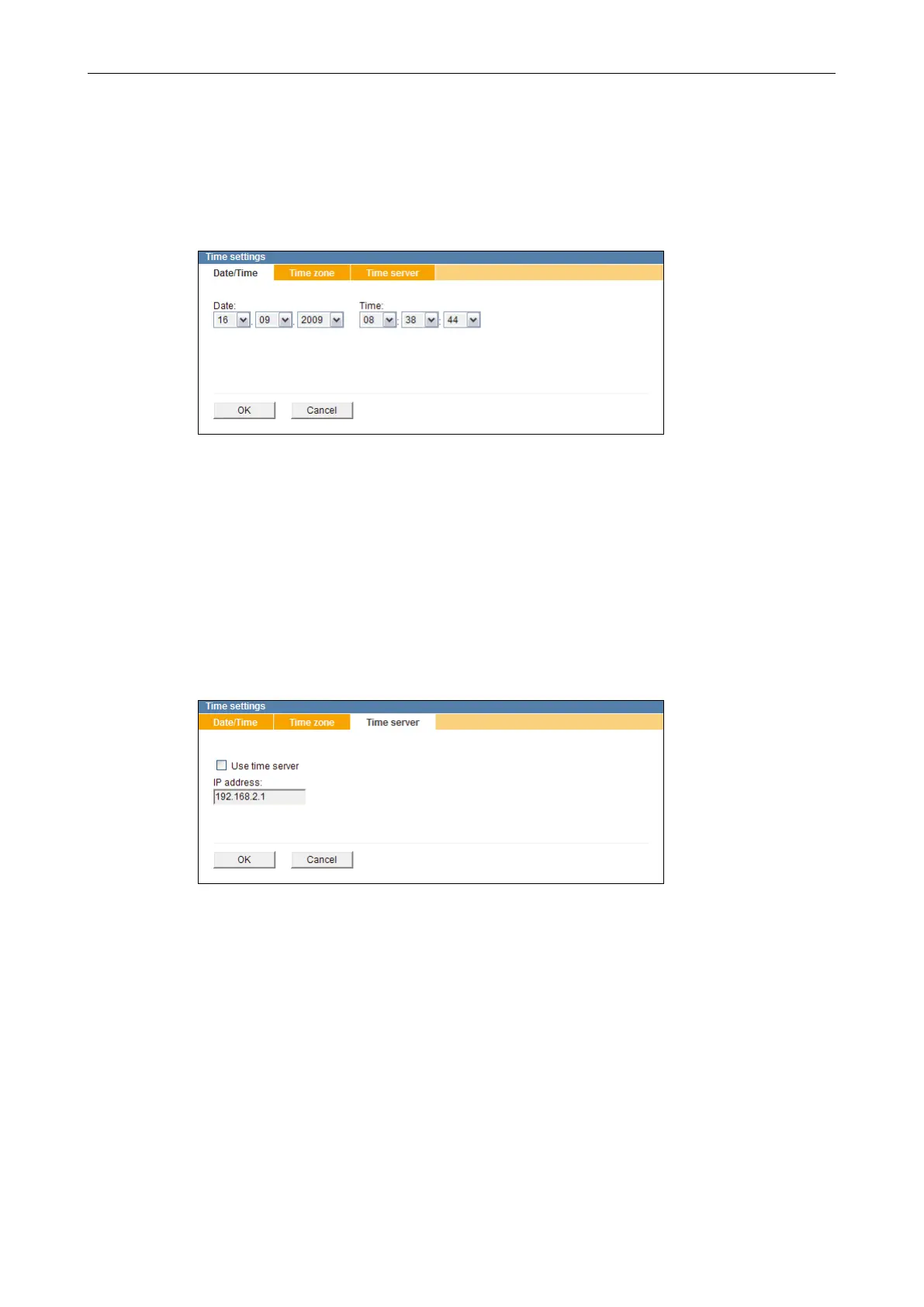
Select the Date/Time tab.
Fig. 8-3
Set the Date.
Set the Time.
Conrm with OK.
8.2.2 Time Server
Note that the time server must always be accessible via the network.
Select the Time server tab.
Fig. 8-4
Enter the IP address (or the host name) of the time server.
Activate the Use time server checkbox to enable the UTC time server synchronization.
Conrm with OK.
If using the host name instead of the IP address, ensure that the Domain Name System
(DNS) settings are correctly congured (see section “Domain Name System (DNS)” on
page 48). Contact your network administrator for more information and assistance.



 To Next Page