DF4510HD | DF4910HD | DDF4510HDV-IM/-SM | DDF4910HDV-IM/-SM
www.dallmeier.com 89
14.5 Conguration File
The conguration of the device can be exported to a le and thus be saved.
In addition to the conguration recovery of the device that is currently connected, the
saved conguration can also be transferred to several devices simultaneously.
14.5.1 Download
NOTICE
If the conguration le is to be transferred to several devices, the Network
settings must not be exported.
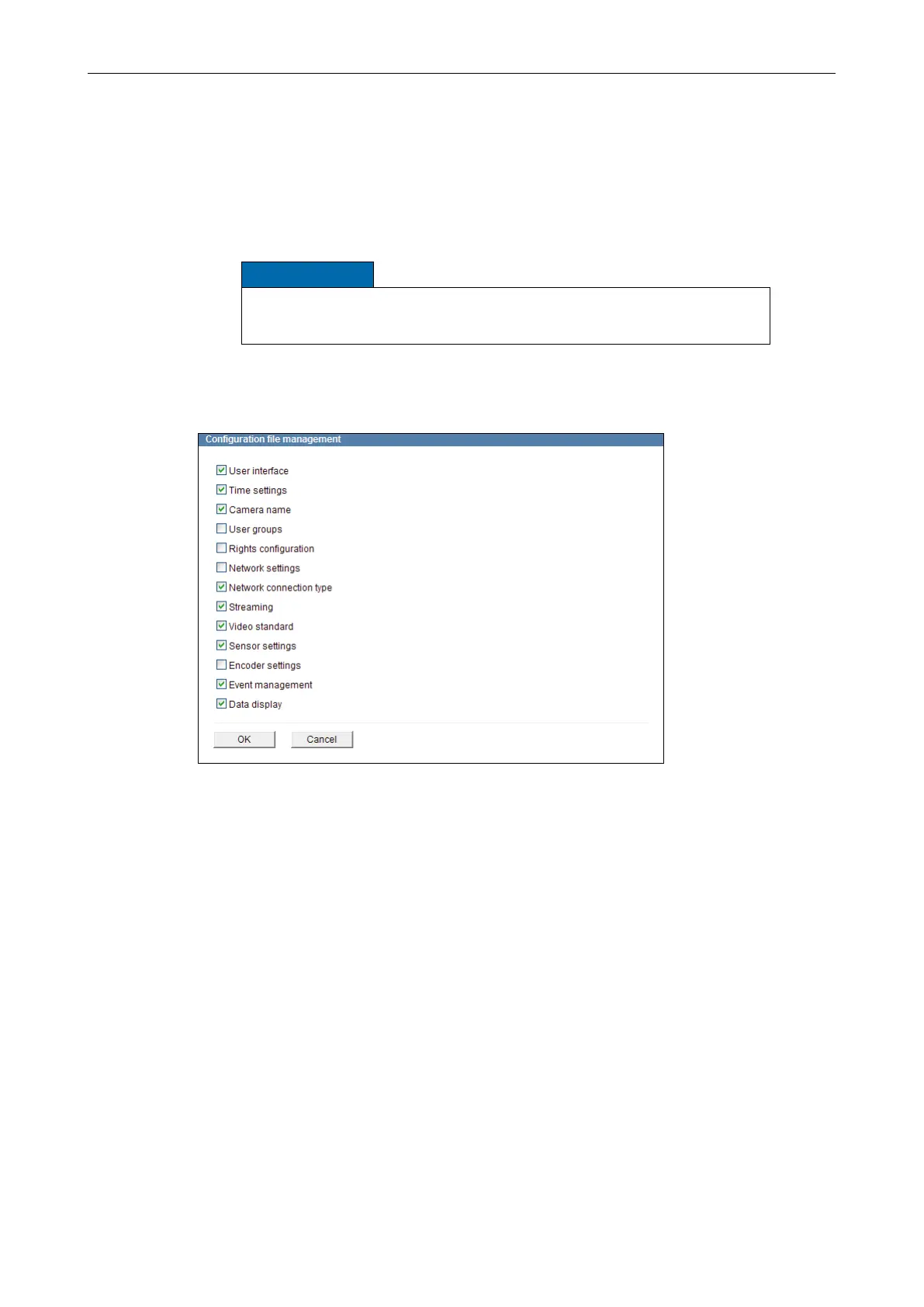
Open the Conguration le management dialogue via
Service > Conguration le > Download ....
Fig. 14-5
Select all relevant settings which are to be exported to the conguration le by activat-
ing the related checkboxes.
Conrm with OK.
Follow the instructions of the download dialogue and save the conguration le to a
data storage device.
The conguration le name contains the IP address of the related device.



 To Next Page