DF4510HD | DF4910HD | DDF4510HDV-IM/-SM | DDF4910HDV-IM/-SM
www.dallmeier.com 71
11.2 FTP Server
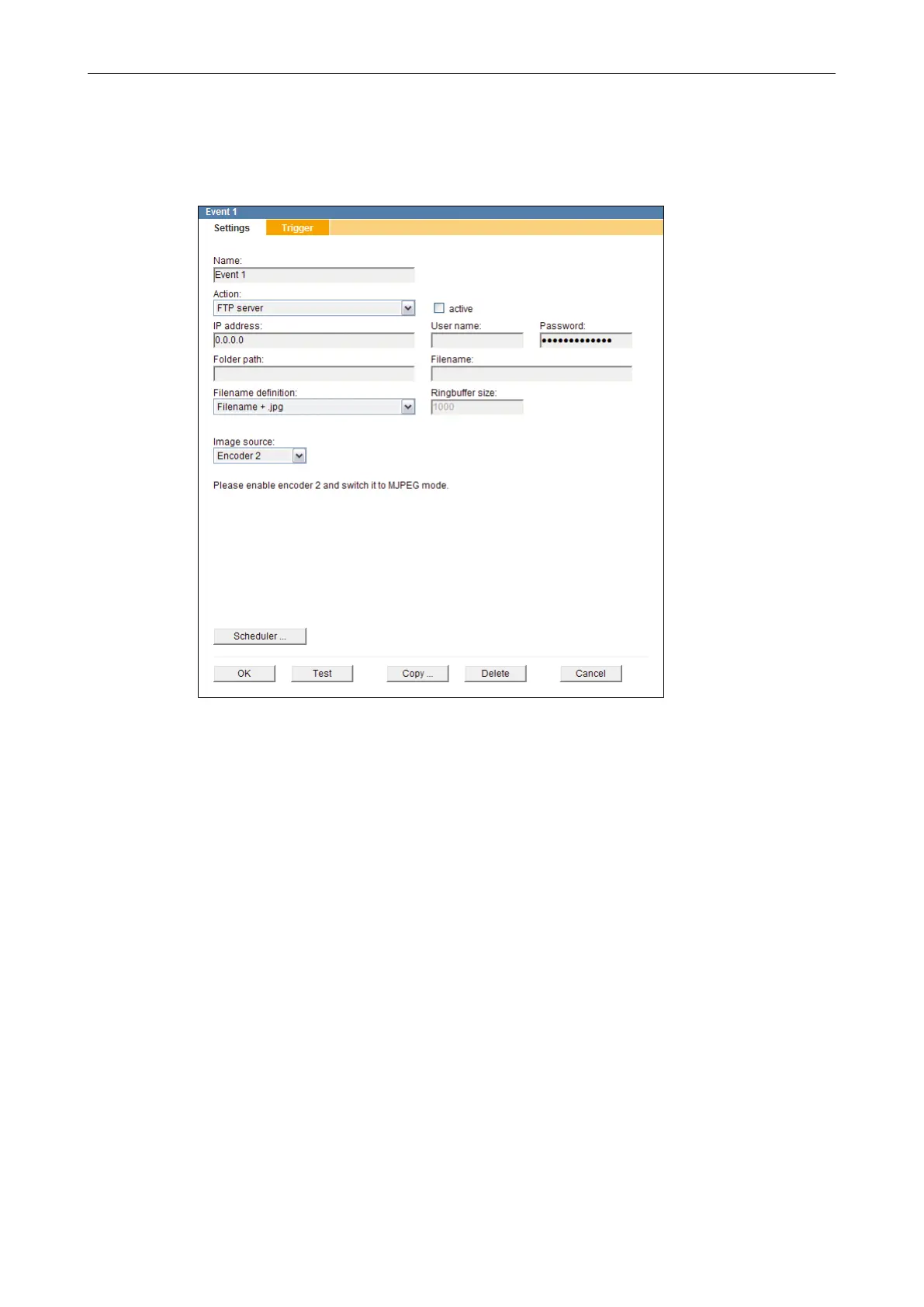
This action type allows you to congure the automatic FTP (File Transfer Protocol) upload
of JPEG images based on events and/or a denable time interval.
Fig. 11-4
Enter the User name and the Password for the FTP authentication.
Enter the full path to the directory to which the JPEG images are to be saved to into
the Folder path eld.
Ensure that read and write permissions are set for the specied directory and enough free
disk space is available.
Enter the name under which the JPEG images are to be saved into the Filename eld.
Select the Filename denition:
• Filename + .jpg
An already existing image in the directory will be overwritten.
• Filename + number (ring) + .jpg
The oldest image in the directory will be overwritten after a certain number of upload-
ed images (Ringbuffer size).
• Filename + number + .jpg
Existing images in the directory will not be overwritten.
• Filename + date + .jpg
Existing images in the directory will not be overwritten.



 To Next Page