DF4510HD | DF4910HD | DDF4510HDV-IM/-SM | DDF4910HDV-IM/-SM
www.dallmeier.com 70
The following variables can be used for the Subject and the Message of the e-mail:
%ALARMTYPE% Alarm/event type (trigger)
%ALARMHOSTNAME% Name of the event handler (or alarm host)
%CAMERANAME% Name of this device
%ALARMTIME% Date and time the alarm/event is triggered
%DEVICEIP% IP address of this device
Activate the Add image as attachment checkbox to attach the current JPEG image
(captured exactly at the moment the event is triggered) to the e-mail.
Select an encoder from the drop-down list Image source to dene the source of the
JPEG image.
The used encoder must be enabled (“Encoder 2” is disabled by default) and congured
for MJPEG encoding (see section “Encoder Settings” on page 63).
Click Test to check your conguration by sending a test e-mail.
The test was successful if a new e-mail from the device is in your specied e-mail ac-
count.
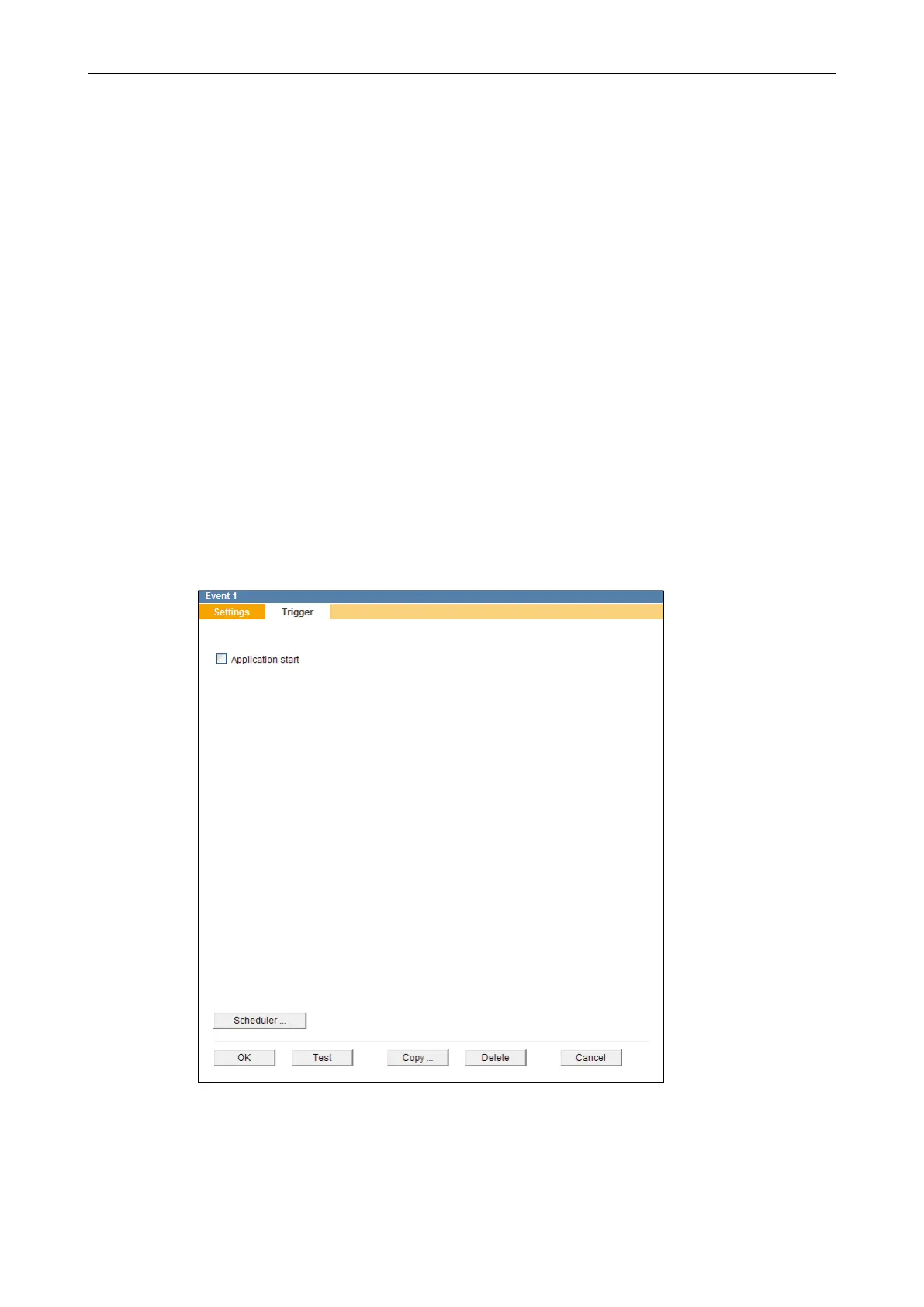
Select the Trigger tab.
Fig. 11-3
Select all relevant triggers which are supposed to be sent out as event messages by
activating the related checkboxes.
Finally, conrm with OK.



 To Next Page