DF4510HD | DF4910HD | DDF4510HDV-IM/-SM | DDF4910HDV-IM/-SM
www.dallmeier.com 40
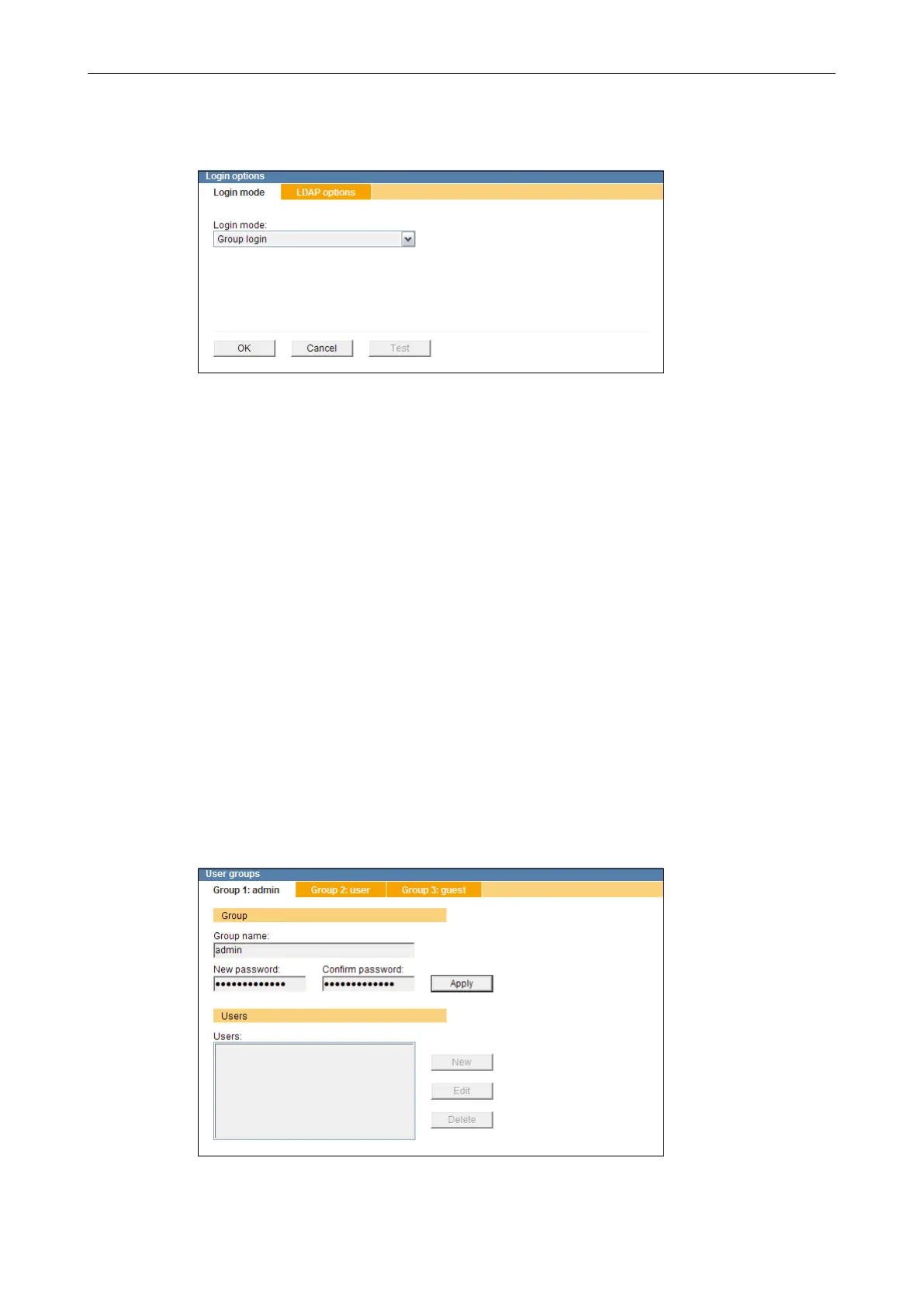
Open the Login options dialogue via
Common settings > User management > Login options ....
Fig. 8-6
Set the Login mode.
Note the following sections about the different login modes.
Finally, conrm with OK.
8.4.1.1 Group Login
The group names of the three local user groups can be changed.
Note that
• the factory default password of the local user group Group 1: admin is “3”.
• the factory default password of the local user group Group 1: admin must be changed
for security reasons.
• the local user groups Group 2: user and Group 3: guest are dened without a factory
default password.
• a login of the local user groups Group 2: user and Group 3: guest is only possible
after a password has been dened.
Open the User groups dialogue via
Common settings > User management > User groups ....
Fig. 8-7



 To Next Page