DF4510HD | DF4910HD | DDF4510HDV-IM/-SM | DDF4910HDV-IM/-SM
www.dallmeier.com 91
14.5.2.2 Conguration Transfer to Several Devices
As a precondition all relevant devices must be located in the same LAN (with suitable
cabling and a separate IP address for each device). In addition, the access rights to all
devices must be identical (same user name and password).
Before the conguration le can be transferred, it must be saved as described above.
However, the conguration of the Network settings must not be included in the congu-
ration le. If these settings were included, the same IP address would be transferred to
all devices. Since, however, every IP address in a LAN must be unique, this would cause
massive problems in the network.
NOTICE
Ensure that the conguration of the Network settings is not transferred to
several devices.
To be able to send the conguration le to several devices, a connection to one of the
devices must be established rst (see section “Connection” on page 33).
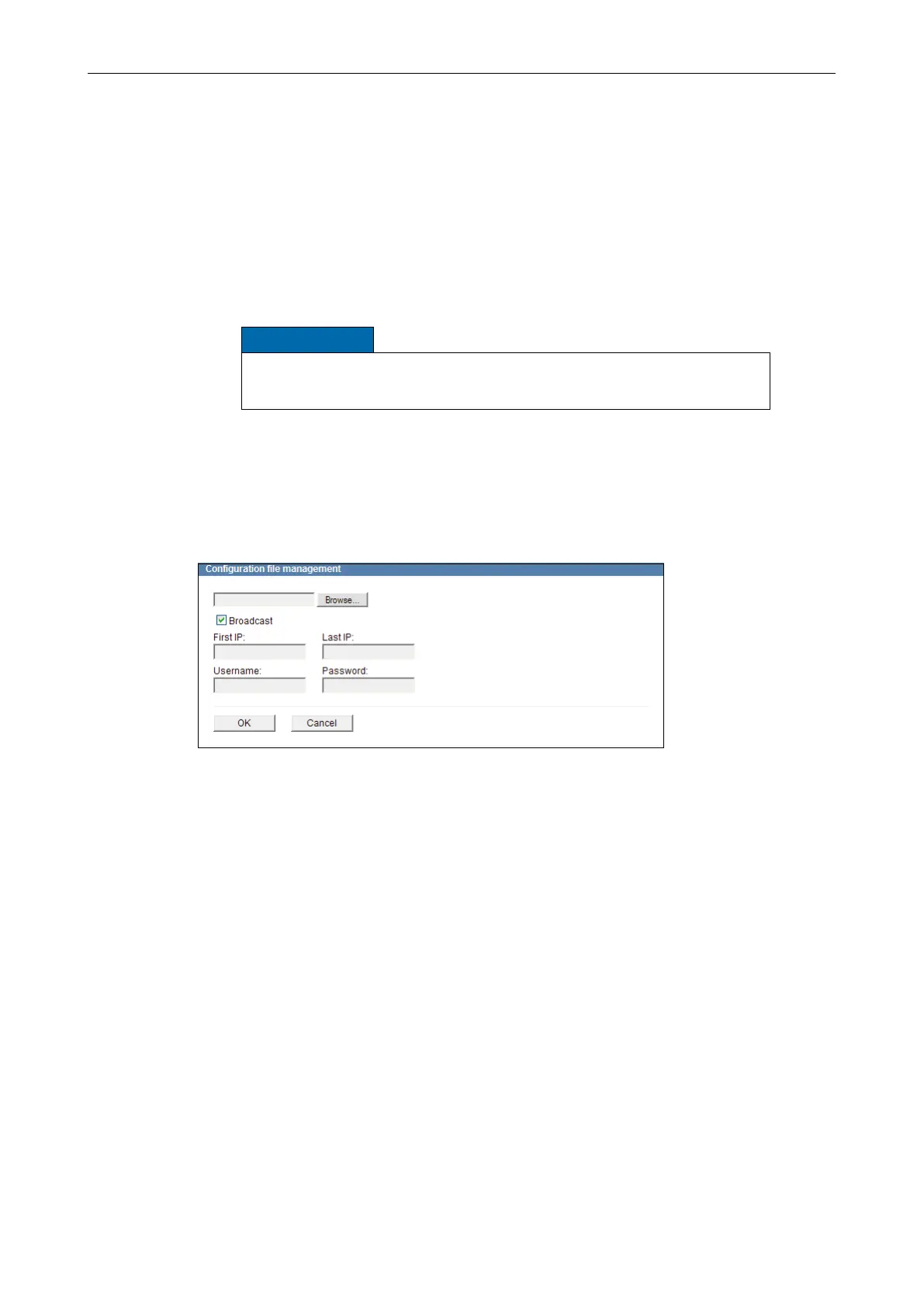
Open the Conguration le management dialogue via
Service > Conguration le > Upload ....
Fig. 14-7
Click Browse….
Select the relevant conguration le on your data storage device.
Activate the Broadcast checkbox.
Enter the First IP address and the Last IP address of the relevant device group.
Enter the Username.
Enter the Password.
Conrm with OK.
At the end of the transfer a list of the transferred (or skipped) conguration settings is
displayed.



 To Next Page