DF4510HD | DF4910HD | DDF4510HDV-IM/-SM | DDF4910HDV-IM/-SM
www.dallmeier.com 75
11.3.2 Exceptions
For days with deviations, exceptions can be dened.
Note that exceptions will overwrite the settings of the entire relevant day in the week
timer.
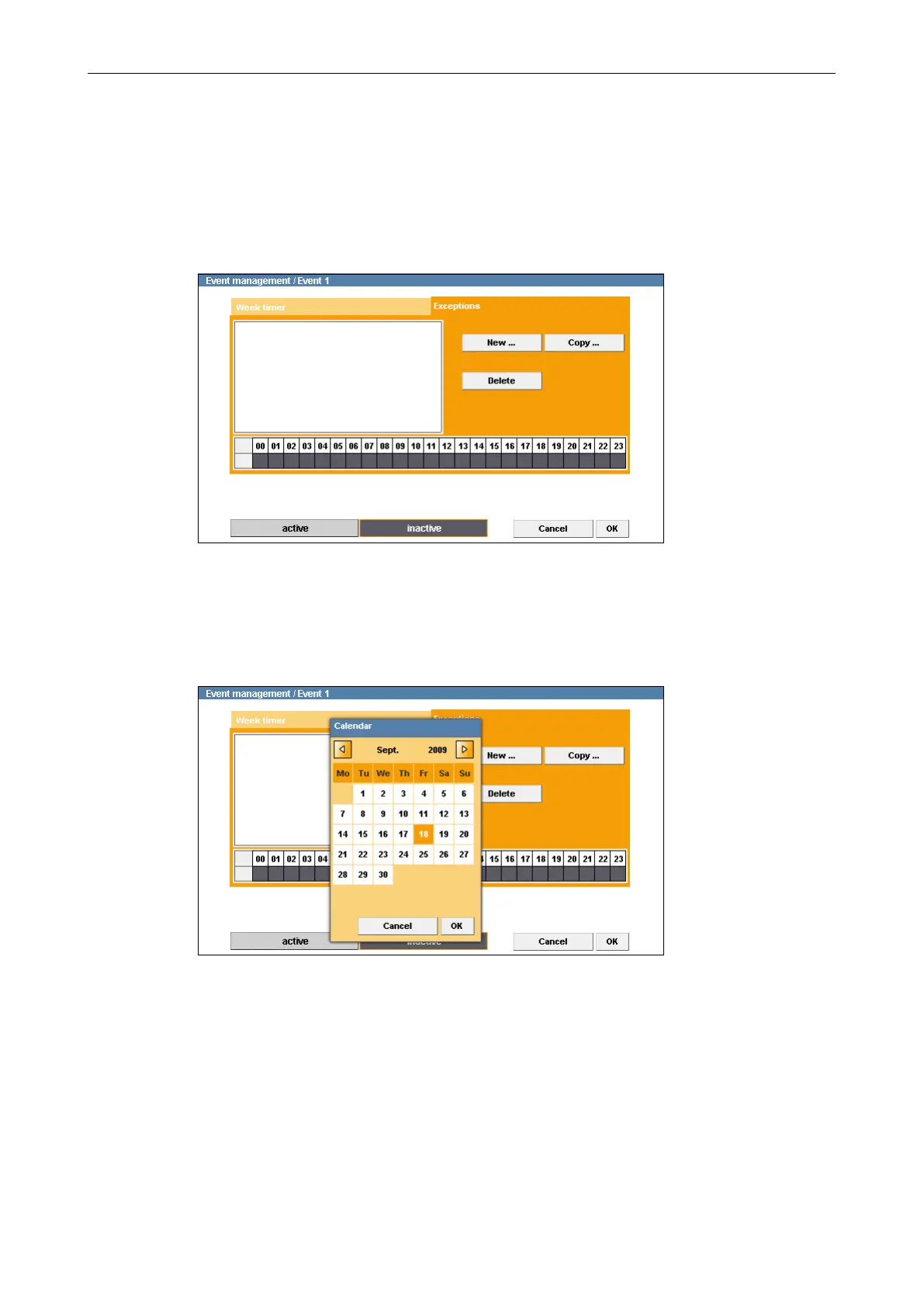
Select the Exceptions tab.
Fig. 11-8
Click New ....
The Calendar is displayed.
Fig. 11-9
Select a date.
Conrm with OK.
The selected date is added to the exceptions list.



 To Next Page