DF4510HD | DF4910HD | DDF4510HDV-IM/-SM | DDF4910HDV-IM/-SM
www.dallmeier.com 81
11.5 Delete Event Handler
To delete an event handler, proceed as follows:
Click Event management in the conguration menu.
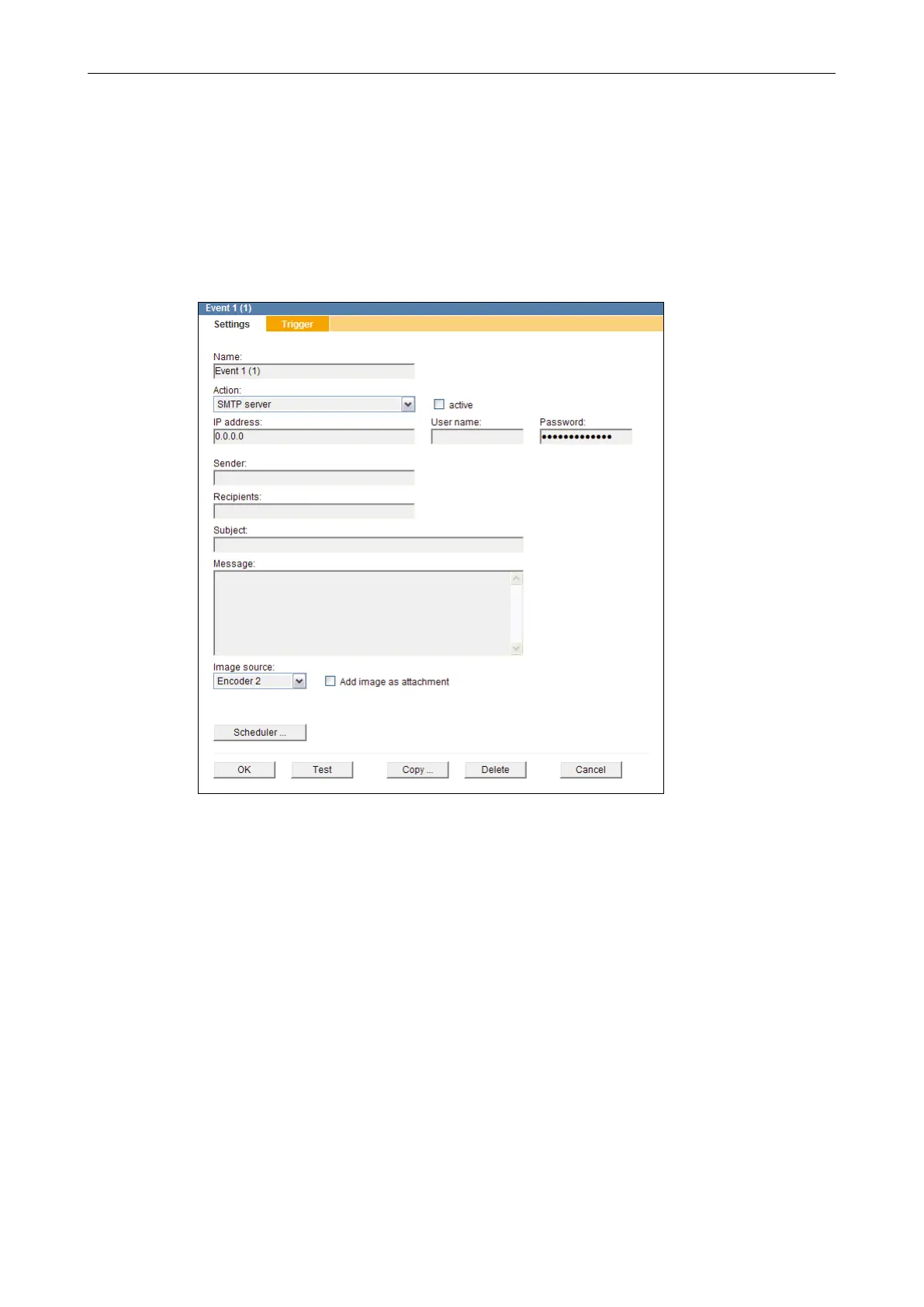
In the conguration menu, click on an event handler you want to delete.
The related dialogue is displayed.
Fig. 11-16
Click Delete.
The event handler is deleted and its menu item removed from the conguration menu.



 To Next Page