DF4510HD | DF4910HD | DDF4510HDV-IM/-SM | DDF4910HDV-IM/-SM
www.dallmeier.com 87
14 Service and Info
14.1 Downloads
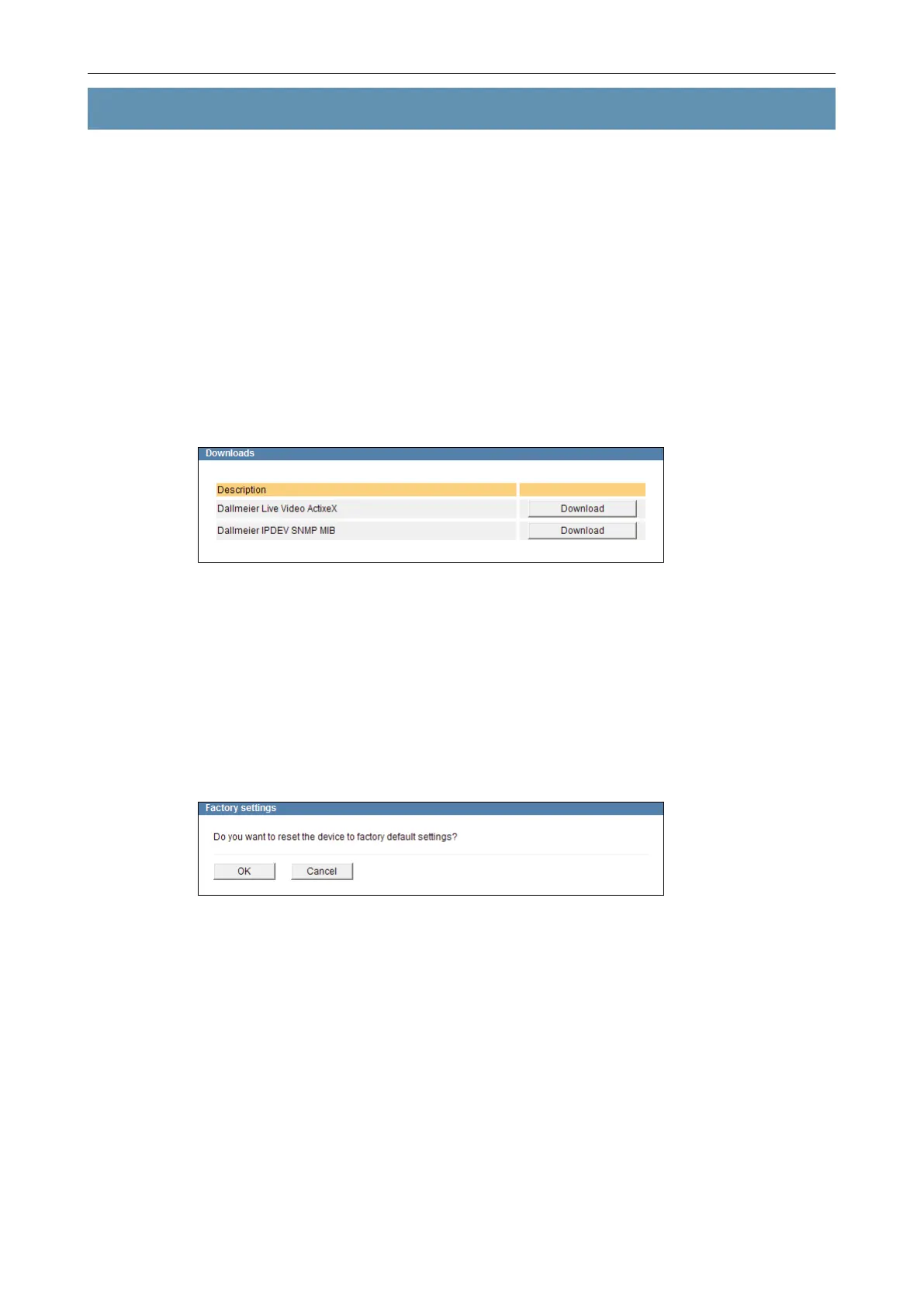
This dialogue allows you to download the following les directly from the device:
• Dallmeier Live Video ActiveX
• MIB le of the device for SNMP applications
The Simple Network Management Protocol (SNMP) is an application-layer protocol used
to manage and monitor network elements (cameras, recorders, routers, switches, print-
ers, etc.) with a Network Management System (NMS).
MIB les allow for the unambiguous assignment of network elements within the Manage-
ment Information Base (MIB) of the network management system.
Fig. 14-1
14.2 Factory Settings
The device can be reset to its default settings at any time.
Open the Factory settings dialogue via Service > Factory settings ….
The Factory settings dialogue is displayed.
Fig. 14-2
Conrm with OK to reset the device to its factory default settings.



 To Next Page