DF4510HD | DF4910HD | DDF4510HDV-IM/-SM | DDF4910HDV-IM/-SM
www.dallmeier.com 88
14.3 Licenses
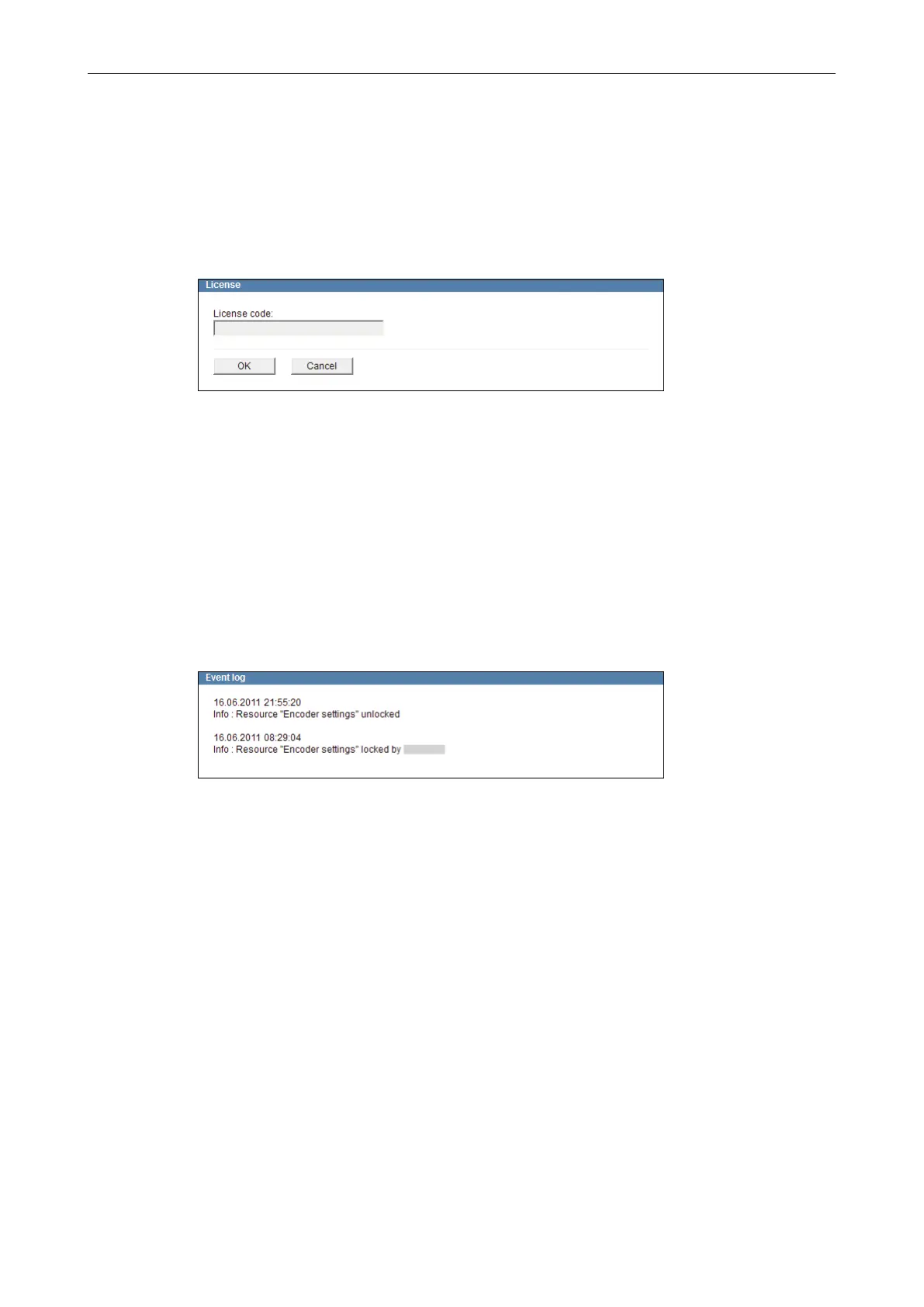
The License dialogue allows you to activate possible extra features.
For information about available extra features, contact the Dallmeier Support.
For purchasing license codes, contact the Dallmeier Sales Department.
Open the License dialogue via Service > License ....
Fig. 14-3
Enter the License code.
Conrm with OK.
14.4 Event Log
The device logs IP addresses of applications that temporarily blocked certain resources
of the device in a log le. The list of IP addresses is displayed in the Event log dialogue.
Open the Event log dialogue via Service > Event log ….
Fig. 14-4



 To Next Page