DF4510HD | DF4910HD | DDF4510HDV-IM/-SM | DDF4910HDV-IM/-SM
www.dallmeier.com 73
11.3 Scheduler
The scheduler function allows you to dene specic time periods during which event mes-
sages are sent out or event-triggered actions are executed.
Note that
• scheduler settings only apply to the currently selected event handler.
• the minimum selectable period is 15 minutes.
• the week timer applies to the entire year if no exceptions are set.
11.3.1 Week Timer
Click Scheduler ....
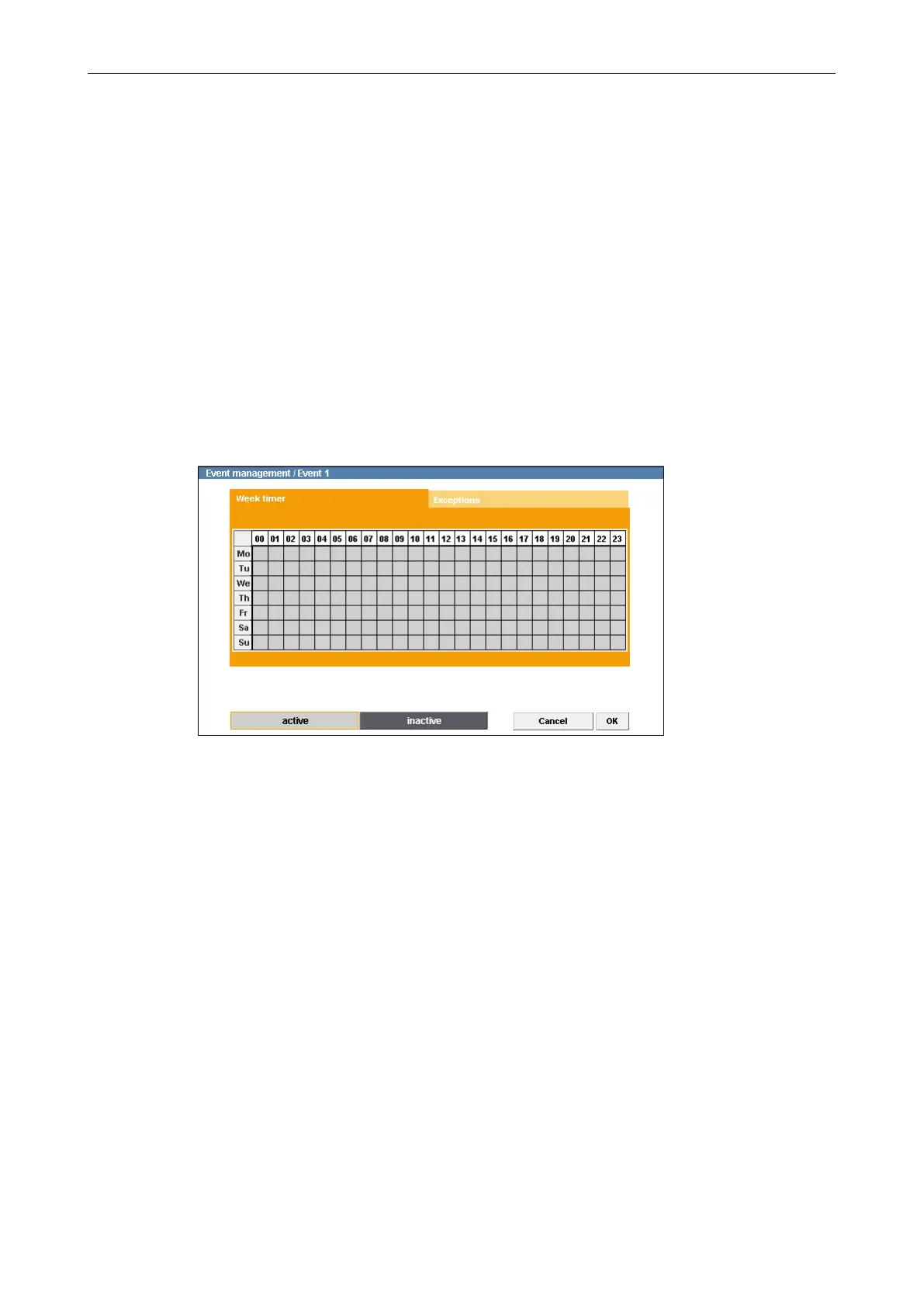
The Week timer tab is displayed.
Fig. 11-6
Light grey areas in the week timer represent active periods.
During active periods the messaging function is enabled and event actions are ex-
ecuted.
By default, the entire period in the week timer is active.
Select Inactive Periods
Click inactive.
In the week timer, click and hold the left mouse button and draw a rectangle over a
relevant period.
Release the mouse button.
Repeat the last two steps until all relevant inactive periods are selected.



 To Next Page