DF4510HD | DF4910HD | DDF4510HDV-IM/-SM | DDF4910HDV-IM/-SM
www.dallmeier.com 60
10.3 Exposure Control
Using the exposure control allows you to adjust the automatic exposure metering of the
camera.
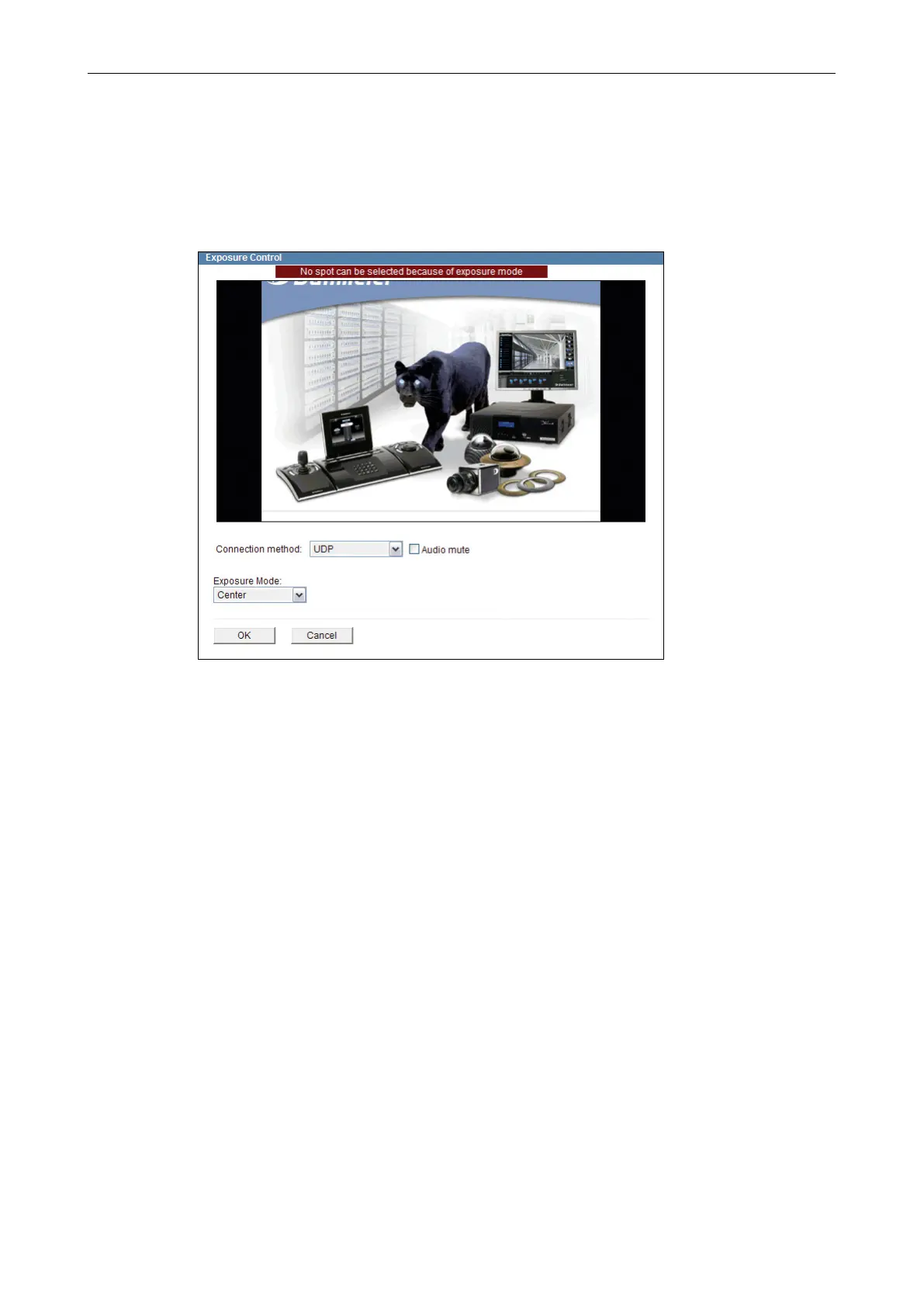
Open the Exposure Control dialogue via Video > Exposure Control ….
Fig. 10-4
Note the explanations below.
Set the relevant options.
Finally, conrm with OK.
Exposure Mode
• Automatic
The entire image is used for exposure metering.
This setting is only recommended if the entire image section is illuminated homogene-
ously.
• Center (centre-weighted metering, default setting)
With this exposure metering option, the centre image section is prioritised over the
outer image areas.
This setting is recommended in case the relevant image details are primarily at the
centre of the image rather than the outside margins of the image.



 To Next Page