A·X·U·M User Manual Version 2.5 - 2011-01-28
AXUM from D&R - Phone: +31 294 418014 - E-Mail: info@d-r.nl - 102 -
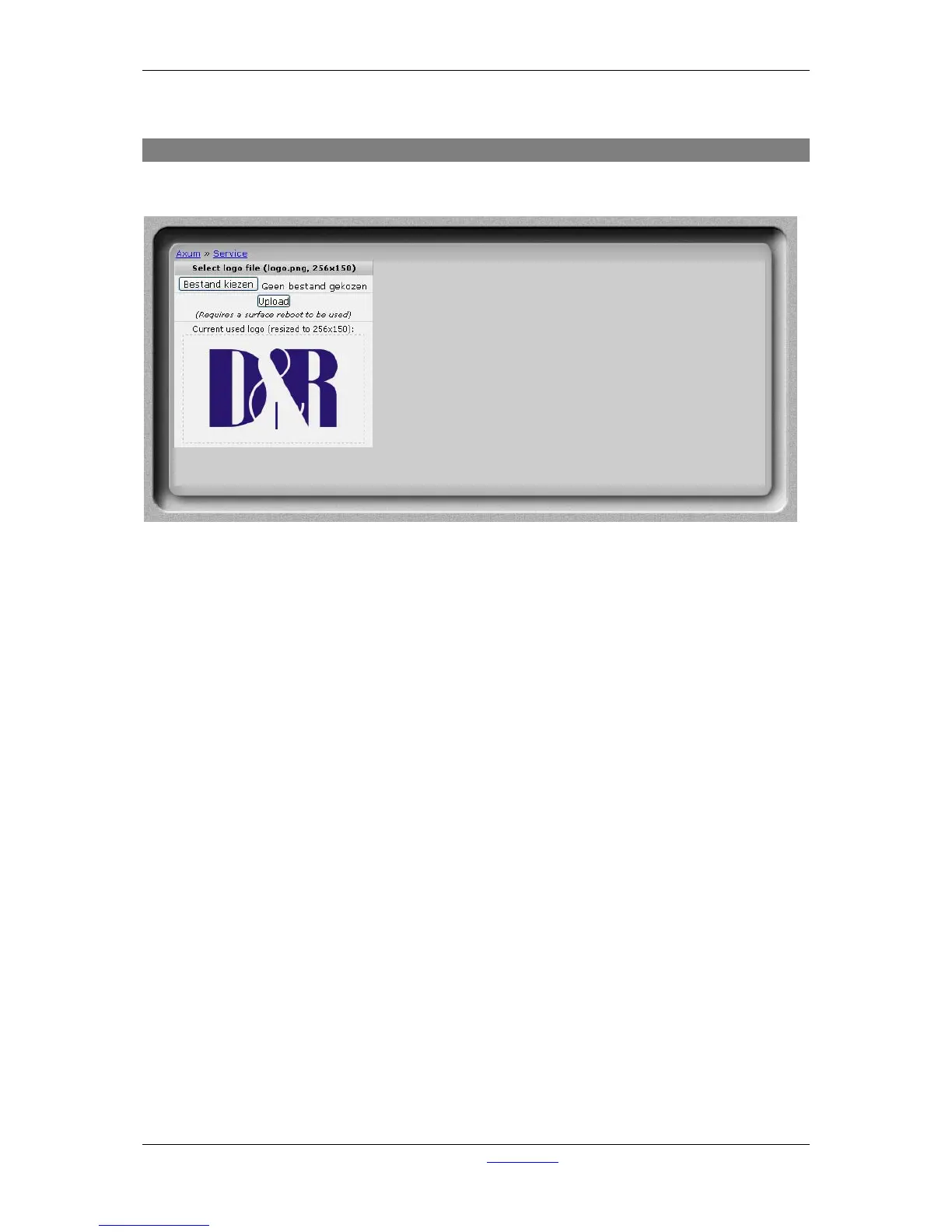
19.3 Upload logo
On this page you can upload you own logo which will appear on the meter screen.
Figure 54: Logo upload
• Logo upload
Choose the logo you want to use and upload it to the website. The logo must be a .png image.
It will be resized to 256x150 pixels.
After a reboot the logo will be visible on the meter screen from the AXUM console.



 To Next Page