A·X·U·M User Manual Version 2.5 - 2011-01-28
AXUM from D&R - Phone: +31 294 418014 - E-Mail: info@d-r.nl - 32 -
6.1.11 Module configuration
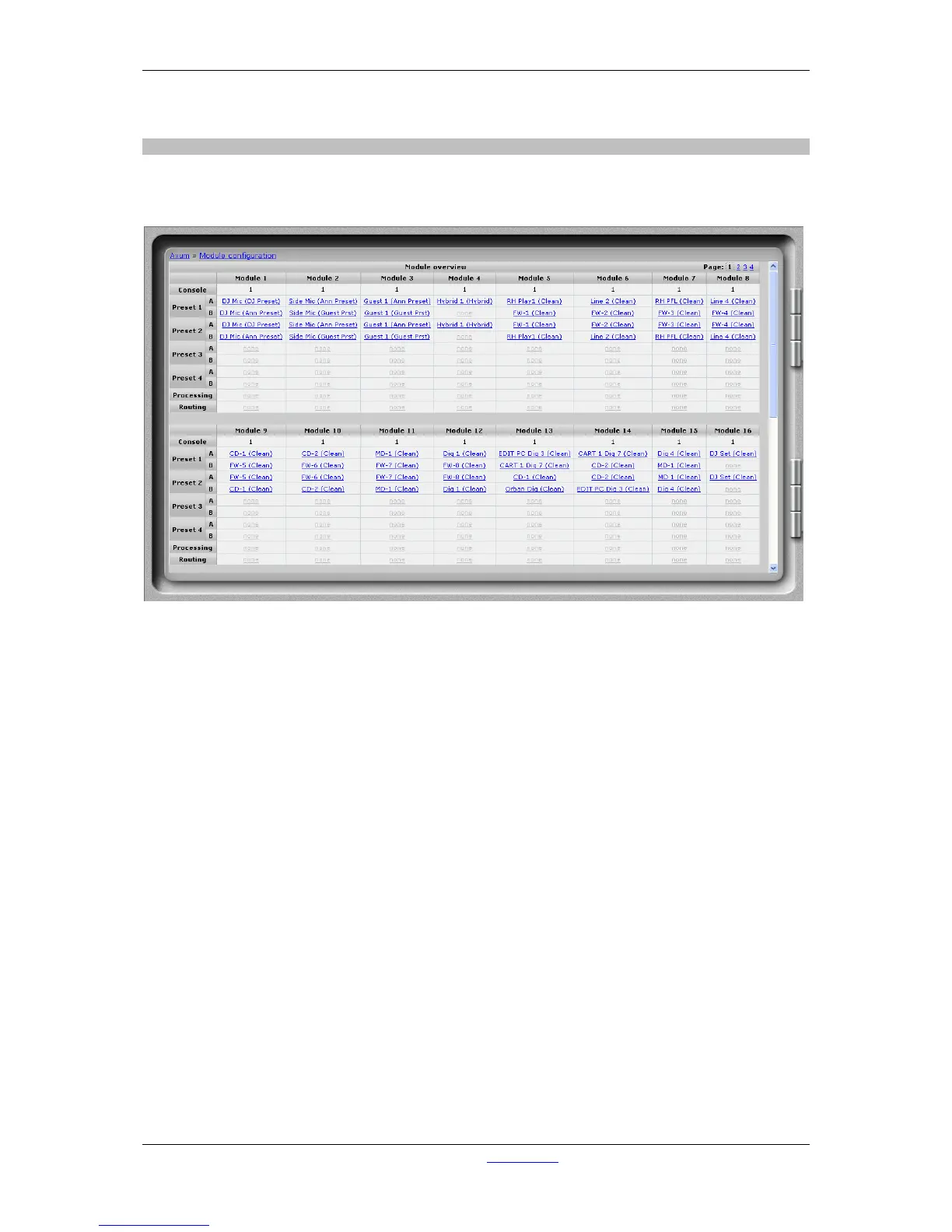
The module configuration makes it possible to give modules a default setting (after powering on) and
you can also configure module presets 1A/1B, 2A/2B, 3A/3B, 4A/4B.
Figure 18: Input module configuration
• Console
Shows to which console the module is assigned.
• Preset 1A/1B, 2A/2B, 3A/3B, 4A/4B
Shows the source and processing preset selected for corresponding module preset. If the ‘#’
symbol appears there is an active routing preset.
(click on the link to go to the configuration page for the module)
• Processing
Here you can see if there is any processing done.
(click on the link to go to the configuration page for the module)
• Routing
(click on the link to go to the configuration page for the module)



 To Next Page