A·X·U·M User Manual Version 2.5 - 2011-01-28
AXUM from D&R - Phone: +31 294 418014 - E-Mail: info@d-r.nl - 57 -
7 Surface(s) website
To set the time displayed in the meter of the console.
Simply enter the IP address of the console in your browser and log-on to the configuration pages.
By default the IP Address is: http://192.168.0.234
(at first time startup you can use a network or cross wire with a static IP given to your network
interface, e.g. 192.168.0.10).
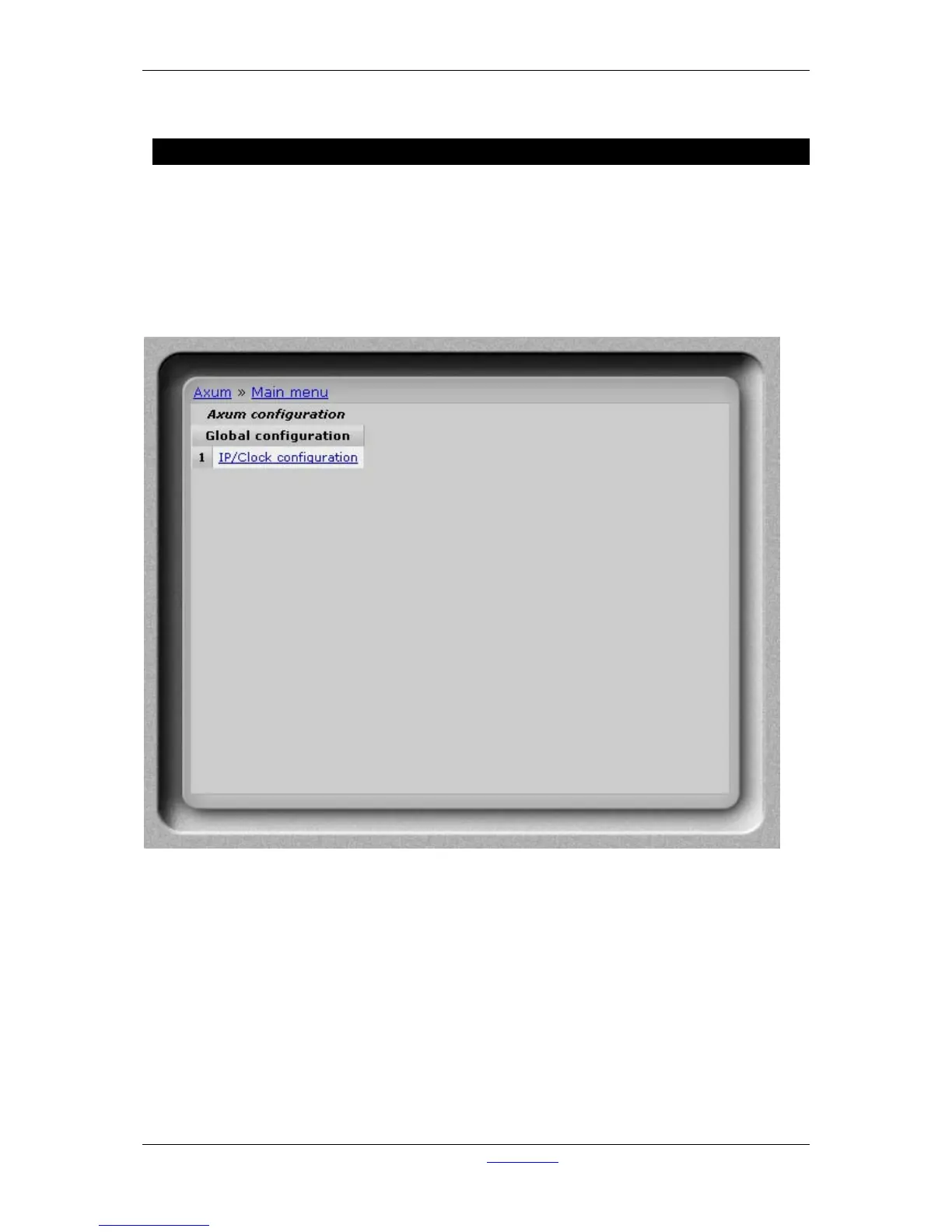
On the console website, you find the ip/clock configuration:
Figure 38: Console website



 To Next Page