A·X·U·M User Manual Version 2.5 - 2011-01-28
AXUM from D&R - Phone: +31 294 418014 - E-Mail: info@d-r.nl - 28 -
6.1.9 Processing presets
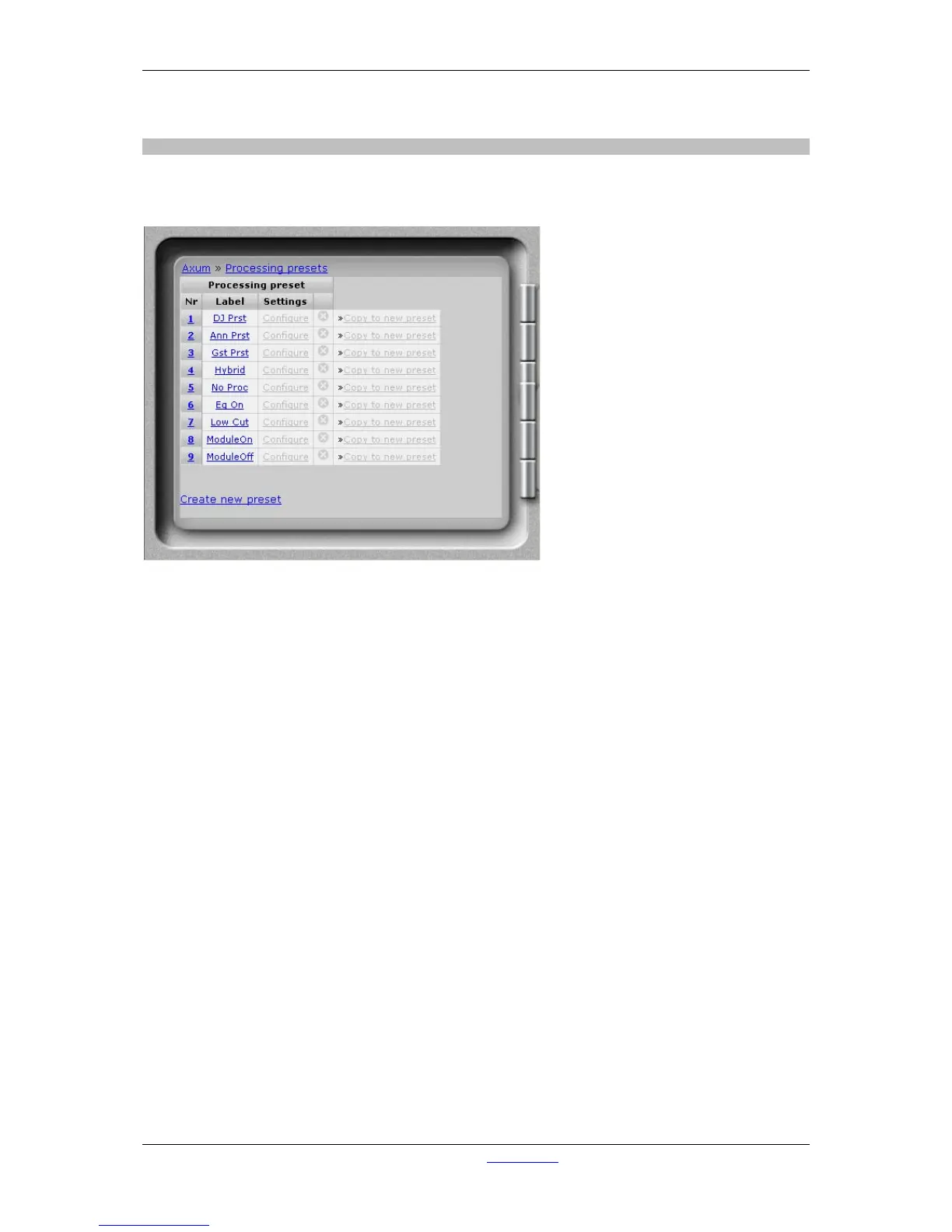
It is possible to set the module processing when a source is selected (via ‘source select’ or a module
preset) , the information for this functionality is stored in the processing presets.
Figure 14: Processing presets
• Nr
Here you can reposition the preset to make the list in a convenient order.
• Label
Name of the preset.
• Settings.
Shows a new page where you can configure the preset.
• Delete
When you click on this column the preset will be deleted (and also all references are deleted).
• Copy to new preset
This function can be used to get the current settings copied in a new preset.
A popup will appear where you have to setup the label for the new preset.
• Create new preset
By clicking on this link a popup will appear where you have to setup the label for the new
preset.



 To Next Page