A·X·U·M User Manual Version 2.5 - 2011-01-28
AXUM from D&R - Phone: +31 294 418014 - E-Mail: info@d-r.nl - 31 -
6.1.10 Module assignment
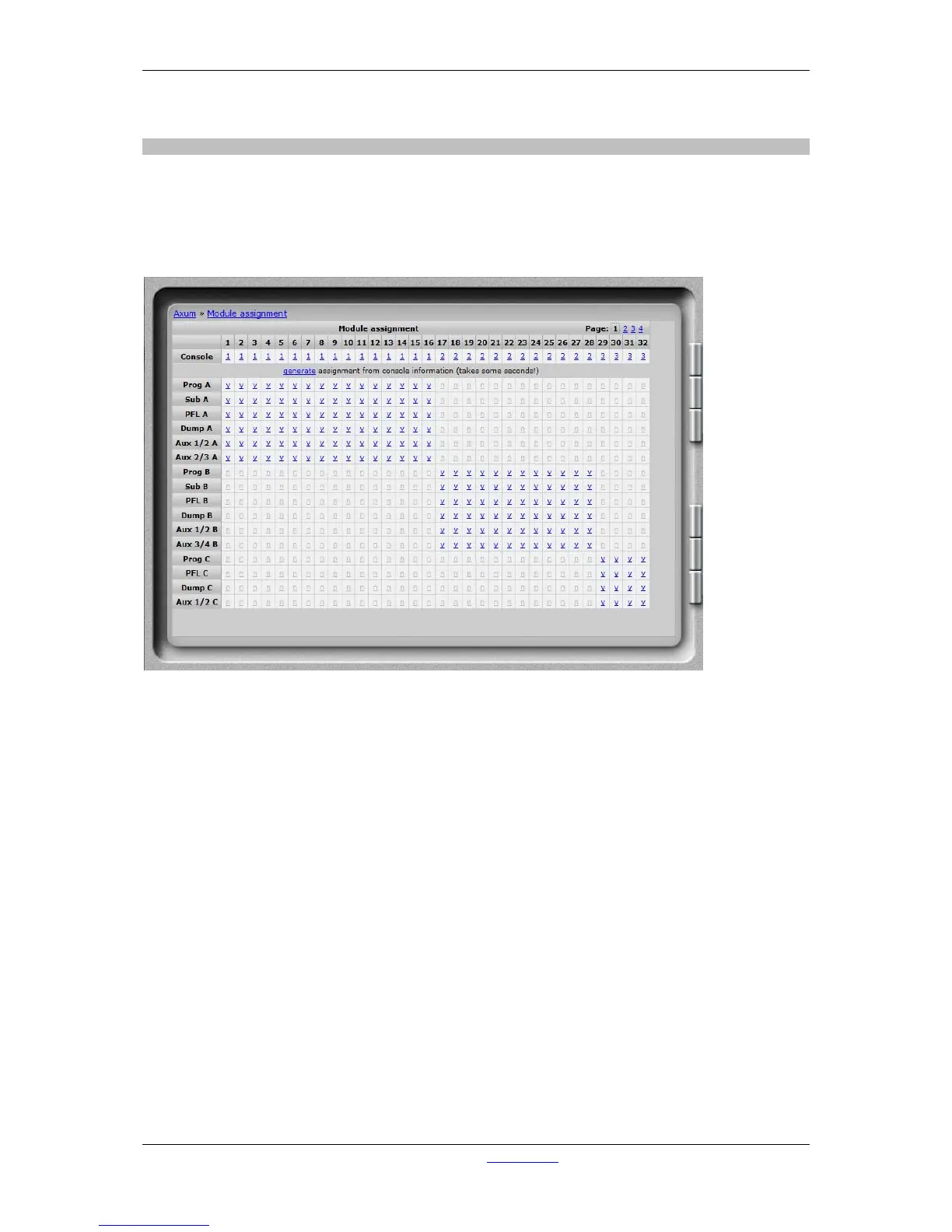
Modules can be assigned to one of the 4 consoles, after this and a correct assignment of the busses
(in buss configuration) to the consoles you may click ‘generate’ to make a correct assignment
configuration.
Afterwards you can override the generate assignments by clicking the ‘y’/’n’ fields. For example you
can create a buss that is available to all consoles.
Figure 17: Module assignment



 To Next Page