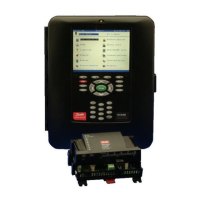
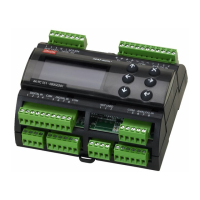
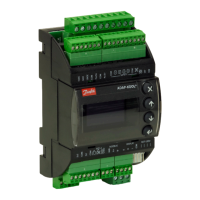
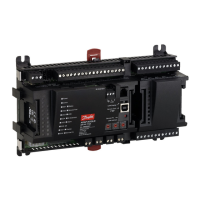
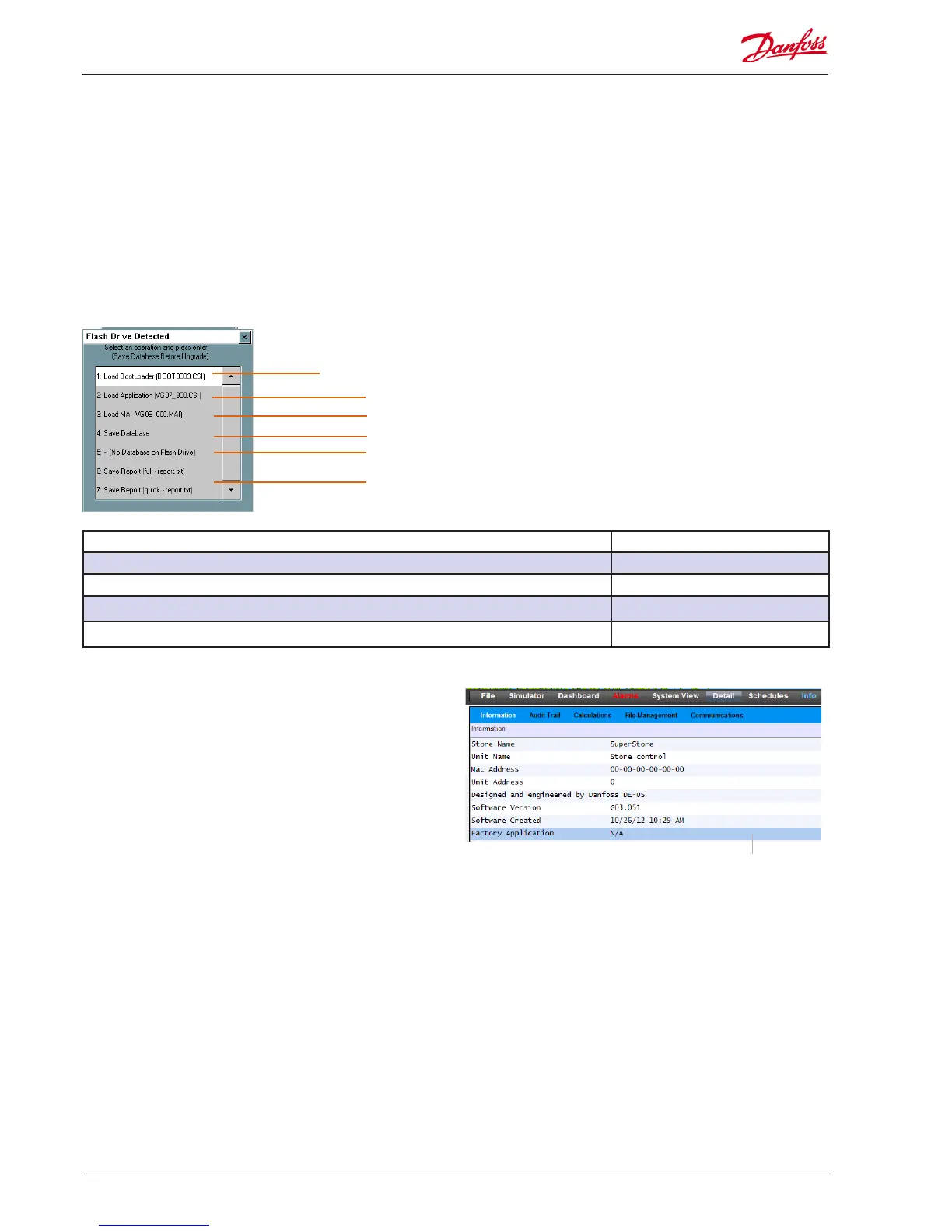
The AK-SM can read & write to USB ash based drives. Upon
insertion (or via main menu option 7), the USB menu window will
be shown (for DIN units read following section). A typical
example of the resulting pop up screen can be seen below, with
descriptions for each option. The menu reects supported les
located on the USB memory stick, and may vary from the
example below. Ensure relevant software les are located in the
USB root directory. When updating your AK-SM it is recom-
mended to rst update the ‘Bootloader’ (if specied), followed by
the Master Application Image (MAI). The MAI contains AK-SM
rmware, EDF and Web les needed.
Updating Software (via USB Flash Drive)
Bootloader le- used for AK-SM system le management
AK-SM Application code (does not include EDF/HTML les)
Save AK-SM system conguration as .txt le
Save AK-SM database (does not include any graphic view les)
File type / Description Method of loading
Boot.csi / Boot Loader le (required for system le management) USB Flash drive
CSI / Application code for AK-SM. Includes all system EDF les USB Flash drive or RMT tool
MAI / Master Application code for AK-SM. Includes all rmware, EDF and Web les USB Flash drive or RMT
FAI / Factory Application Image USB
Remotely Upgrading you AK-SM unit - what is the FAI le
Your AK-SM has the ability to be upgraded via a remote connec-
tion (RMT). Upgrading via remote oers several advantages, the
obvious one being time saving. However, this is increased risk
when preforming remote upgrades (i.e. quality of connectivity,
power..). Software version 03_051 (and above) comes with an
additional extension, FAI (Factory Application Image). The FAI
software le contains special code designed to support remote
software upgrades. The FAI le provides a ‘fall back’ state, if at
any time a later remote upgrade fails or gets corrupted. Rather
than leave a unit in a unstable state in the event of a corrupted
remote upgrade, the factory image ensures you can always make
contact to re-install code again. In addition, the FAI contains the
MAI, which also contains all relevant web and EDF les. Via the
Info screen, check if your AK-SM unit has a Factory Application
installed. For future remote upgrades it is recommended that the
FAI is installed if it is not already present in your system. The AK-
SM can run without the FAI, with rmware updates being done
via the MAI le.
Under the Info->Information tab, check to see if a Factory Application
is installed (FAI).
If you intend to perform remote software updates, Danfoss recom-
mends the loading of the FAI le.
Master Application Image (includes rmware, EDF and HTML les)
Load a SM-850 database
Flash Drive options
Option 1: The Bootloader le can be updated via USB connection.
Option 2: The Application software can be updated via USB
connection.
Option 3: Master Application Image (MAI). This is the recom-
mended le to update your AK-SM, it contains rmware, EDF and
Web les
Option 4: Save AK-SM database via USB
Option 5: Load AK-SM database via USB
Option 6: Save report (txt le format, containing main system
conguration details)
Option 7: Save Report (txt le format, containing congured
system status, not full conguration details)
Recommended method for upgrading your AK-SM - Boot-
loader
The AK-SM bootloader le is a critical le that manages system
boot up sequence and system management. The Bootloader can
not be loaded remotely. Updating the bootloader can be done
in application mode (normal AK-SM operation) or when placed in
bootloder mode. The following description of how to upgrade
your Bootloder version is via normal AK-SM operation mode.
70 User Guide Lit. no. USCO.PI.R1.E1.02 © Danfoss 07-2013 AK-SM 850


 To Next Page
 Loading...