D-1
D
Interface Information
This printer can communicate with a computer through a serial interface, a USB interface,
a Blue Tooth wireless interface, an IEEE 802.11B wireless interface. Interfaces may vary
from unit to unit depending on which configuration is purchased.
This appendix provides information you may need for wiring your own interface cables or
for programming computer-to-printer communications. Most users do not need the infor-
mation in this appendix. This information is most useful to people who specify how to con-
figure and install these printers.
Removing the Connectivity Cover
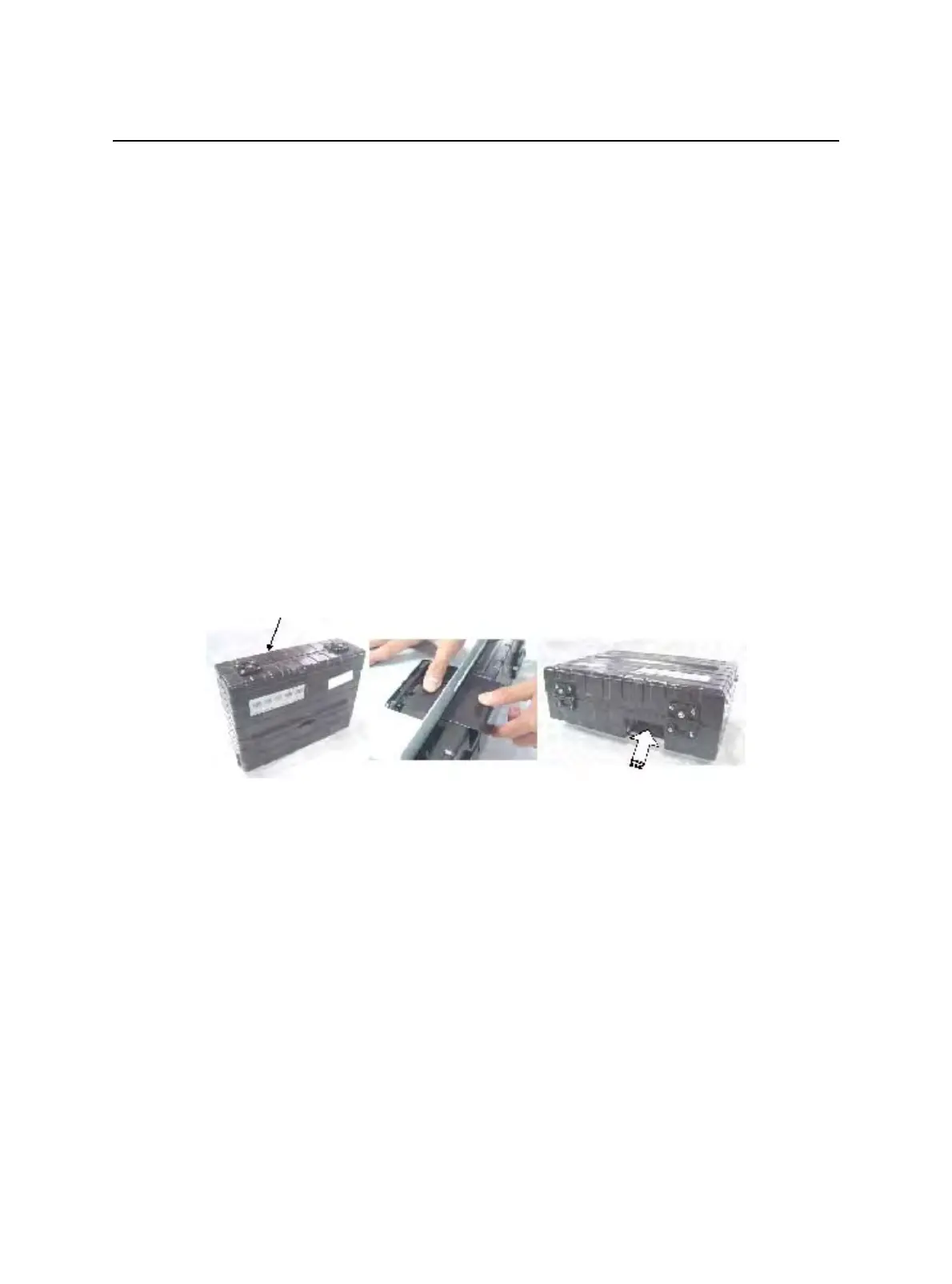
To connect the printer through an IEEE 802.11B wireless interface , you must first re-
move the connectivity cover on the bottom side of the printer.
1 Locate connectivity cover on the bottom side of the printer.
2 Push the top of the connectivity cover slightly inward.
3 Pull the connectivity cover slightly downward and out.
4 Connect the desired Wireless LAN module.
Connectivity Cover



 To Next Page