Paper Handling
2-9
The following table summarizes the use of levers and keys in paper handling. More
detailed information is provided later in this chapter.
Levers and keys used for Paper Handling
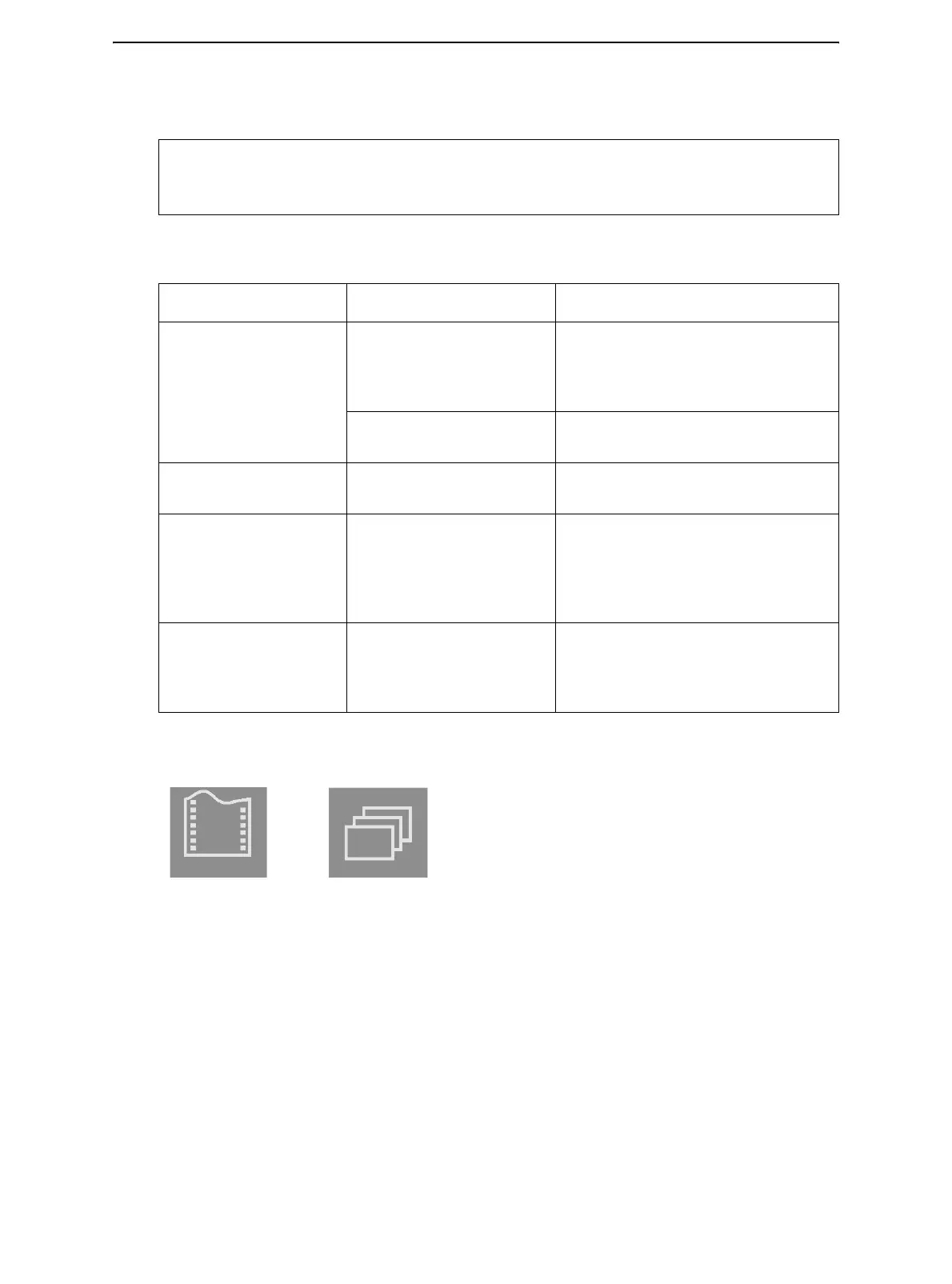
* The following graphics are engraved on the casing.
CAUTION: To load or feed paper, the printer must be:
• In the Ready state but not receiving or printing data
• In the Pause state
Lever/key Purpose Action
FF/LOAD Form Feed Press FF/LOAD to execute a form
feed. Continuous forms are fed
forward by one page. Single sheets
are ejected.
Load paper Press FF/LOAD to feed paper to the
top of form position.
PARK Unload forms Press PARK to retract continuous
forms to the “park position.”
SETUP/EXIT + ALT Enter Top-of-Form (TOF)
Adjustment mode
Press SETUP/EXIT and ALT at the
same time to enter TOF Adjustment
mode where the paper loading posi-
tion can be adjusted. See Top-of-
Form Adjustment later in this chapter.
Paper select lever * Select paper path Move the paper select lever back-
ward for continuous sheets. Move the
paper select lever forward for single
forms.
Continuous Forms Single Sheet



 To Next Page