Paper Handling
2-8
Overview of Paper Operations
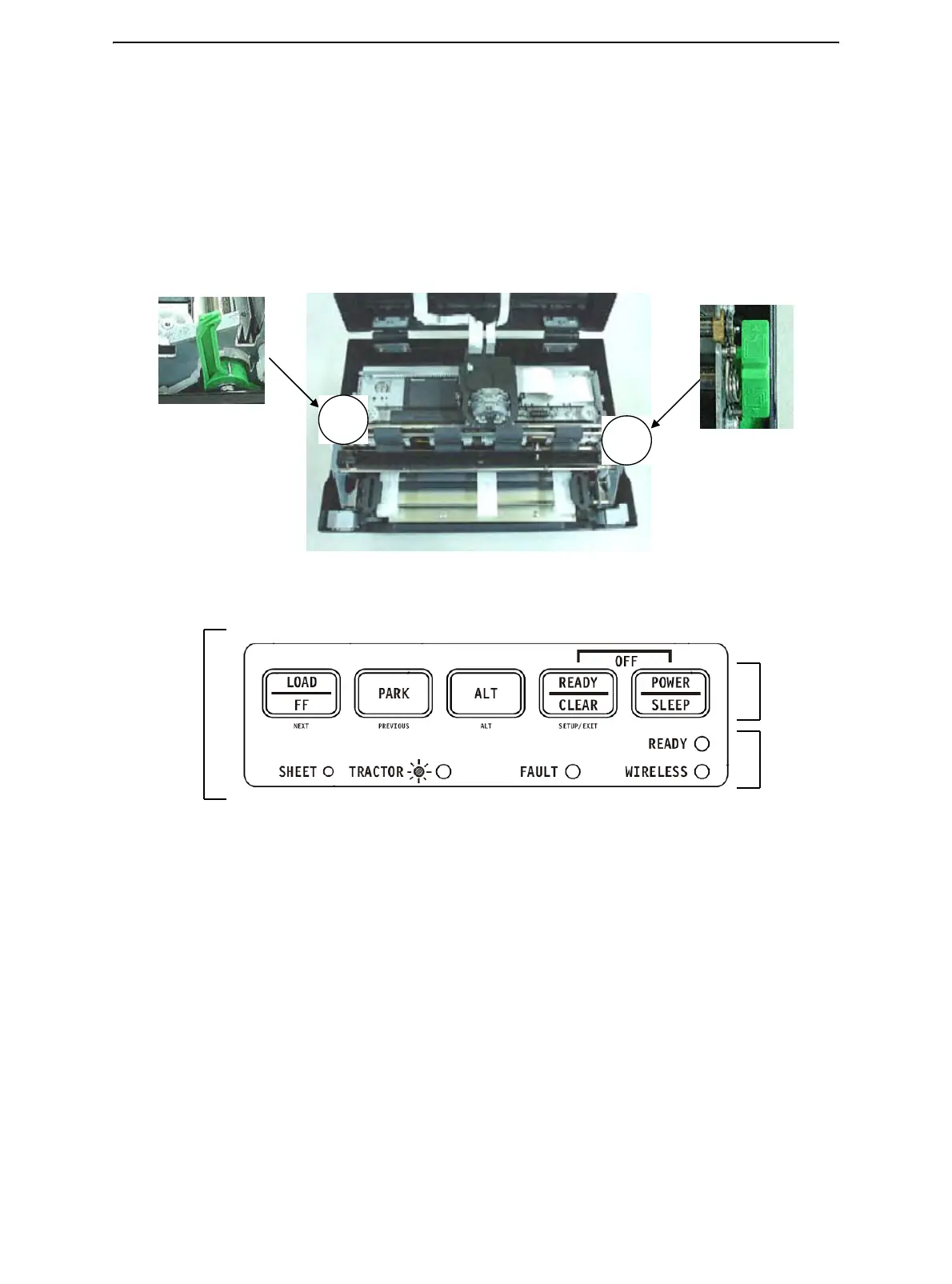
The following levers and keys are used in paper handling. Lift the cover to locate these
levers inside the printer.
• Print Gap lever on the left side under the cover
• Paper Select lever on the right side under the cover
The following figure shows the location of each lever, indicators, and keys:
• All keys on the control panel for primary and alternative functions are labeled below
and above respectively.
Printer Controls and keys
Print Gap Lever
Paper Select
Lever
Control
Panel
Control
keys
Indicator
Lights



 To Next Page