Maintenance
5-5
Installing the Ribbon
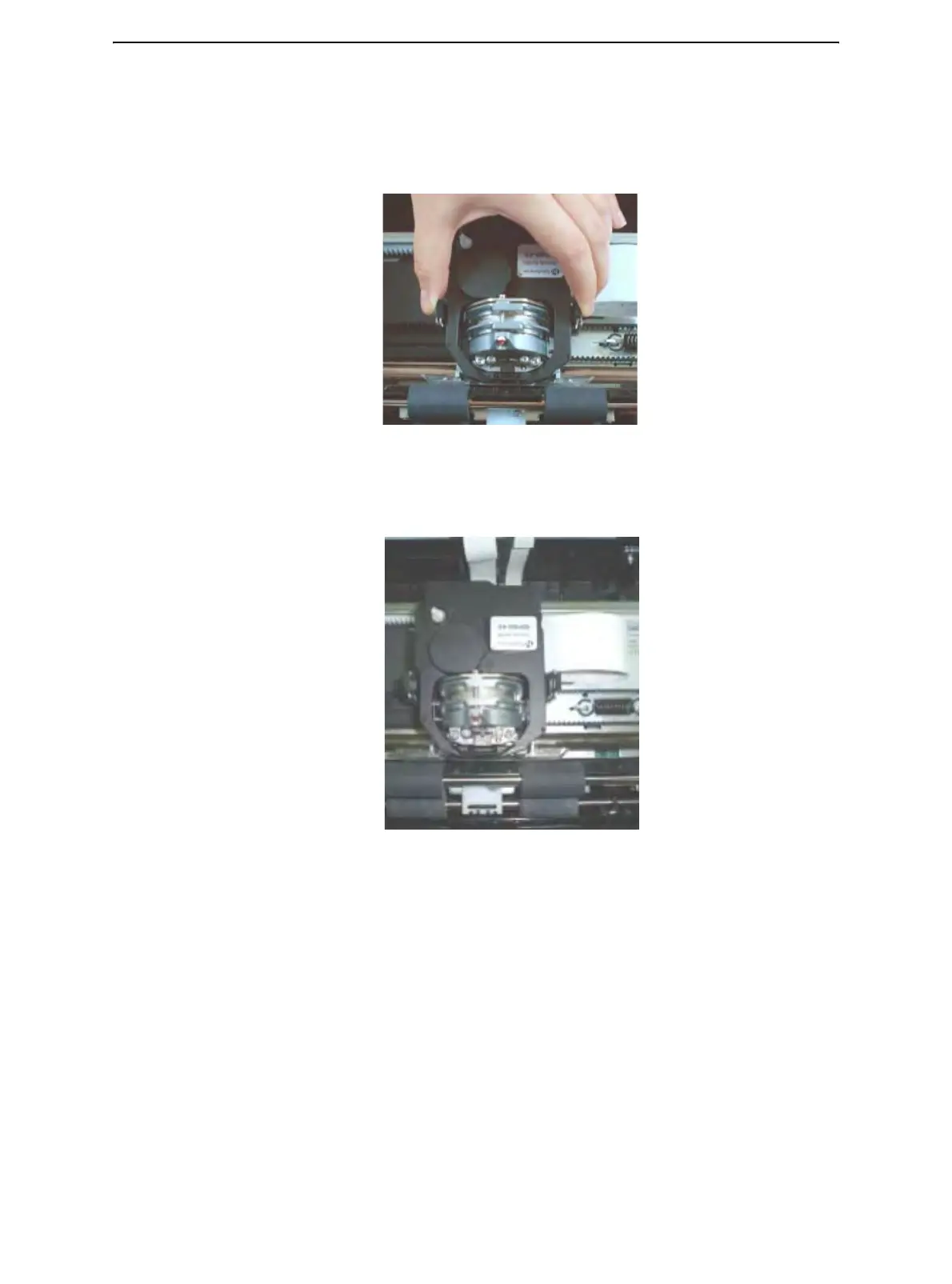
1 Open print-gap lever fully open. To remove the old ribbon, squeeze both of the rib-
bon's tabs and lift the ribbon straight out of its carriage. Be careful of the print head
during this operation.
2 When placing the new ribbon cartridge on the carriage, make sure that the thin ribbon
does not become bunched or folded at the print head. Readjust the print gap to
achieve good print quality.
3 Use the printing test function to check printing. See "Printing Test Function" in
chapter 4 "Using Special Mode".



 To Next Page