Paper Handling
2-11
Using Continuous Forms
Continuous forms paper, fanfolded at the horizontal perforations, is ideal for printing
rough drafts, long files, forms and invoices. The paper is fed into the printer using the
forms tractor unit. The Push tractor is at the front/bottom of the printer. The paper is
loaded and adjusted via keys. The forms may be advanced to tear off position by operator
or automatically through a timeout.
Positioning the Paper Stack
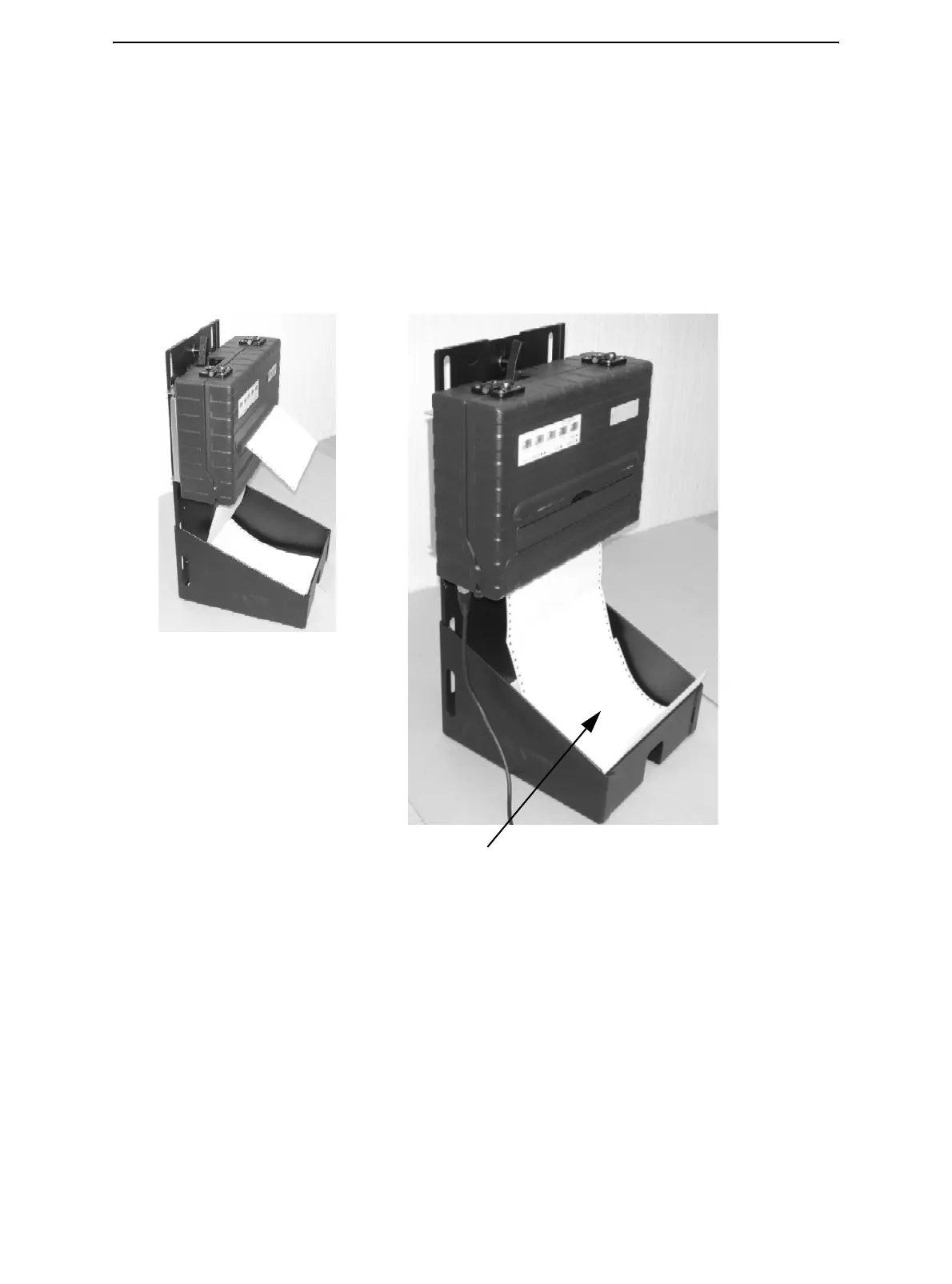
Place the stack of continuous forms paper as shown in the picture below.
Side View
Continuous Form Paper Stack



 To Next Page