Paper Handling
2-12
Loading Continuous Forms (Push Tractor)
This section explains how to use continuous forms with a push tractor at rear (or bottom,
depending on printer orientation). Paper is loaded and adjusted via keys. Forms may be
advanced to tear off feature by operator or by host.
To load continuous forms paper:
1 Make sure that the printer is turned on. Remove any single-sheet paper from the
printer.
2 If necessary, readjust the Print Gap lever for continuous forms. (See the section
“Adjusting for Paper Thickness” earlier in this chapter.)
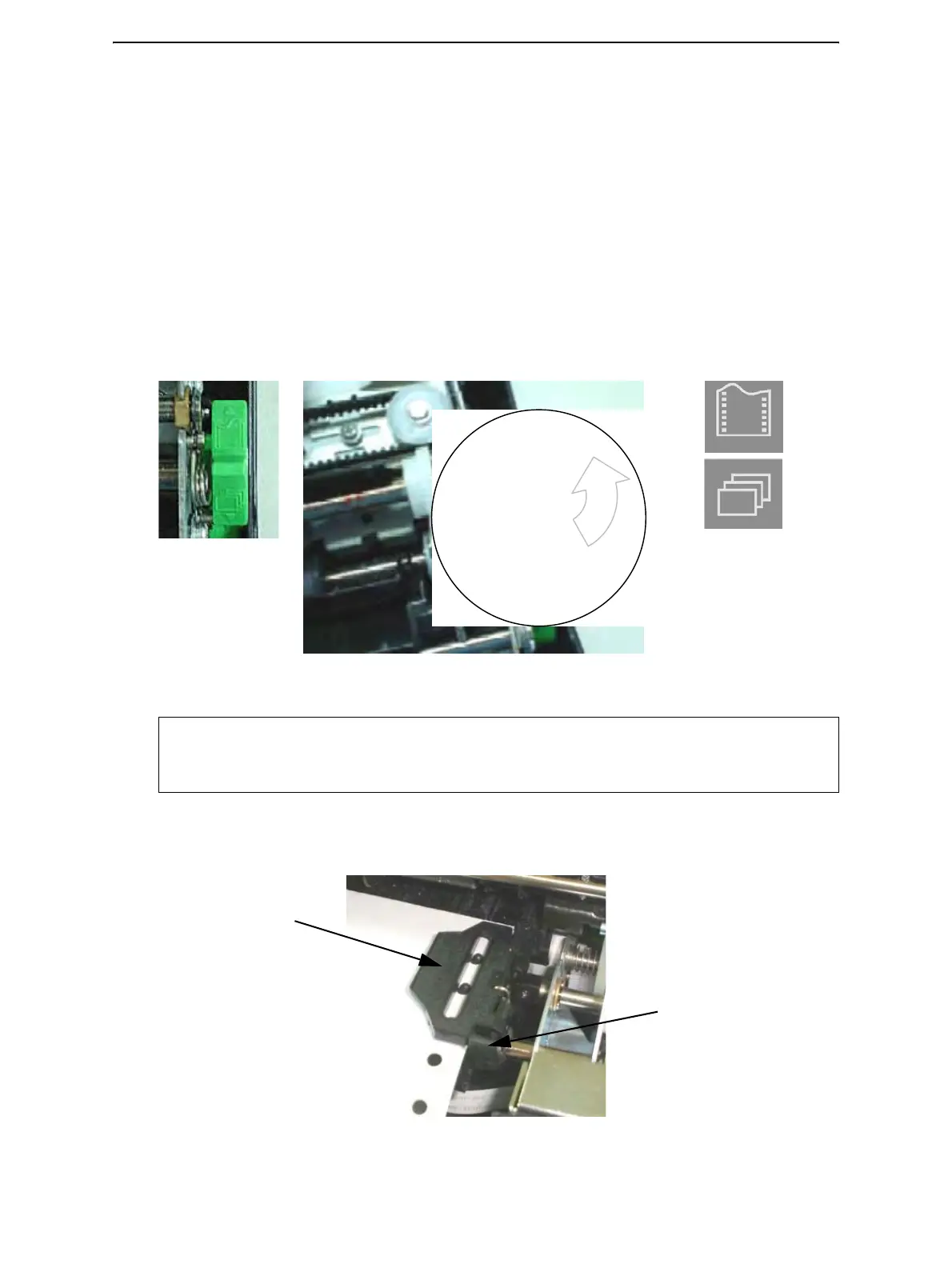
3 Move the paper select lever backward to Continuous Paper position.
4 Release the tractor locking levers by pulling them up. Once the right forms tractor is
positioned, lock it by pushing down its locking lever.
NOTE: For improved viewing of tractors, you may move the Paper Support to the full-
up (Position 3) position. After loading the paper, move it back to the full-down
(Position 1) position.
Continuous
Single Sheet
Rear of Printer
Front of Printer
Paper Select Lever
Tractor Door
Tractor Locking Lever



 To Next Page