Using Special Mode
4-22
Printing Test Function
The printing test function prints test pages independently of your computer to check print-
ing operations and quality. It does not check the interface between the computer and the
printer.
The printing test prints all of the characters available in the ASCII character set.
1 To enter the Printing Test mode:
a) Make sure that the tractors are loaded with continuous feed paper and that the pa-
per select lever is set backward.
b) Turn the printer off.
c) Turn the printer back on while pressing the “LOAD/FF” key.
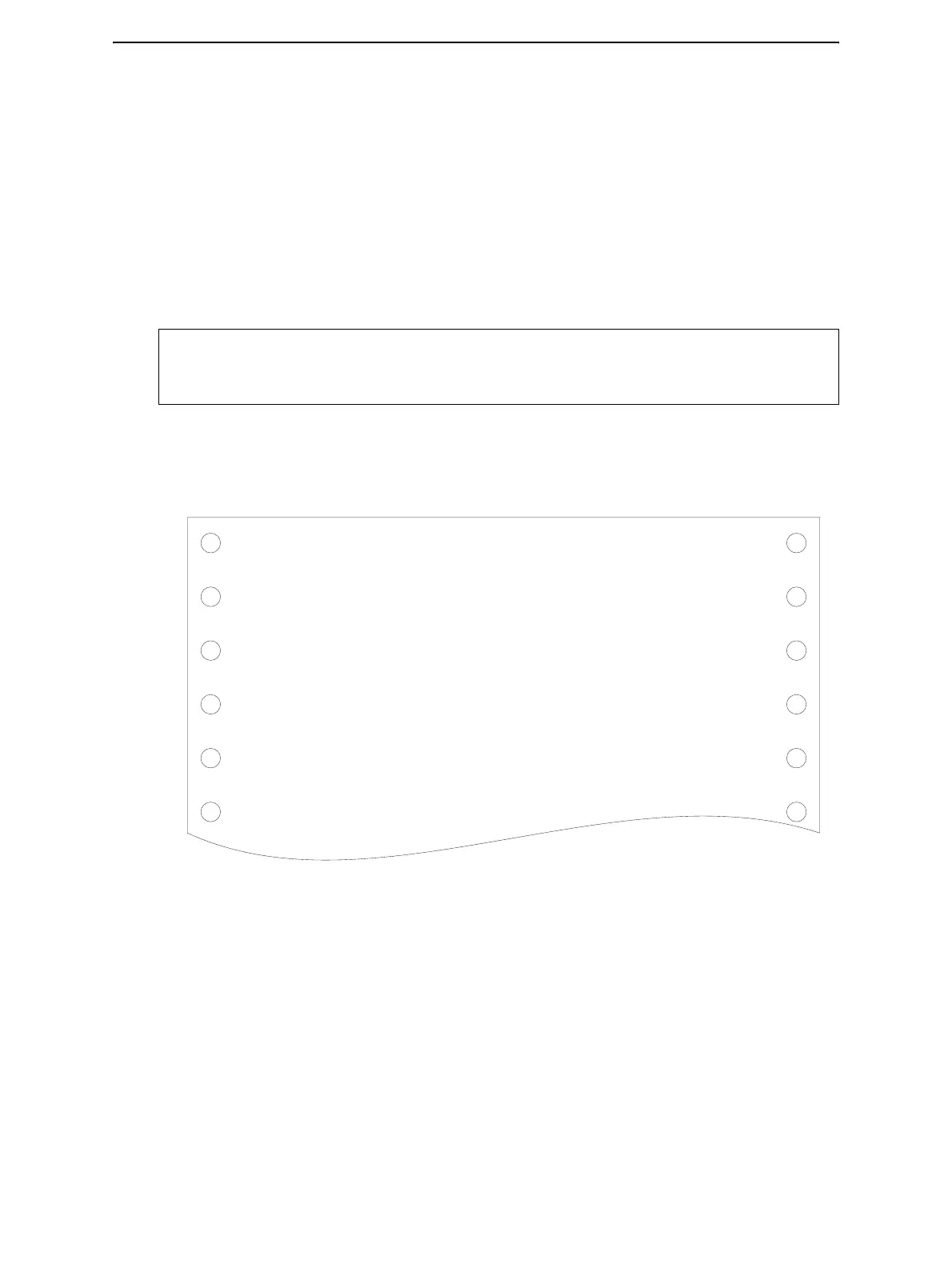
2 The printer starts to print rolling ASCII data as shown below.
3 To exit the Printer Configuration mode:
Printing Test mode is continues until power OFF.
NOTE: Do not press any keys alone or in combination, except for pressing the LOAD
key alone when turning the printer on, to avoid initiating unexpected tests not
permitted for the user.
_!"#$%&'()*+,-./0123456789:;<=>?@ABCDEFGHIJKLMNOPQRSTUVWXYZ[
!"#$%&'()*+,-./0123456789:;<=>?@ABCDEFGHIJKLMNOPQRSTUVWXYZ[\
"#$%&'()*+,-./0123456789:;<=>?@ABCDEFGHIJKLMNOPQRSTUVWXYZ[\]
#$%&'()*+,-./0123456789:;<=>?@ABCDEFGHIJKLMNOPQRSTUVWXYZ[\]^
$%&'()*+,-./0123456789:;<=>?@ABCDEFGHIJKLMNOPQRSTUVWXYZ[\]^_
%&'()*+,-./0123456789:;<=>?@ABCDEFGHIJKLMNOPQRSTUVWXYZ[\]^_`
&'()*+,-./0123456789:;<=>?@ABCDEFGHIJKLMNOPQRSTUVWXYZ[\]^_`a
'()*+,-./0123456789:;<=>?@ABCDEFGHIJKLMNOPQRSTUVWXYZ[\]^_`ab
()*+,-./0123456789:;<=>?@ABCDEFGHIJKLMNOPQRSTUVWXYZ[\]^_`abc
)*+,-./0123456789:;<=>?@ABCDEFGHIJKLMNOPQRSTUVWXYZ[\]^_`abcd



 To Next Page