3-1
3
Printing
This chapter describes the following typical printing operations:
• Starting, stopping, or resuming printing and viewing last printed lines
• Removing printed pages
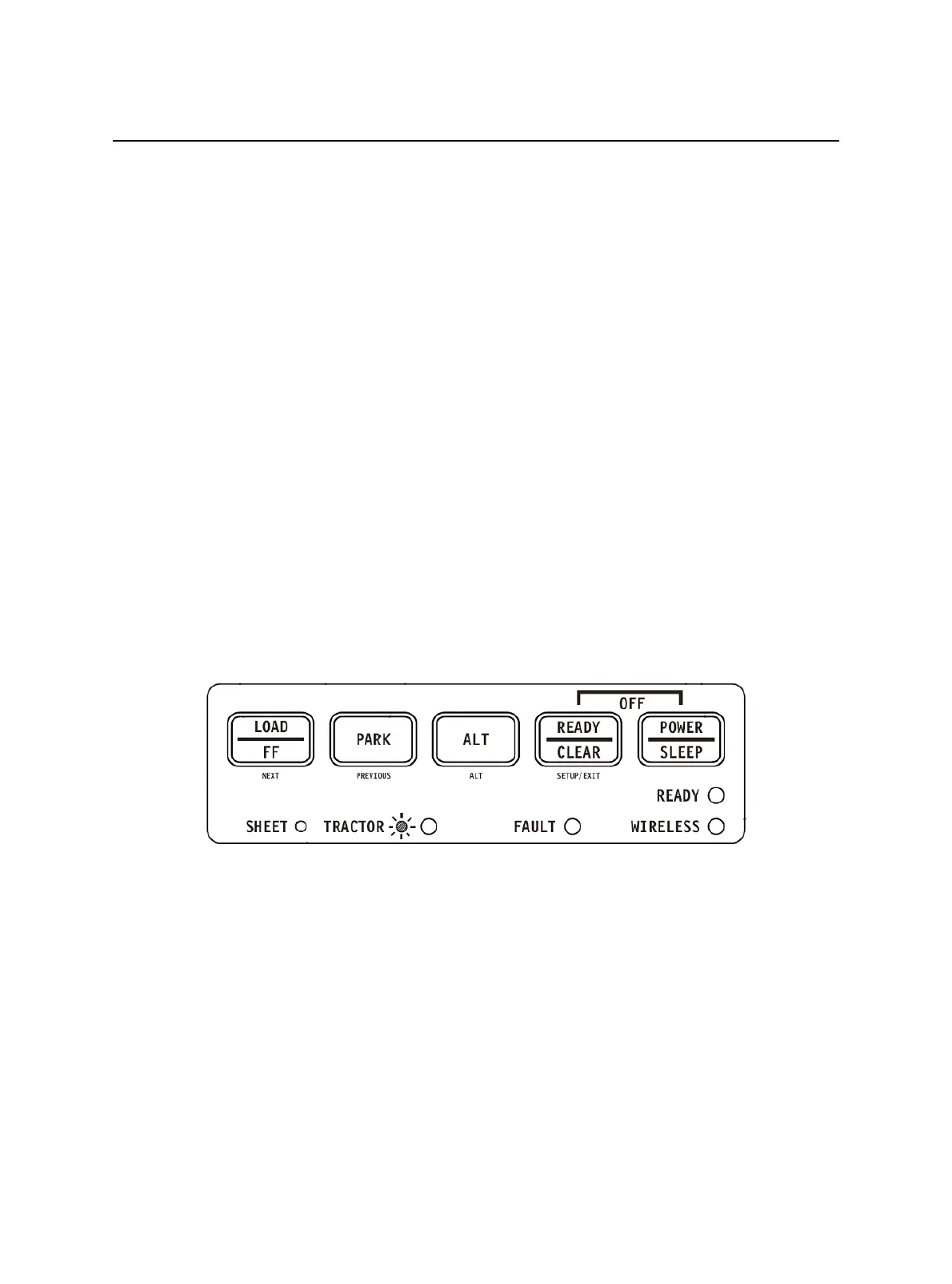
The PARK, LOAD and the READY keys are used for these operations, which are descri-
bed in detail in this section. For a summary of the operation of these keys, see the sec-
tion, “Getting to Know the Printer’s Major Parts and the Control Panel,” in Chapter 2,
“Paper Handling.”
Instructions for loading and handling paper are also given in Chapter 2, “Paper Handling.”
This chapter also describes how to set the printer into the sleep mode.
Using the Control Panel
Some print features can be selected from the control panel. These features are, two pre-
determined sets (macros) of print features, and two emulations.
Printer Control Panel



 To Next Page