96-30051-001 Rev. D3 DDN SFA12K (SFA OS 2.3.1) Hardware Installation & Configuration Guide | 104
Appendix D Activate Feature License
This appendix provides information on how to generate an activation key and activate the
license.
1. From the Controllers menu, select Show Controllers. Select to display the primary
controller details. Note down the controller ID.
2. From the Enclosures menu, select Show Enclosures. Select to display the primary
controller details (usually at index 0). Note down the controller’s baseboard serial
number.
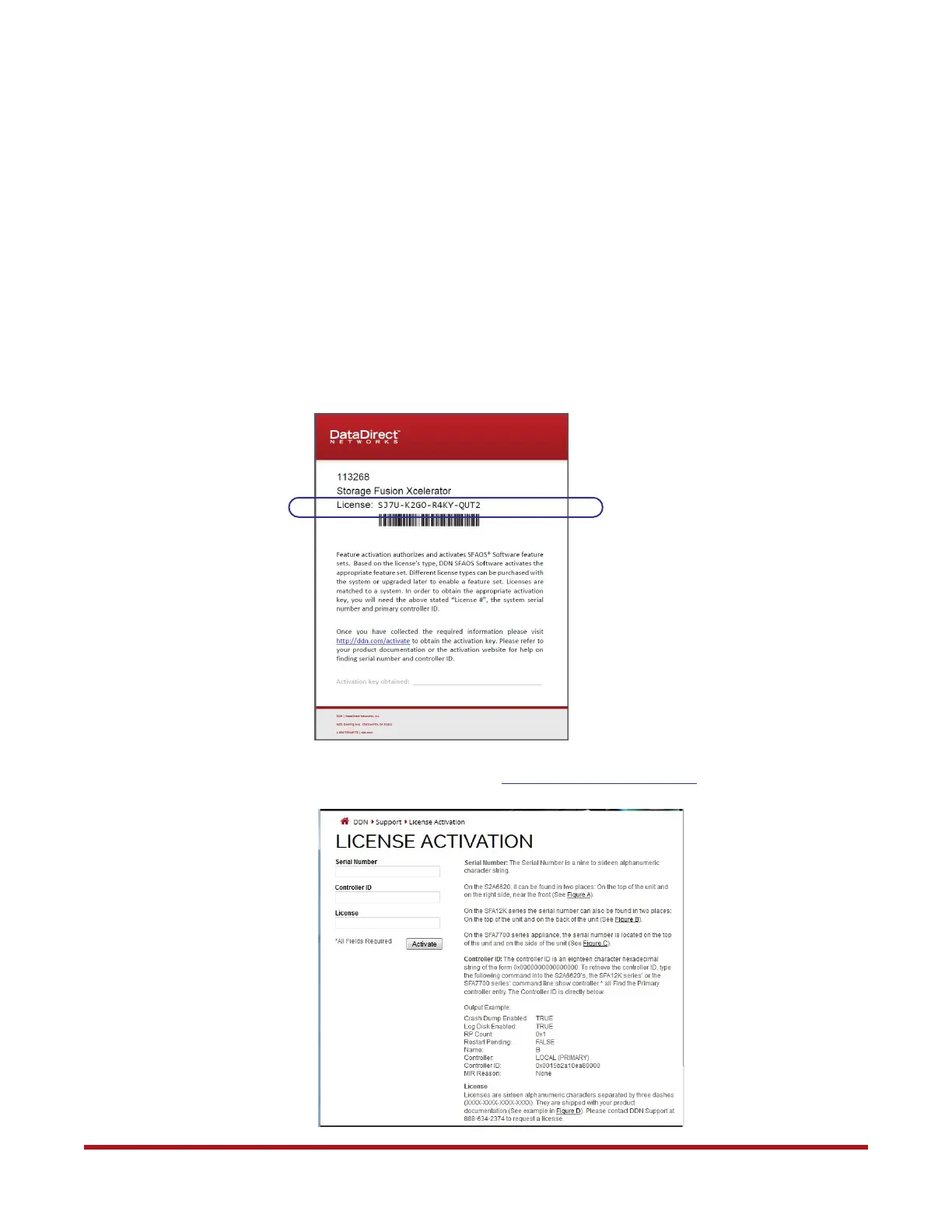
3. Note down the 16-digit license number that came with your shipment.
4. To generate an activation key, go to http://www.ddn.com/Activate.



 To Next Page