Rack Installation
96-30051-001 Rev. D3 DDN SFA12K (SFA OS 2.3.1) Hardware Installation & Configuration Guide | 51
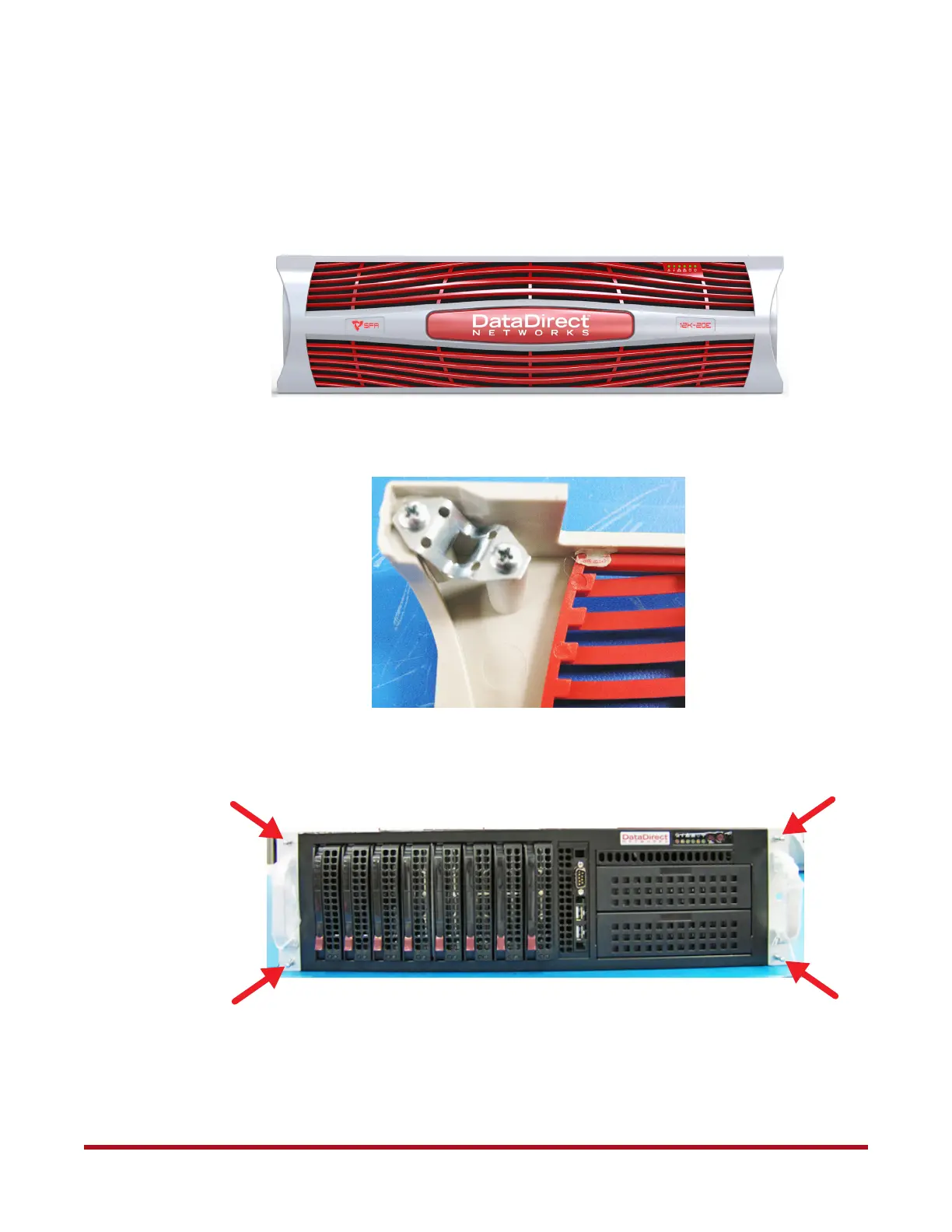
13. Install the front bezel (Figure 60). The bezel uses ball stud and clip fasteners.
- Align the clips at each corner of the bezel
(Figure 61) with the ball studs on the
flanges (Figure 62).
- Push the bezel in until all four studs engage with the clips.
Figure 60. SFA12K Front Bezel
Figure 61. Clip on Back of Bezel
Figure 62. Ball Studs on Flanges



 To Next Page