Rack Installation
96-30051-001 Rev. D3 DDN SFA12K (SFA OS 2.3.1) Hardware Installation & Configuration Guide | 56
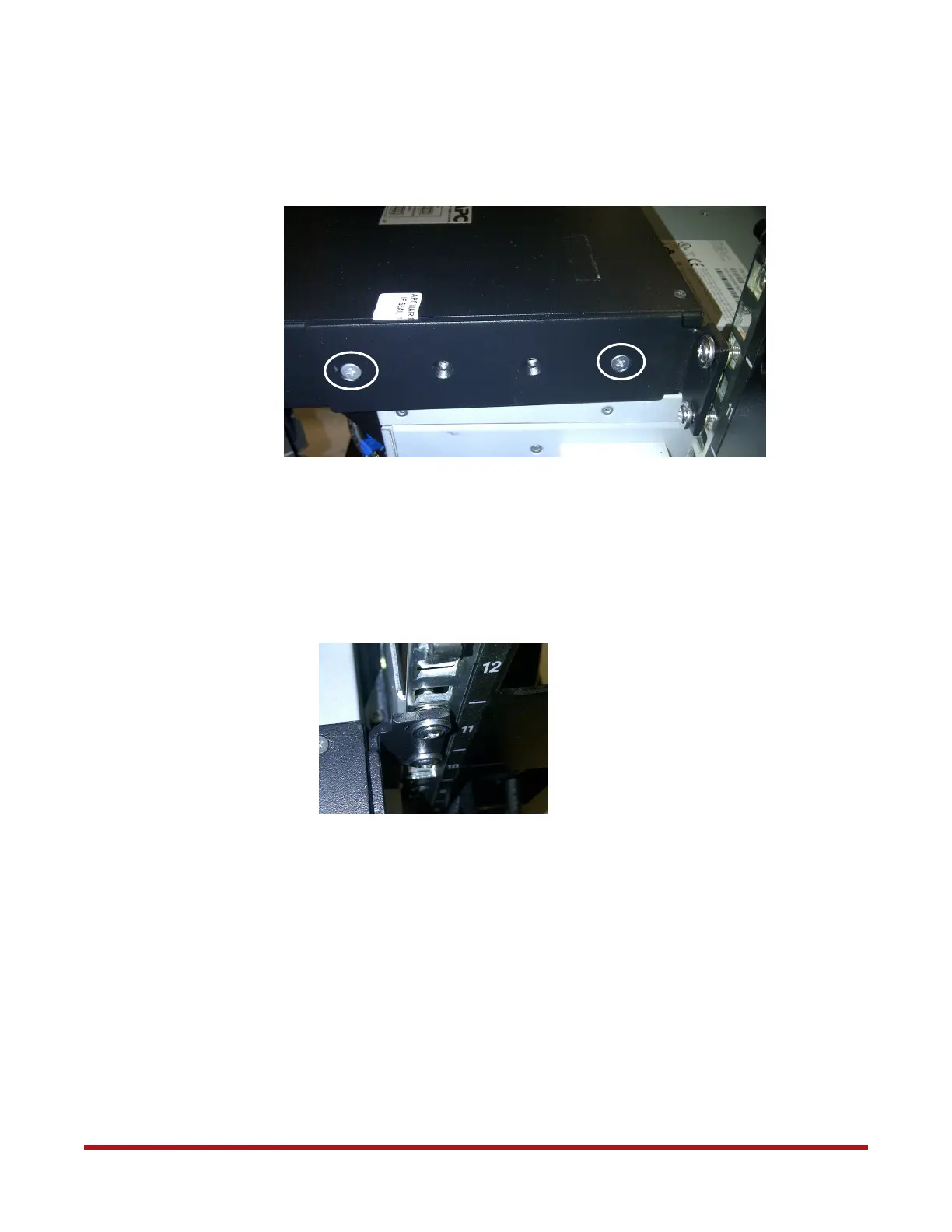
3. With the help of another person, attach the ATS to the two brackets using the four flat
head screws (two screws on each side) as shown in Figure 73.
4. Verify that the alignment washers are properly aligned and seated in the vertical
mounting rails (Figure 74). Then tighten all four pan head screws to secure the ATS
brackets.
Figure 73. Attach ATS to Brackets
Figure 74. Tighten Pan Head Screws



 To Next Page