96-30051-001 Rev. D3 DDN SFA12K (SFA OS 2.3.1) Hardware Installation & Configuration Guide | 85
Disk Enclosure Cabling
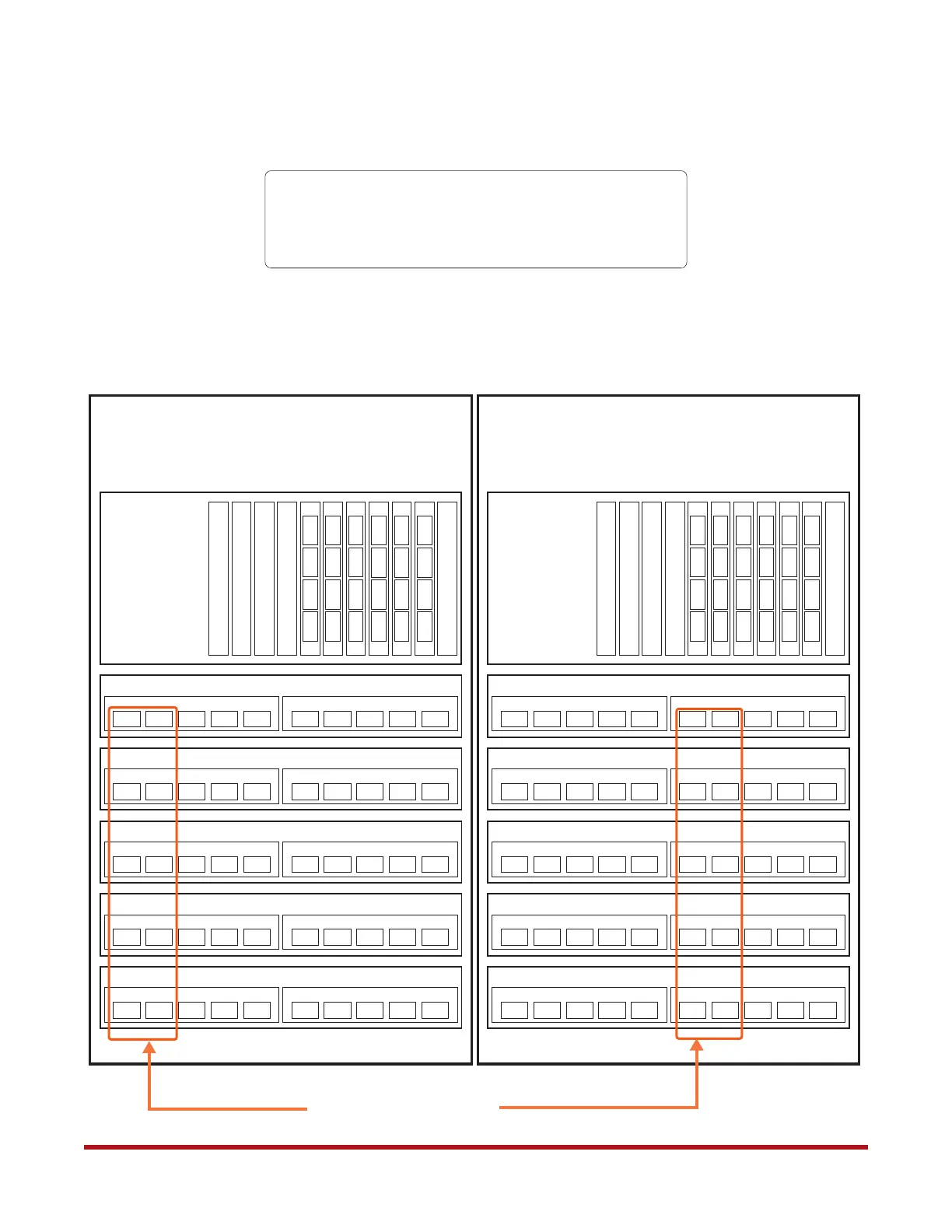
Figure 101. SFA12KX/12K-40 Configuration with 10 x SS8460 Enclosures
032002
I/O Module A
Disk Enclosure 01
132102
I/O Module B
042012
I/O Module A
Disk Enclosure 02
142112
I/O Module B
040010
I/O Module A
Disk Enclosure 03
140110
I/O Module B
050020
I/O Module A
Disk Enclosure 04
150120
I/O Module B
052022
I/O Module A
Disk Enclosure 06
152122
I/O Module B
030000
I/O Module A
Disk Enclosure 05
130100
I/O Module B
043013
I/O Module A
Disk Enclosure 10
143113
I/O Module B
033003
I/O Module A
Disk Enclosure 09
133103
I/O Module B
051021
I/O Module A
Disk Enclosure 08
151121
I/O Module B
031001
I/O Module A
Disk Enclosure 07
131101
I/O Module B
020 021 022
010 012 013
000 001 002 003
Controller 0
120 121 122
110 112 113
100 101 102 103
Controller 1
050 051 052
040 042 043
030 031 032 033
150 151 152
140 142 143
130 131 132 133
Optional—If you are using 3-meter cables only:
- Remove side panels from the adjoining sides of racks.
- Run cables from the back of the controllers into the channels on the
right and left of each rack at the same altitude as the controller.
No. of HD Mini-SAS to HD Mini-SAS Cables Required:
3-meter: 20
6-meter: 20
Use 6-meter cables to connect
these ports to the controller
installed in the other rack
Zoning Configuration: 0



 To Next Page