DK-45 Kullanım Kılavuzu V1.0 (22.09.2016)
- 23 -
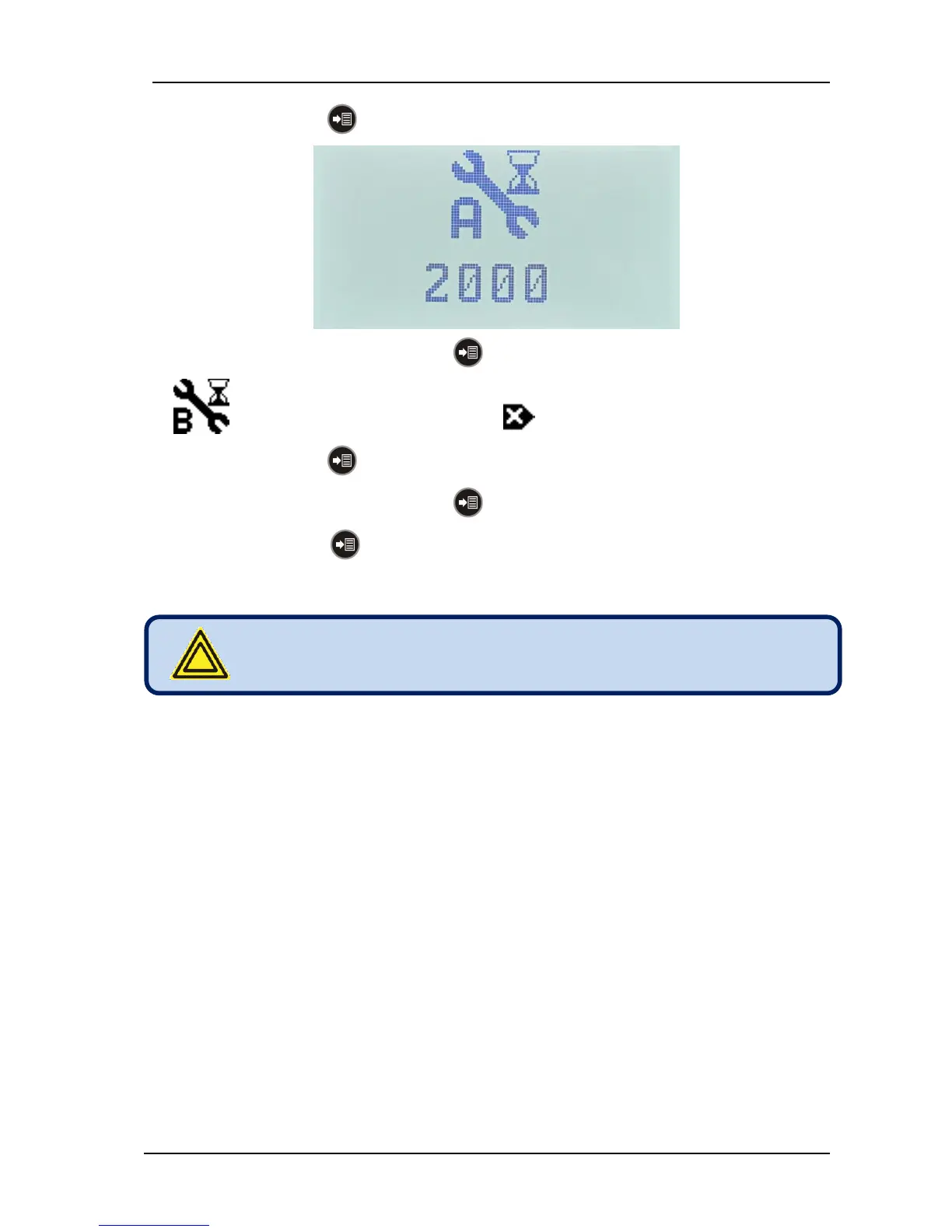
- Press again the MENU pushbutton. The remaining hours to service A will be displayed.
- In order to reset service A, hold the MENU button pressed during 3 seconds.
- (hours remaining to service B) icon and (reset) icon will be displayed.
- Press again the MENU pushbutton. The remaining hours to service B will be displayed.
- In order to reset service B, hold the MENU button pressed during 3 seconds.
- With successive MENU button keypresses other (C,D,E) service counters may be displayed
and reset.



 To Next Page