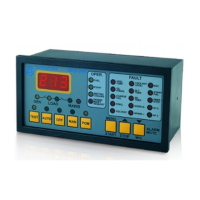
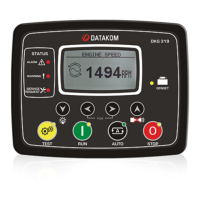
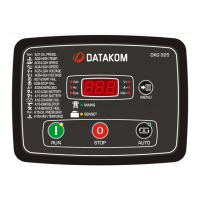
In order to set hour run counters to a given value:
- Hold pressed during 3 seconds MENU , RUN and STOP pushbuttons. If the HIGH
LEVEL password is not entered in the last 90 minutes, then the controller will ask for password.
- Enter password.
- “RUN H.” Message and the zero counter value will be displayed.
- Adjust the counter to the desired value using RUN and STOP pushbuttons.
- If the MENU pushbutton is held pressed for 3 seconds, (adjusted) icon will be displayed
announcing that the counter is set to its new value.
If MENU pushbutton is shortly depressed then the counter value will not change and the next
counter’s value will be displayed. The counter value may be modified and saved as explained above.



 To Next Page