DK-45 Kullanım Kılavuzu V1.0 (22.09.2016)
- 35 -
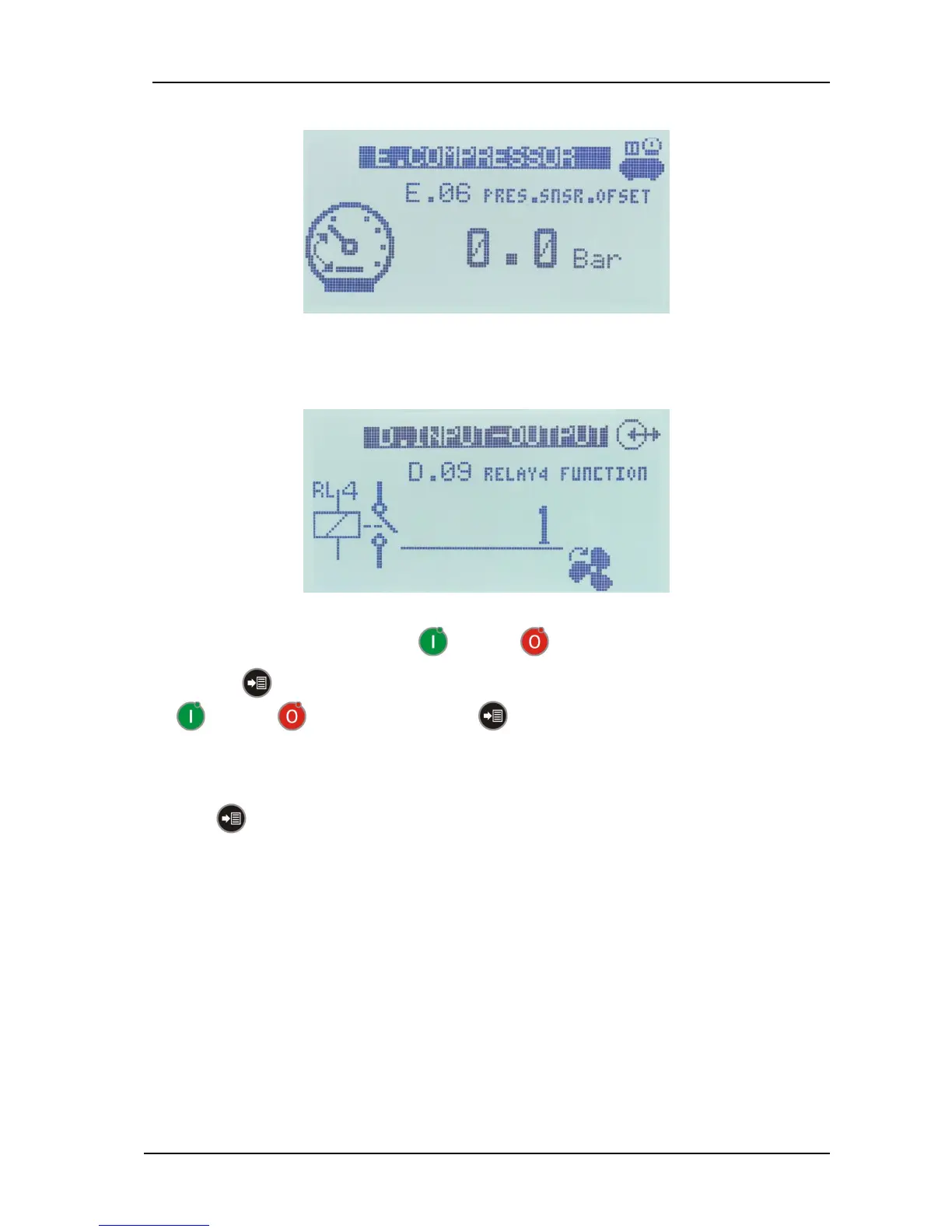
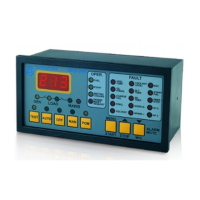
- When inside a parameter group, the group name and icon will be displayed on top of screen. Below will
come the code and name of the parameter. If the parameter has a unit, it will be displayed together with
the parameter value.
If the parameter has a descriptive icon, it will be displayed at the bottom right of the parameter value.
- Select the parameter to modify with RUN and STOP buttons.
- Press MENU button to make the parameter value underlined. Adjust parameter value with
RUN and STOP buttons and press MENU button to remove the underline.
If the parameter before the first one or after the last one is selected, the parameter group menu will be
resumed.
In order to return to upper parameter group screen or exit the programming menu please hold pressed
the MENU button during 3 seconds.



 To Next Page