PowerScan Setup
Advanced Configuration Guide
11
PreScan Modes
The PowerScan handheld can be placed in one of two different modes. In order to use PreScan,
it must be in PreScan MultiLane Mode.
PreScan MultiLane Mode
MultiLane Mode is designed to handle different conditions, such as queuing situations where
customers might change from one queue to another depending on wait times, or where
customers form a single line to feed multiple checkstands. In that case, a roving sales assistant
with a handheld scanner reads item bar codes into memory and bags them. A PreScan control
card containing a bar code unique to that transaction is scanned and handed to the customer.
Alternatively, customer loyalty cards can often be used as PreScan control cards.
When the customer reaches the checkstand, the cashier scans the PreScan control card or
customer loyalty card using the Magellan in-counter scanner, which then interfaces with the
handheld unit to recall all stored bar code data for that customer. In this mode the handheld can
store data from multiple customers, and only the data associated with the specific control card is
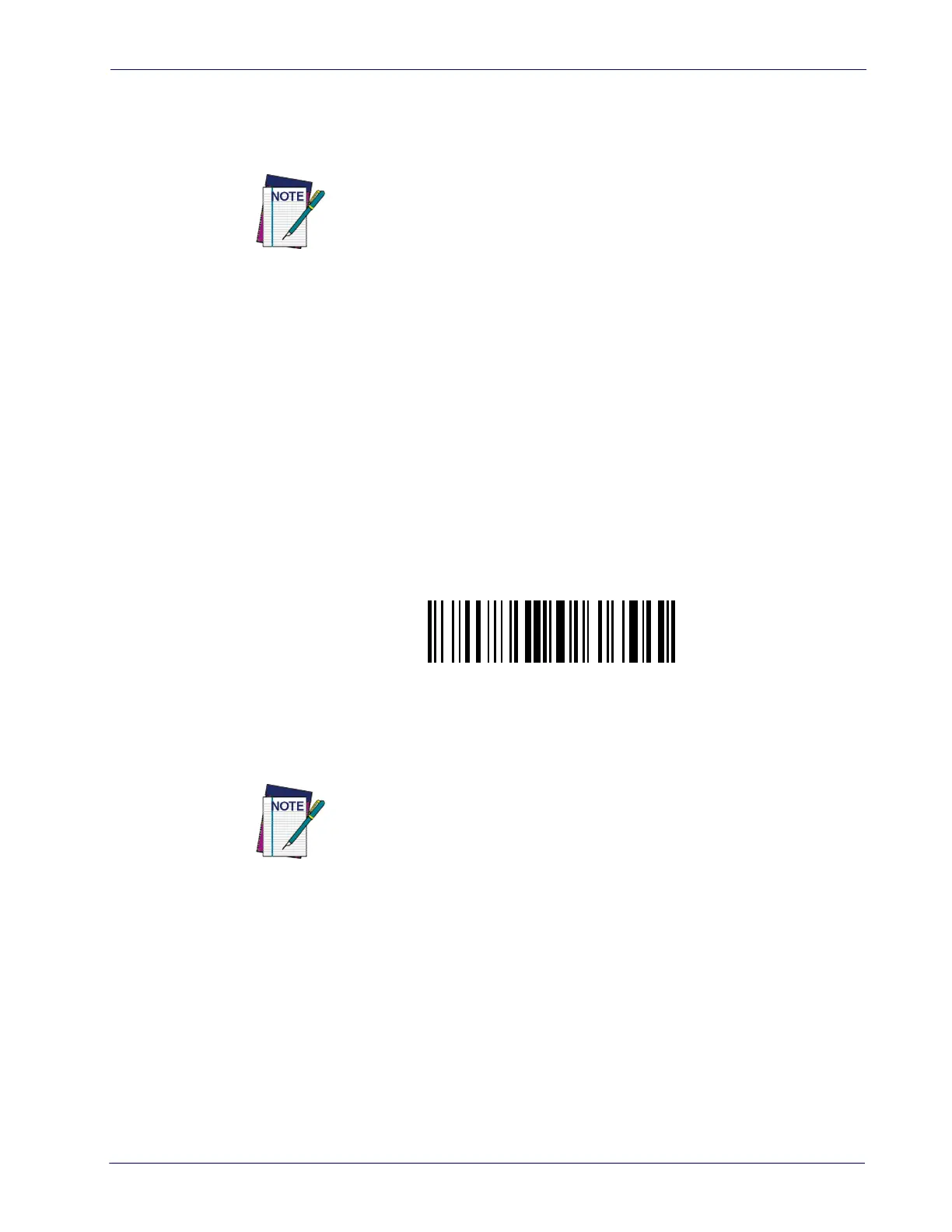
transmitted to the POS at the end of the transaction. Scan the following bar code to place the
handheld into PreScan MultiLane Mode.
See "Using PreScan" starting on page 57 for details on how to use the system.
Unavailable Host Commands
The following host commands (or bar code programming commands) are not available for the
handheld scanner when functioning in PreScan mode:
• All batch mode commands (BZx, and unavailable bar code programming commands:
#+BFlush, #+BReset)
• All single store commands (ROx).
• Transmission mode (RIx). “One way” is always set.
•Font size (IDx).
•Display mode (IGx).
While in PreScan mode the handheld device has limited functionality, so
most handheld commands are disabled. See
Unavailable Host Commands
below for a list of those commands.
Enter PreScan MultiLane Mode
#+BPull
While in PreScan mode the handheld device has limited functionality, so
most handheld commands are disabled.













 To Next Page