PreScan for Gryphon
Advanced Configuration Guide
63
PreScan for Gryphon
Control Cards
See "About PreScan Control Cards" on page 59 for a description of Control Cards. By default,
PreScan control cards are enabled on the Gryphon. If you need to re-enable PreScan control
card format, scan this label:
Enable DLS LC
To disable the Gryphon PreScan control card format, scan this label:
Disable DLS LC
Loyalty Cards
PreScan has the ability to use a store's customer loyalty card as control cards. Two common
formats are supported.
UPCA
If store loyalty cards are issued with unique identifying barcodes using a UPC code with prefix
"4" they can be used as PreScan control cards.
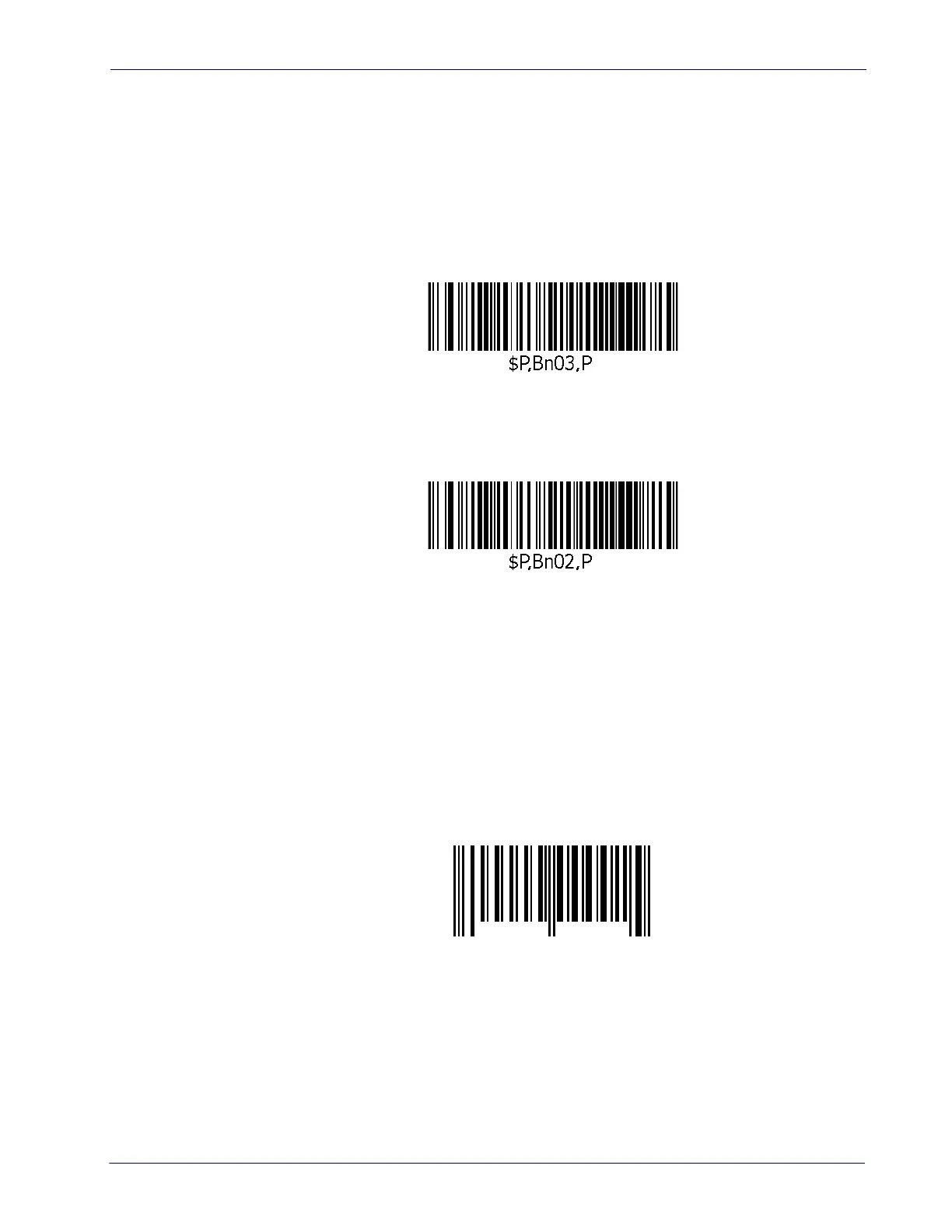
Example:
When enabled, the barcode above will open a basket record on the scanner with ID
00000000015.













 To Next Page