Gryphon Configuration
18
PreScan™ Queue-Busting System
Gryphon Configuration
Most of the settings for the GryphonPRE handheld device are the same as those for the standard
Gryphon reader. Use the manuals for the Gryphon 4100 family or Datalogic Aladdin to change
additional configuration settings not found in this manual. They are available for download
from the Datalogic website.
This section shows additional settings for PreScan mode.
• Restore Factory Default on page 18
• PreScan (Multi Lane or MUL Mode) on page 18
• Keypad Enable/Disable on page 20
• Set Indicators on page 20
• Basket Operations on page 22
Restore Factory Default
Scan the programming bar code below to return the handheld to a known state before applying
custom configuration settings:
Restore Default
The default setting is Handheld Mode. See Set to PreScan Mode on page 18 or Handheld Mode on
page 19 for more information.
PreScan (Multi Lane or MUL Mode)
To use the Gryphon scanner for PreScan, the scanner should be placed in Multi Lane mode.
When in Multi Lane mode, any base in radio range can communicate with the handheld
scanners.
Set to PreScan Mode
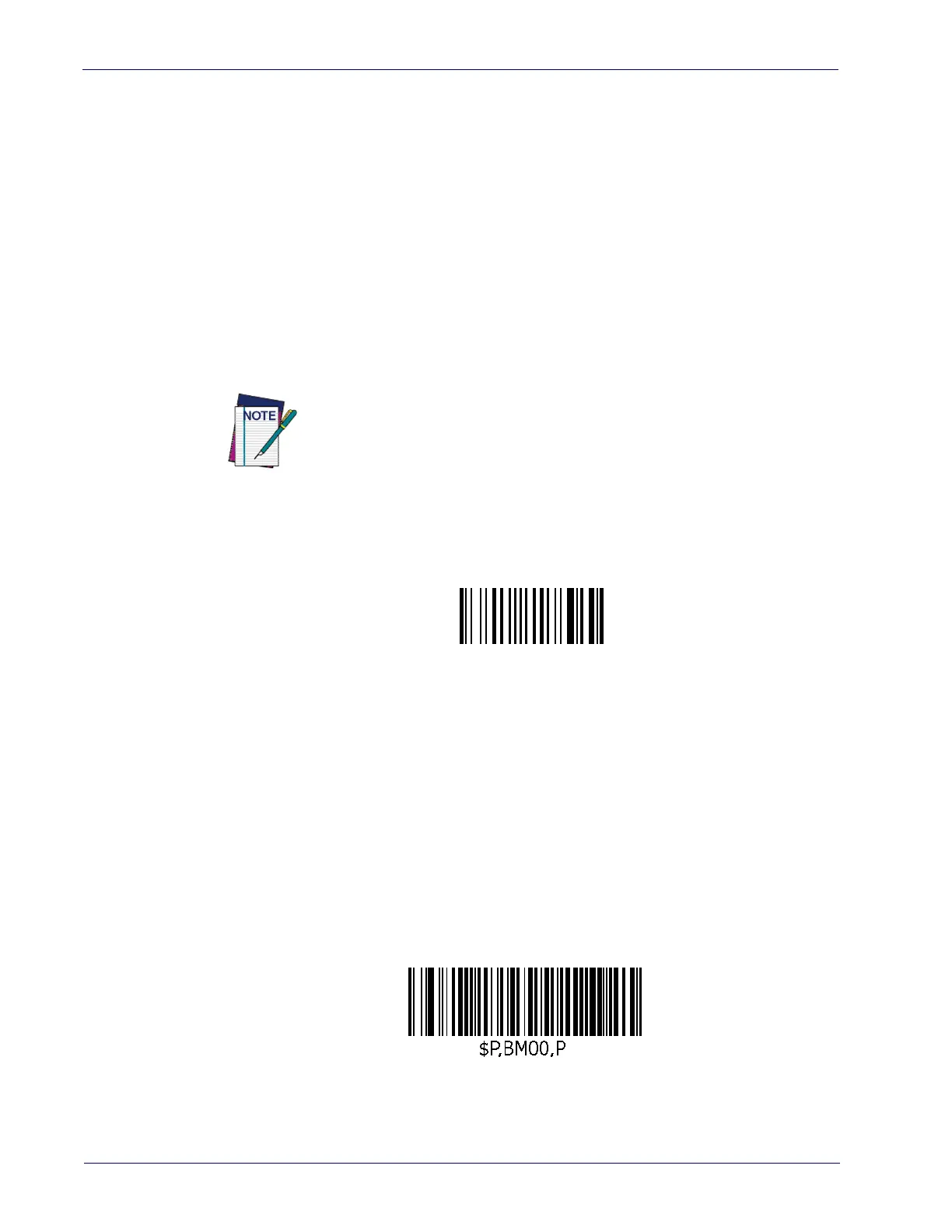
To set the Gryphon for PreScan mode, scan the following label:
Enter PreScan Mode
Gryphon PreScan devices (cradle/base station and reader/handheld) will
not work with other Gryphon devices (GM 4xxx/GD 4xxx family) using the
STAR™ radio module.













 To Next Page