PowerScan Configuration
14
PreScan™ Queue-Busting System
Link Scanner to Base
In order to set configuration items for a handheld and base, they must be linked. To do this,
place the scanner in Handheld Mode by scanning the appropriate label, as described in
"PowerScan Handheld Mode" starting on page 12.
PowerScan Keypad Enable/Disable
It may be desirable in some retail environments to disallow certain users from the ability to
review (scroll through) and delete scanned items from the stored list on the handheld using its
keypad. For example, perhaps only supervisors or other authorized personnel are allowed to void
(delete) items. This option provides the option to enable or disable the keypad to that purpose.
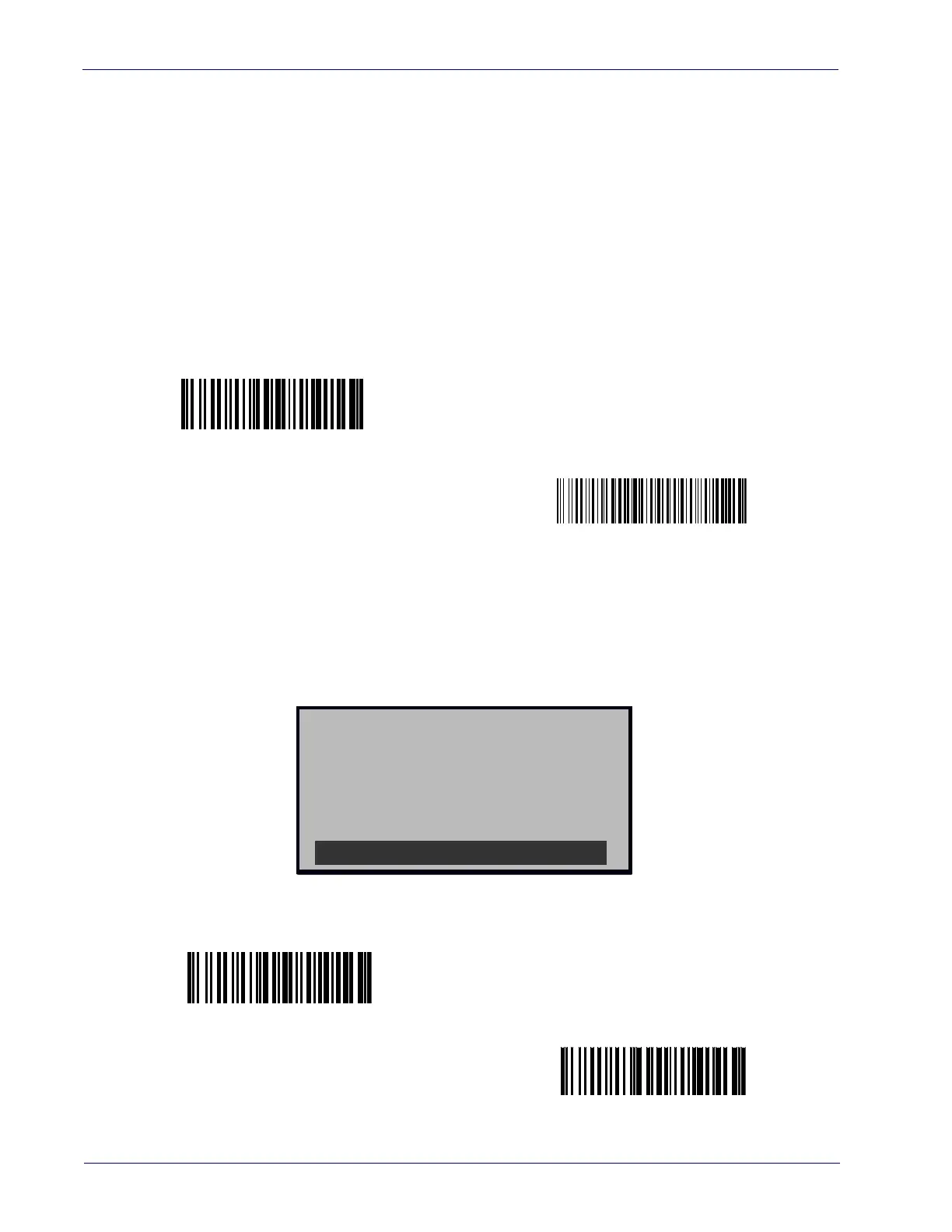
Prompt Before Delete
When enabled, the Prompt Before Delete option requires the user to press the ENTER key a
second time to acknowledge an item will be deleted, offering an opportunity to rethink or
correct an accidental deletion. If “disable” is selected, items will be deleted upon a single press of
the ENTER key without prompting.
Handheld Keypad = Disable
$+IK0$-
Handheld Keypad = Enable
$+IK13D3E3F$-
CM ? : 22
DELETE ITEM ?
ENTER : OK
Trigger : NO
NO OK NO
Prompt Before Delete = Disable
$+INO$-
Prompt Before Delete = Enable
$+IN1$-













 To Next Page