PowerScan Options
Advanced Configuration Guide
61
Roving Sales Associate Tasks
1. A roving sales associate (assistant) takes the handheld unit assigned and scans the follow-
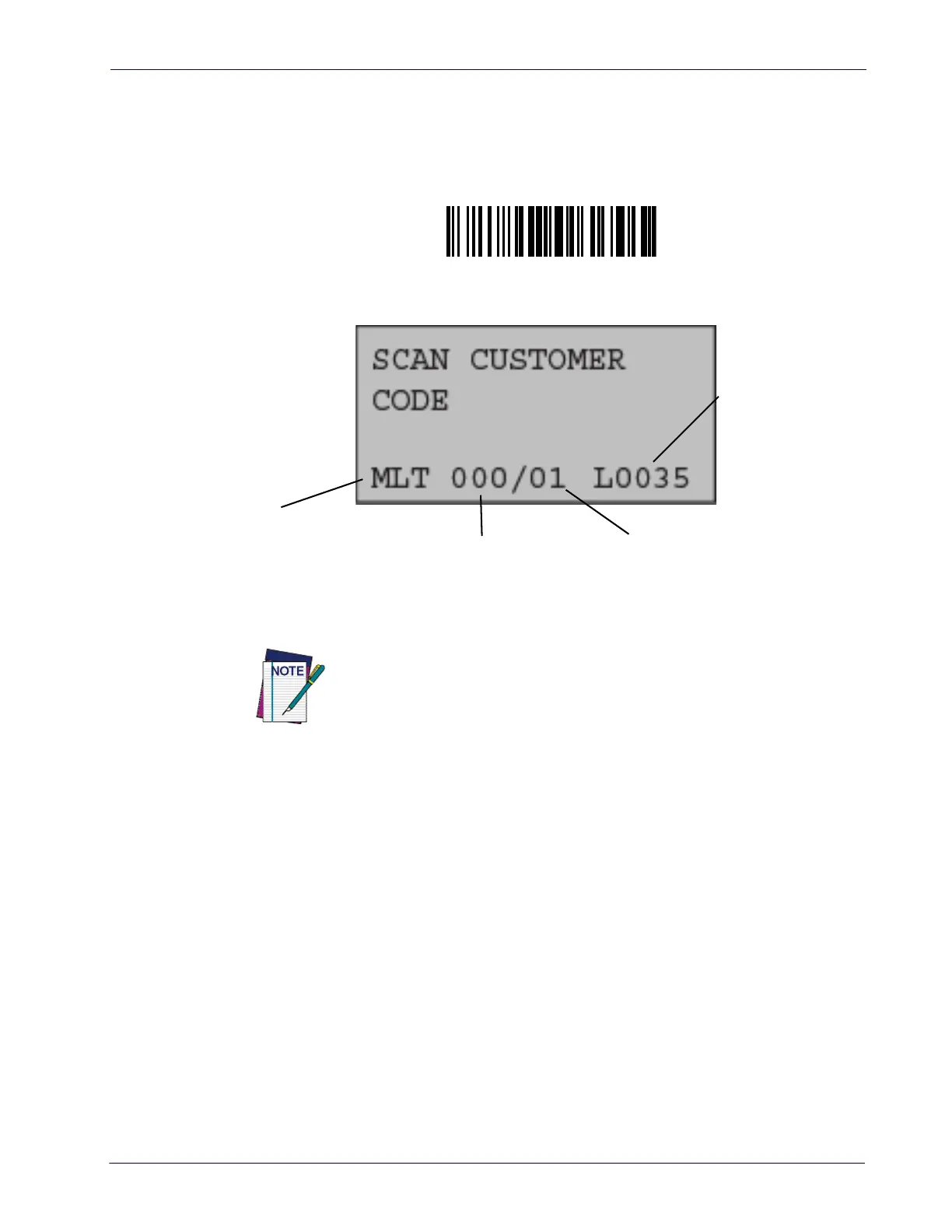
ing bar code to place it in Multi Lane Operation Mode.
2. The PowerScan will display something similar to the following on its screen:
3. The assistant then scans a unique customer bar code to initiate the transaction for that
customer. See
"Next Session Prompt" on page 17.
4. The assistant begins scanning and bagging that customer’s items.
EAS-tagged and produce items will need to remain unscanned and unbagged to be han-
dled by the cashier at the checkstand.
5. If it is determined an item must be deleted from the scanned list stored in the handheld,
the assistant (or an authorized employee/supervisor) can use the handheld keypad to
optionally scroll through and delete the item(s) shown on its display.
Enter Multi Lane Operation Mode
#+BPull
The unique customer bar code should be presented to the customer by the
assistant before continuing to the next basket. This could be performed
either before or after scanning and bagging is complete.
Multilane Mode
Number of items stored Number of baskets stored
Address of last
transmission stored













 To Next Page