Using PreScan
62
PreScan™ Queue-Busting System
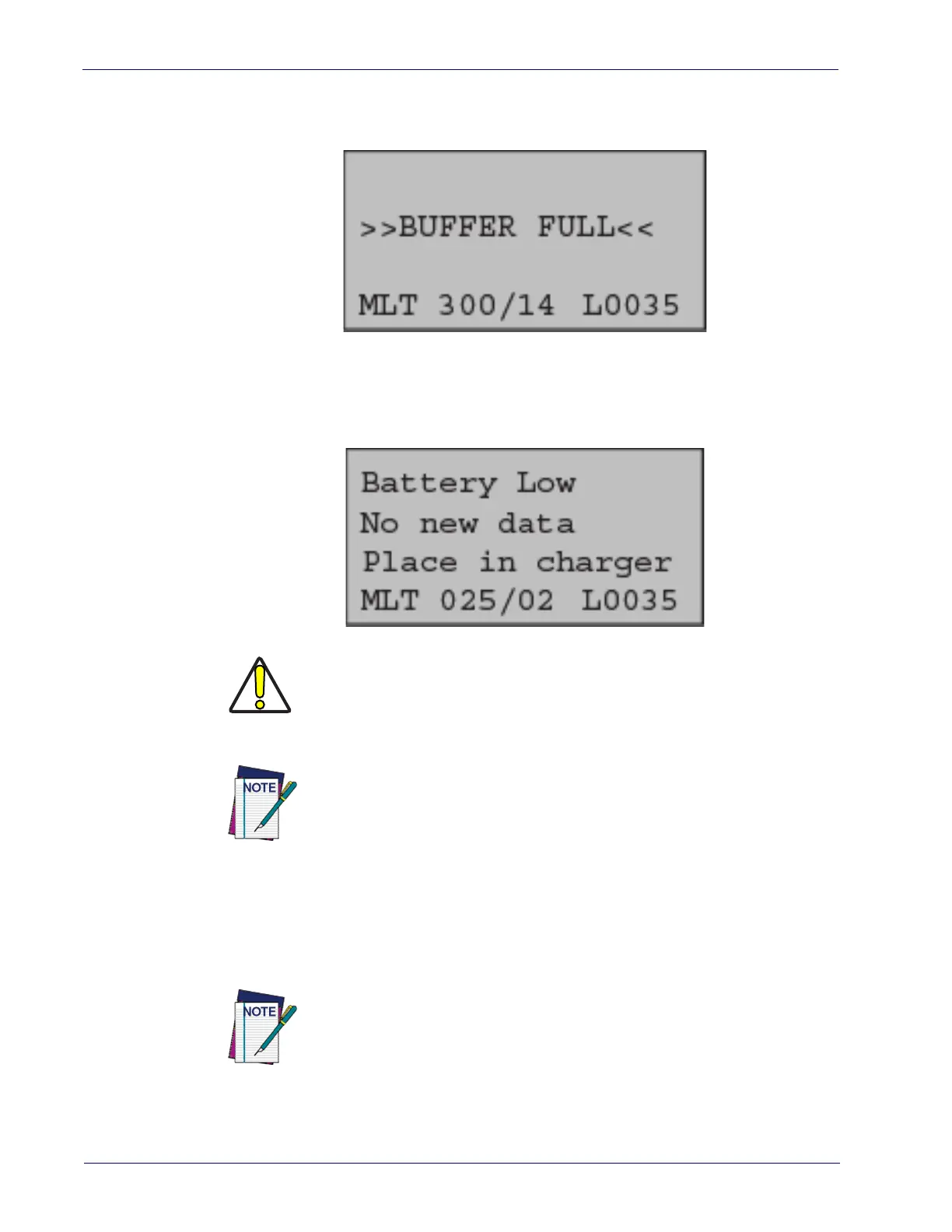
6. If its memory buffer becomes full, the handheld will sound an error tone and briefly dis-
play the message shown below. Additionally, the handheld will discontinue green spot
acknowledgement of scans, since they will not be accepted until the memory is cleared.
7. If the battery becomes low, the display will warn the user as shown below. If the battery
becomes critically low, the handheld will refuse addition of more data beyond the current
basket until the charge level rises to at least one bar of charge. When not in use, the hand-
held should be returned to a Base Station/charger.
8. After finishing with scanning/bagging a basket, the assistant should ensure the customer
has their unique customer bar code so they can complete their purchase at the checkstand.
9. When ready for the next customer, the assistant scans the next unique customer bar code
to initiate the next session.
CAUTION
If the feature “60-Minute Data Timeout on Inactivity” has been enabled,
the assistant should be notified that leaving the handheld inactive for
more than 60 minutes will cause all data to be cleared from the handheld.
See
page 15 for more details.
The assistant should also be aware that when a unique customer bar code
for a previous customer is scanned at a checkstand, their handheld unit
will automatically commence upload of earlier stored data to the POS.
This could possibly slow down or momentarily interrupt the function of
the handheld.
The handheld display may or may not prompt the assistant to press ENTER
to start the next session. See
"Next Session Prompt" on page 17 for more
details.













 To Next Page